ABCmouse: Subjects, story and trust
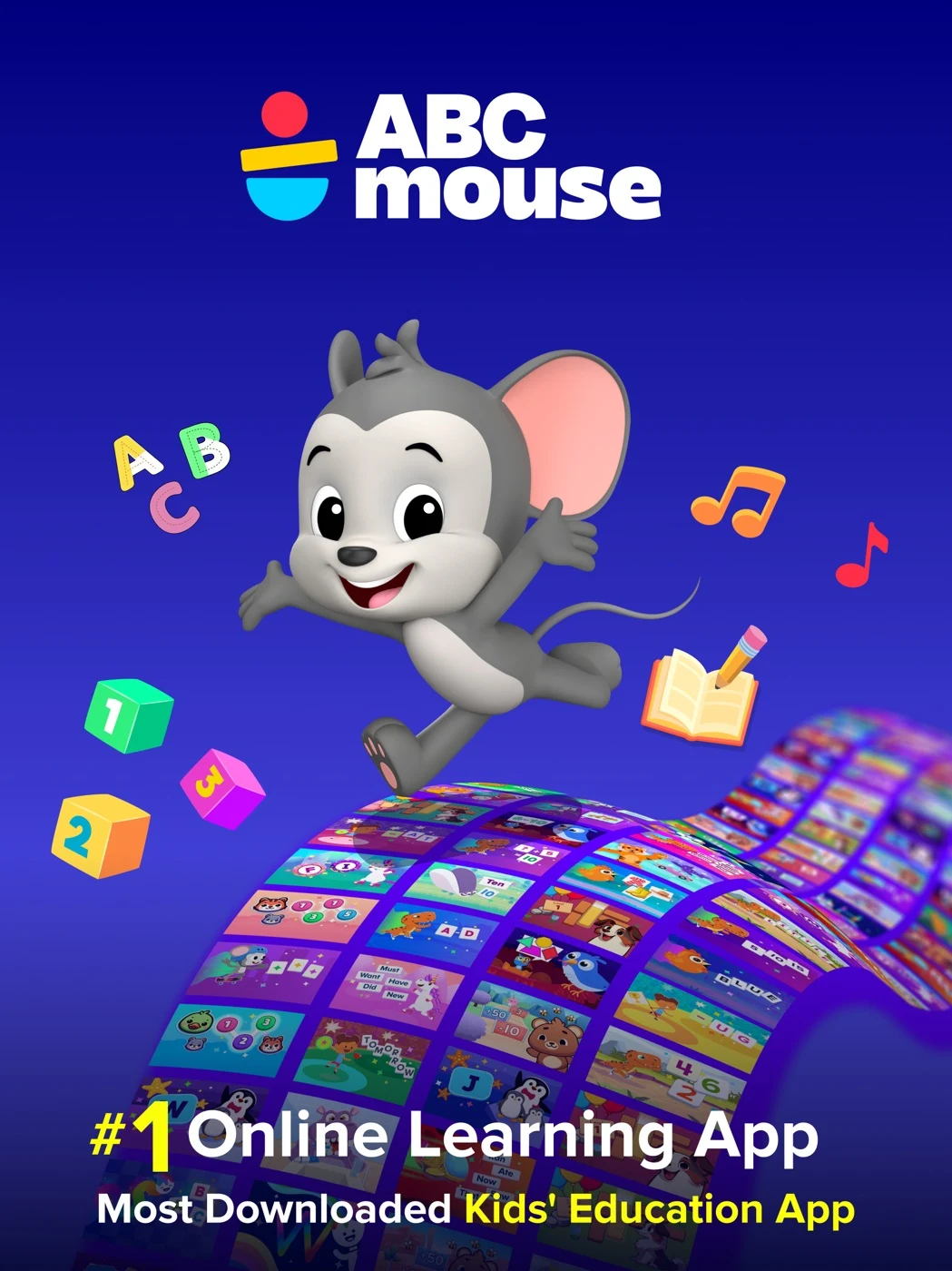
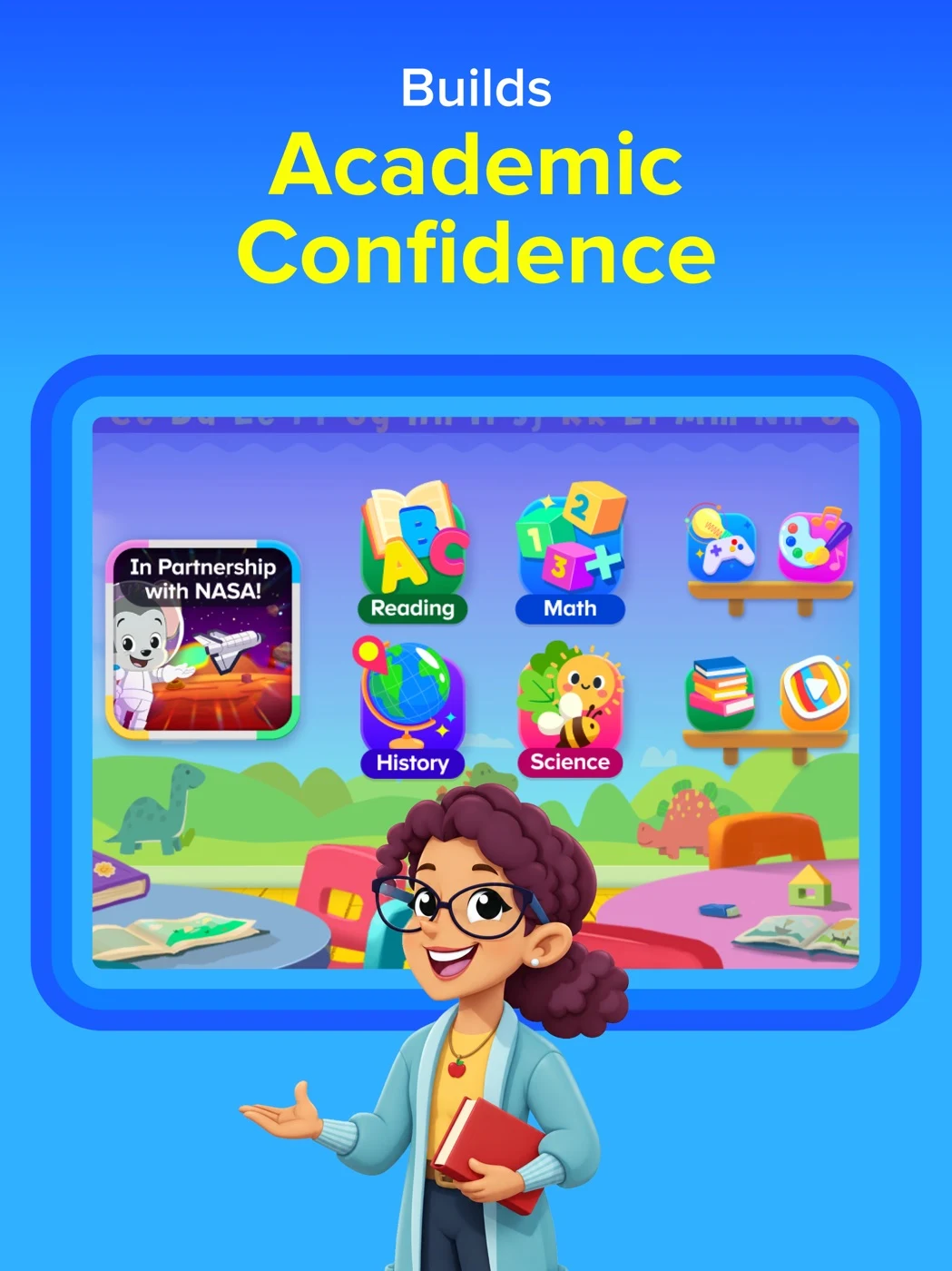
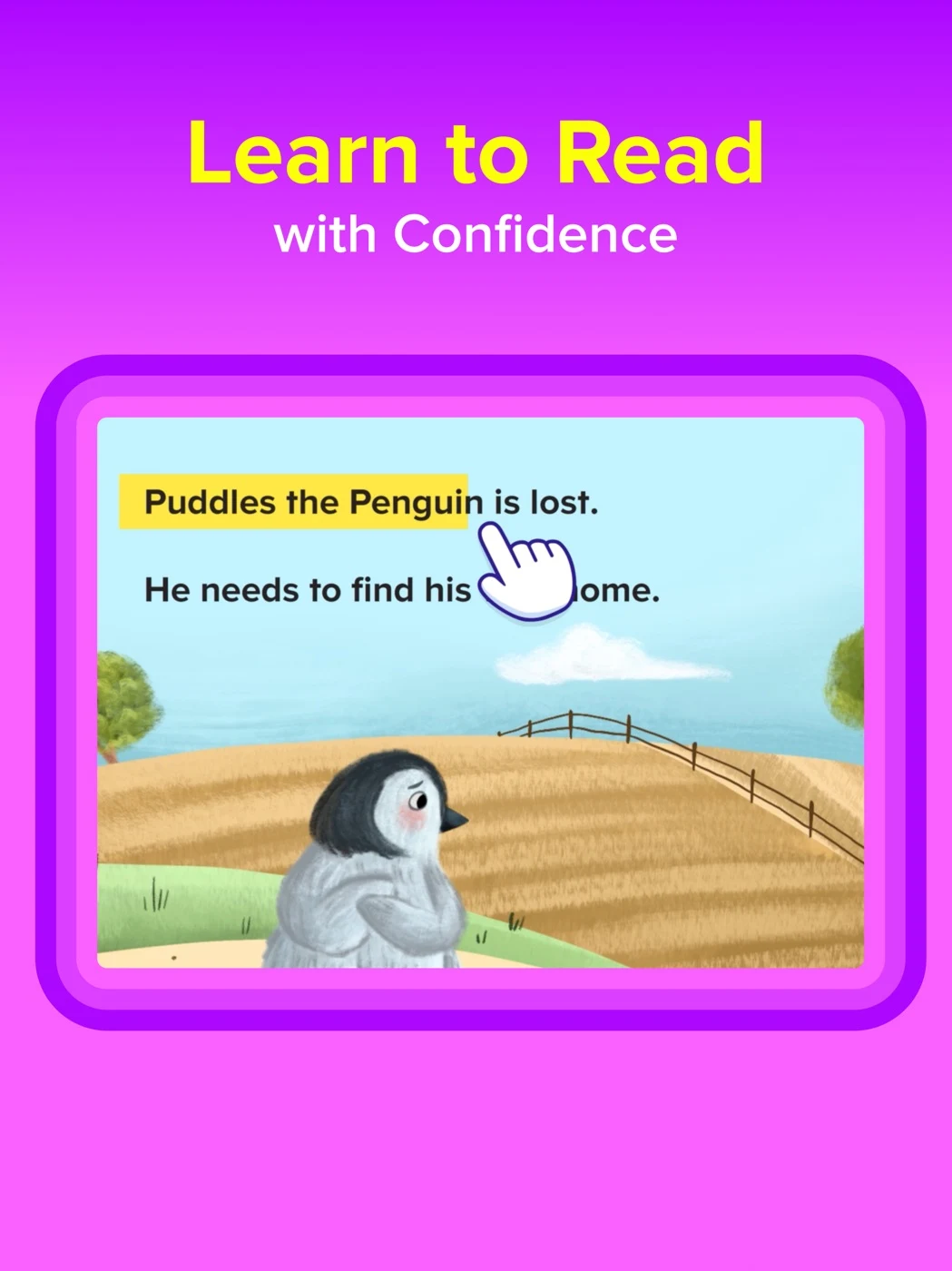
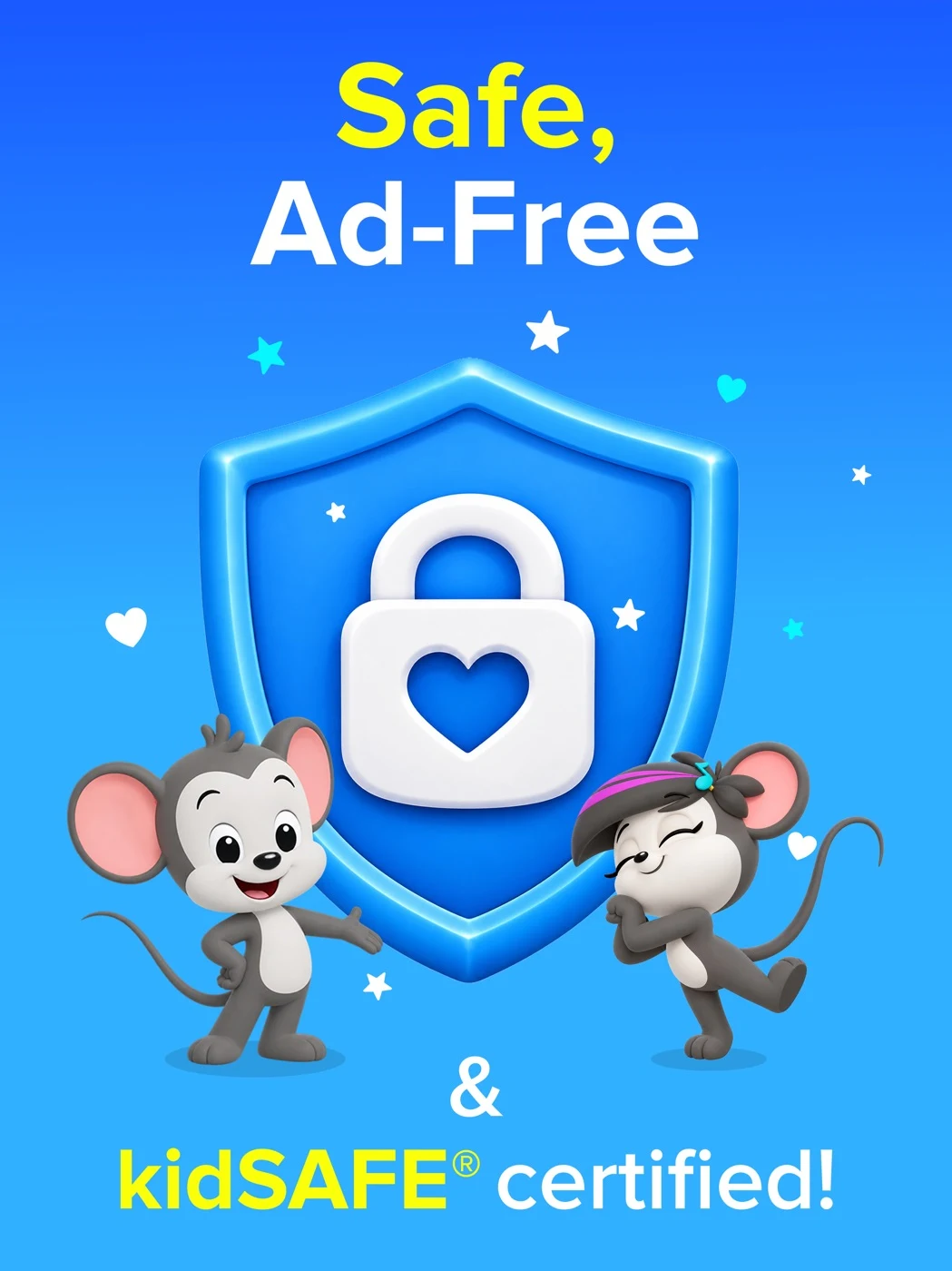
Check the current scope of claims and show a concrete activity before promising an outcome.
Open the original App Store listing ↗ · US iPad capture, 27 October 2026.
CATEGORY PLAYBOOK / EARLY LEARNING
Help parents understand the real activity, age fit and controls before they choose.
EXPLORE THE PLAYBOOK ↓
EARLY LEARNING ASO
A parent or educator may search for a learning app, but the child is the person who must understand and enjoy the activity. A strong product page answers both questions: what can the child actually do, and what does the adult need to know before installing? Start with a real activity, name the skill being practiced and explain whether an adult needs to participate. Avoid implying that a download will produce a specific developmental result.
Early learning is a broad starting point, not a single stage. Alphabet recognition, hearing the first sound in a word, counting objects and listening to a story each solve a different problem. An app that supports only one should make that clear rather than borrowing the broadest possible keyword. Use the children’s app ASO hub for wider category decisions, and this guide for early literacy, number sense and play-based practice.
ASO tip: ask five adults to explain the first screenshot in their own words. If they say only “an educational app,” show the actual action more clearly. ASO warning: claiming that an app teaches reading, improves school performance or is suitable for every child requires evidence appropriate to the exact claim.
Keyword ideas · Eight apps · Real screenshots · Apple Ads
Start with ASO strategy and keyword research.
EARLY LEARNING ASO
These are research hypotheses, not measured audience segments or a statement that all children of an age develop alike. Interview adults and observe permitted, consented usability sessions before deciding which audience deserves a product-page variant.
Swipe horizontally to compare all columns →
| Potential adult searcher | What they may need to know | What the listing could show if true |
|---|---|---|
| Parent introducing letters | Does my child hear a sound and see the matching letter? | One real letter-sound activity and the actual audio control. |
| Parent of a child who already knows letters | Is there practice beyond naming the alphabet? | A real beginning-sound or simple-word activity. |
| Parent exploring numbers | Is this counting objects or simply watching numbers? | A real count-and-tap interaction, with the correct range. |
| Adult seeking shared play | Will I need to sit beside the child? | An accurate example of the adult’s role and session length if measured. |
| Adult seeking independent play | Can a child understand the task without reading? | Actual spoken instructions and a simple interaction, if supported. |
| Bilingual family | Which languages are available in instructions and activities? | Named supported languages, including any content restrictions. |
| Educator | Can activities fit a classroom routine? | The actual classroom mode and account requirements, if available. |
| Family with limited connectivity | What works after content is downloaded? | Precise offline coverage and device requirements. |
| Adult comparing subscriptions | What can we try before paying? | Current free activities, trial terms and paid features. |
| Adult seeking accessible play | Can the child use the activity with their needs and device? | Specific tested accessibility features, not a blanket guarantee. |
Ages and stages should reflect the product’s declarations and actual design. Do not infer the child’s ability from age alone. Different markets may use different search vocabulary, curricula and device preferences; validate them separately with localization research.
Apply search intent and value proposition research without stereotyping.
EARLY LEARNING ASO
These 100 ideas are unmeasured candidates, not demand estimates or rankings. Check current results, feature support and local availability before prioritizing.
Use keyword research, relevance checks, long-tail research and prioritization to validate ideas before use.
The downloadable list contains 100 candidate phrases across ten groups: early literacy; letters and writing; early numeracy; shapes and patterns; language and listening; shared stories; parent needs; age and starting point; bilingual and accessibility; and learning approaches. They are ideas, not search-volume measurements or guaranteed rankings. Many long phrases will be too long for a title or may have little demand: use them to understand intent, then validate actual store search results and the product’s features.
Start with a broad phrase such as “preschool learning activities” only when the app genuinely has a broad library. A more specific activity phrase such as “letter sound matching” can be a clearer fit for an app that asks a child to listen and choose. “Offline preschool learning games” is relevant only if the featured activities actually work offline under the stated conditions. A niche phrase is a useful hypothesis, not proof that competition is low.
ASO strategy: map every keyword candidate to a supported screen, an audience question and a destination. Remove an appealing phrase if the app cannot deliver it. Group approved terms by intent rather than stuffing every variation into a field. Compare current results and language in search-intent research and long-tail keyword research.
EARLY LEARNING ASO
The following eight US App Store listings are relevant examples, not a verified ranking or a claim about market share. Listing details and availability can change. The saved source records capture publisher descriptions and images on 27 October 2026. Check the original listing before using a claim in a new report.
Swipe horizontally to compare all columns →
| App | Useful comparison question | ASO lesson to investigate |
|---|---|---|
| Khan Academy Kids | How is a broad activity library presented to families? | Distinguish categories of practice and check access claims. |
| ABCmouse | How does the listing organize learning areas and story activities? | Show the activity behind a broad curriculum claim. |
| Kiddopia | Which activities are easiest to understand from the first panels? | Show an actual task instead of relying on a character alone. |
| Lingokids | How are playful activities and a range of subjects introduced? | Match a broad library claim to current available content. |
| HOMER | How does the product present early learning and reading? | Check age, plan and personalization claims against the actual experience. |
| Sago Mini School | How does the creative make learning feel like play? | Explain the interaction and access rather than promising an outcome. |
| Montessori Preschool | How does a named learning approach relate to actual tasks? | Show supported activities and substantiate educational claims. |
| Endless Alphabet | How are words and letter interactions introduced? | Show a concrete word activity rather than a generic learning promise. |
Use competitors to identify different creative choices, not to copy their screenshots or assert that one approach converts better. Their claims belong to their publishers unless independently verified. Keep capture date, device and source beside every screenshot, and explain what a viewer can actually see.
Original sources: Khan Academy Kids ↗ · ABCmouse: Kids Learning Games ↗ · Kiddopia: Kids Learning Games ↗ · Lingokids: Games & Shows ↗ · HOMER: Fun Learning For Kids ↗ · Sago Mini School Toddler Games ↗ · Montessori Preschool, Kids 3-7 ↗ · Endless Alphabet ↗
Use competitor research to investigate mechanics rather than copy claims.
EARLY LEARNING ASO
Apple’s App Review Guidelines and age-appropriate design guidance address children’s experiences, privacy and parental gates. Google Play’s target-audience guidance states that apps with children in the declared target audience must meet the applicable Families requirements. Review the full current rules and your product before claiming compliance.
A parental gate controls access to specified adult actions; it does not automatically establish legally valid consent to data collection. The FTC COPPA guidance explains US requirements; applicability depends on the product, data practices and jurisdiction. A badge, “safe” headline or self-certified SDK alone is not proof that the whole experience is compliant.
ASO warning: use only truthful screenshots from the real app. Explain paid content and trial terms accurately, qualify offline availability, and substantiate age, educational and privacy claims. Check actual language support including spoken instructions, not just translated store text.
EARLY LEARNING ASO
These are 20 original US iPad panels captured and individually reviewed on 27 October 2026. Select any image to view it full-size. Live storefront order may differ. Publisher claims and outcomes are not independently verified.
Check the current scope of claims and show a concrete activity before promising an outcome.
Open the original App Store listing ↗ · US iPad capture, 27 October 2026.
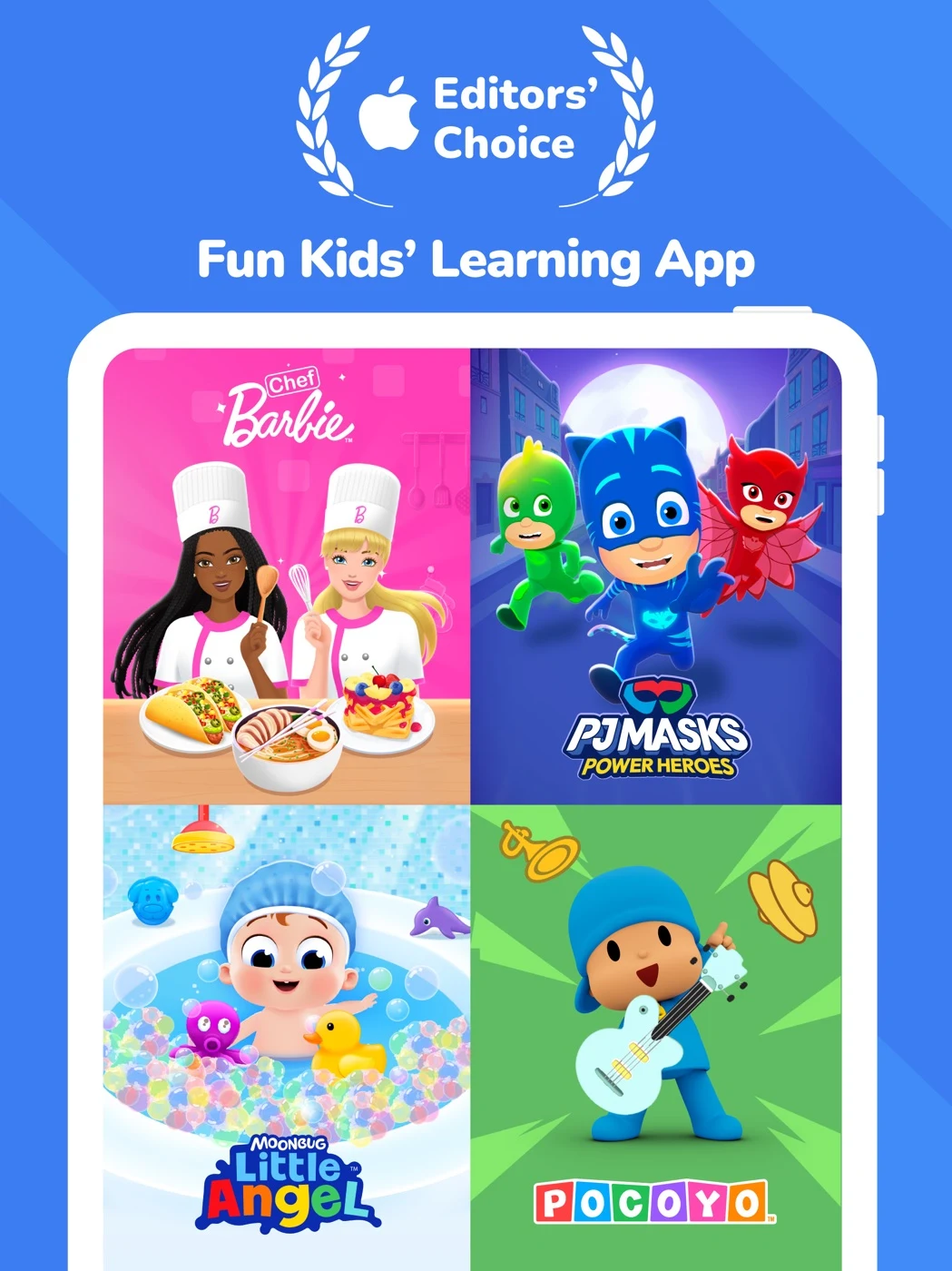
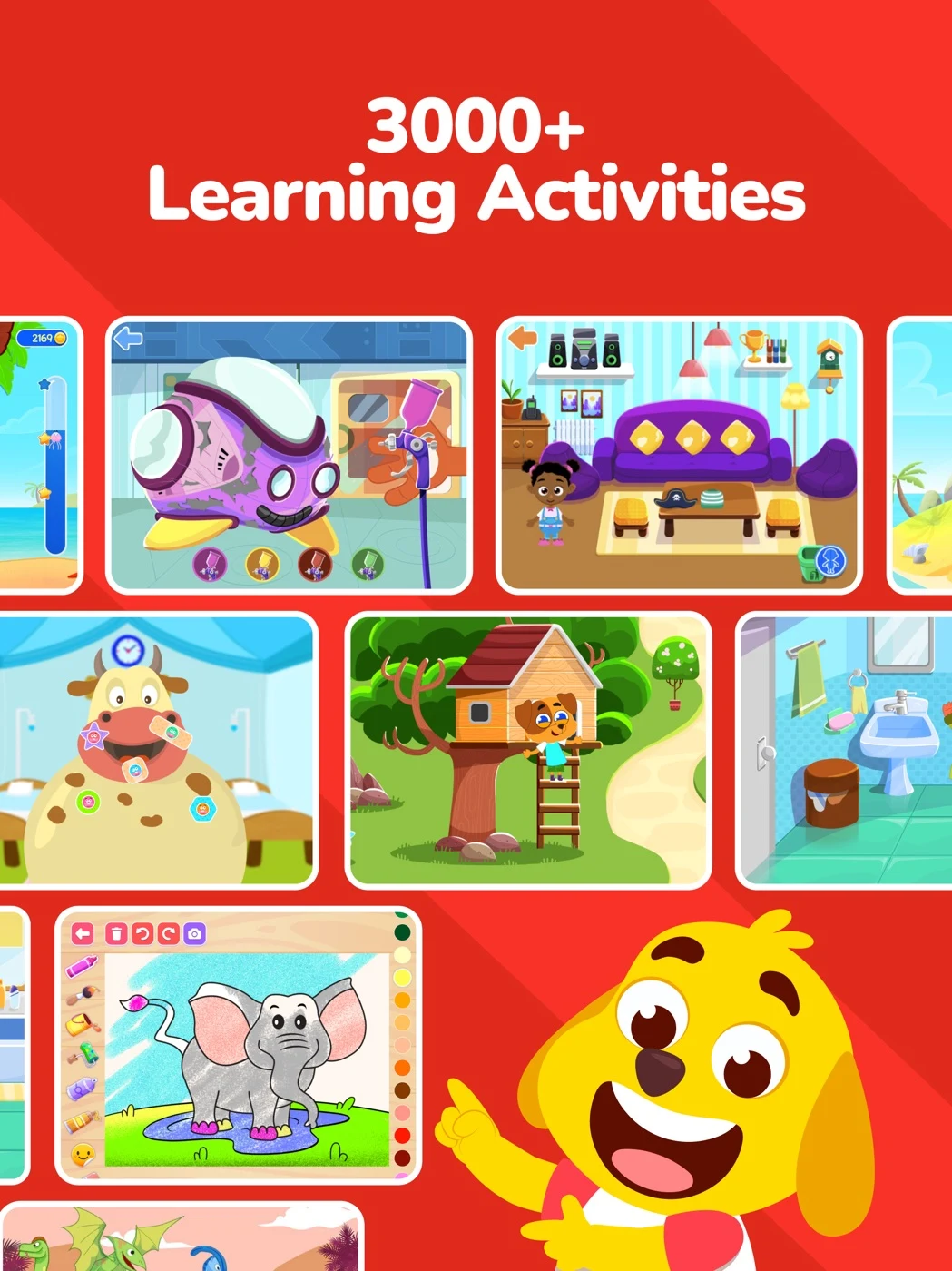
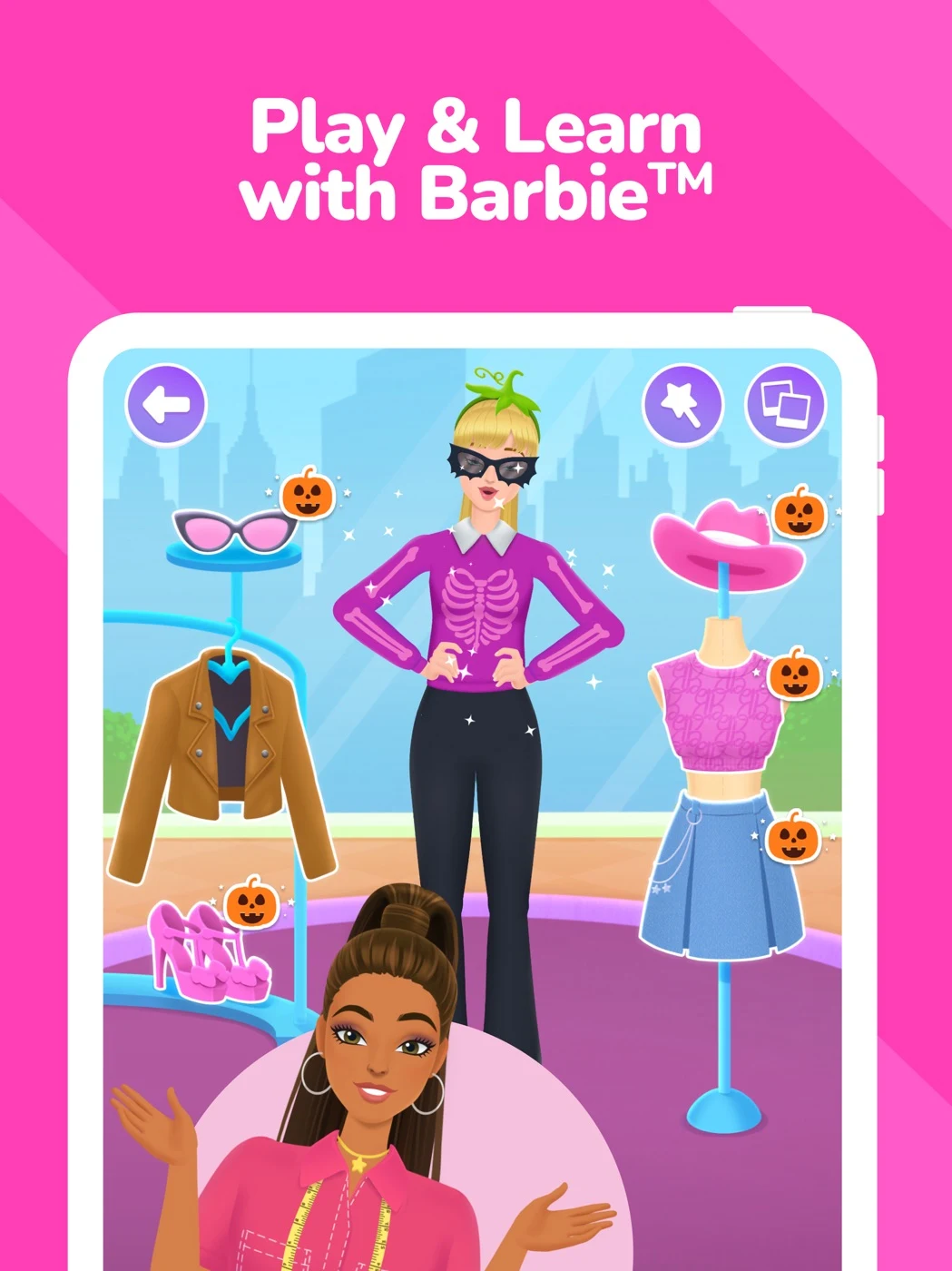
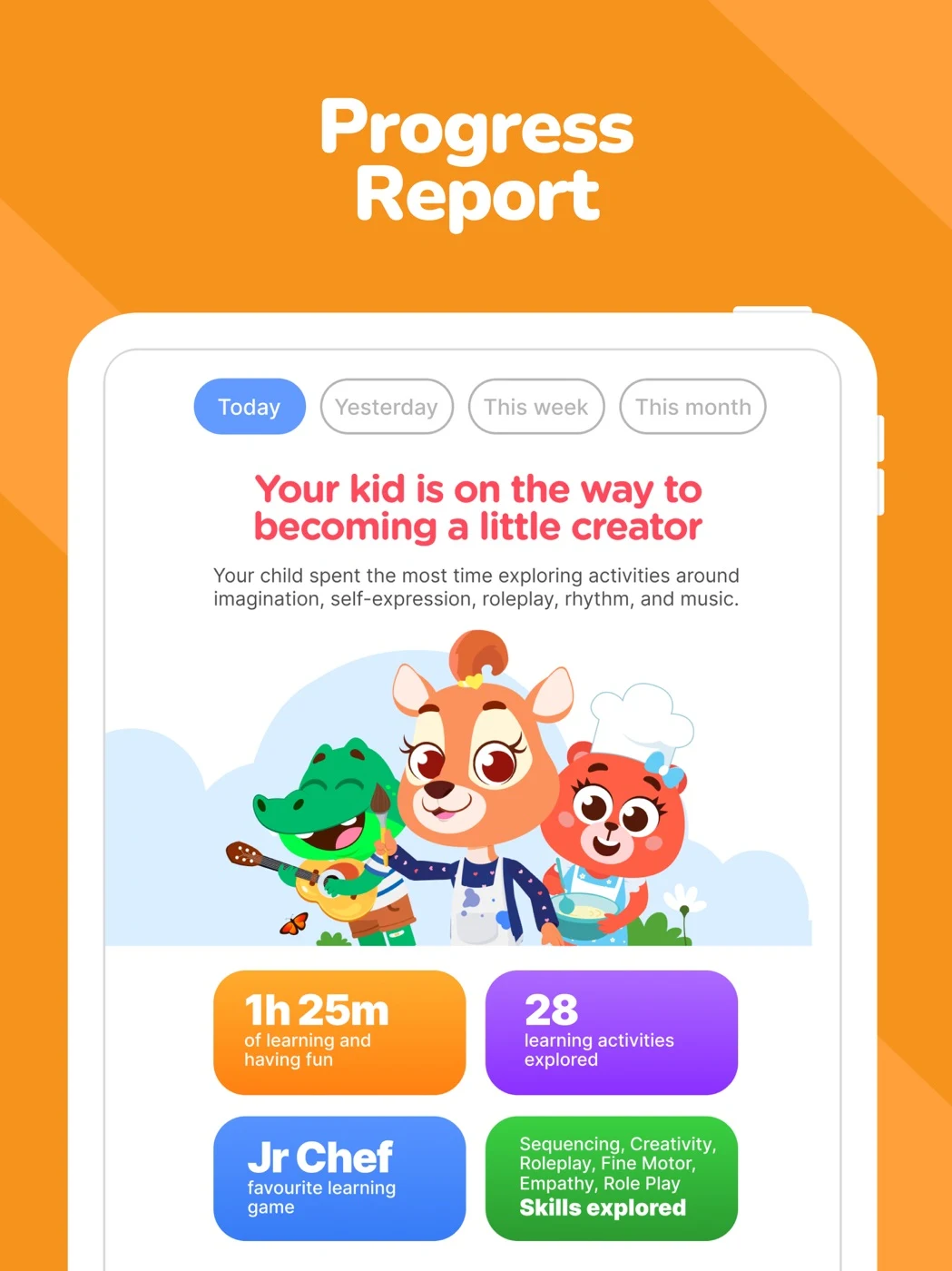
Explain actual play and access; accurately describe any child data collected.
Open the original App Store listing ↗ · US iPad capture, 27 October 2026.
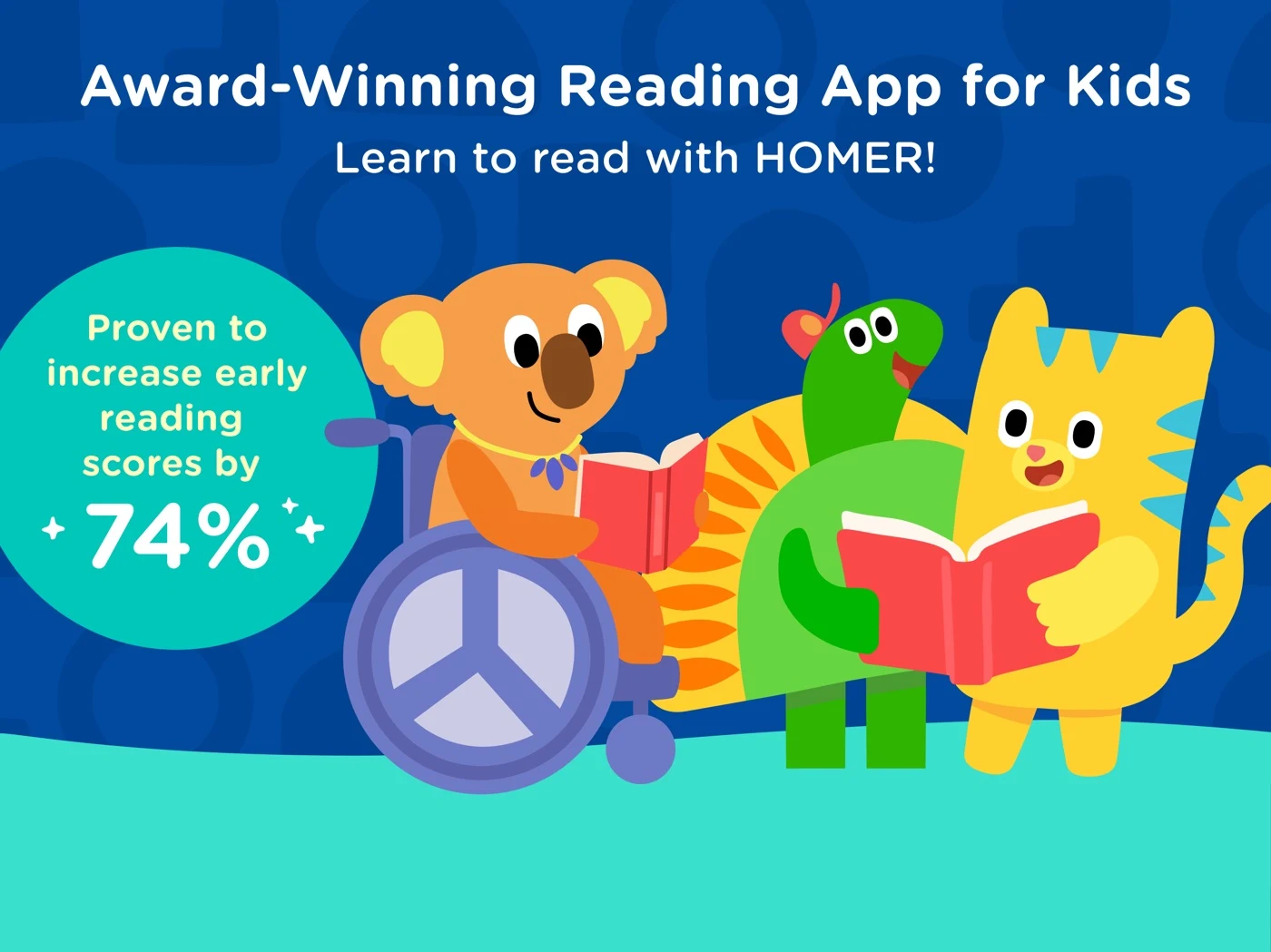
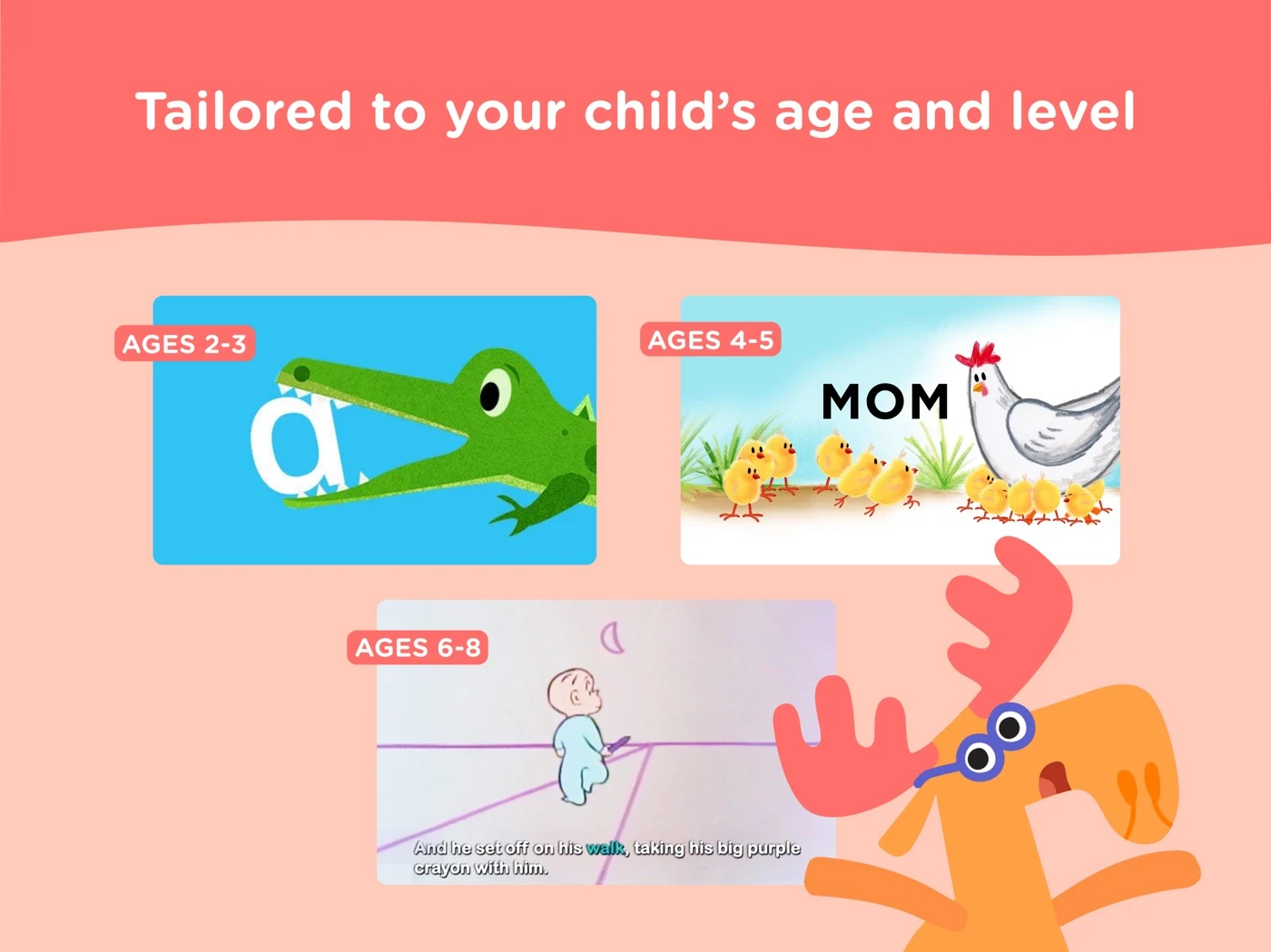
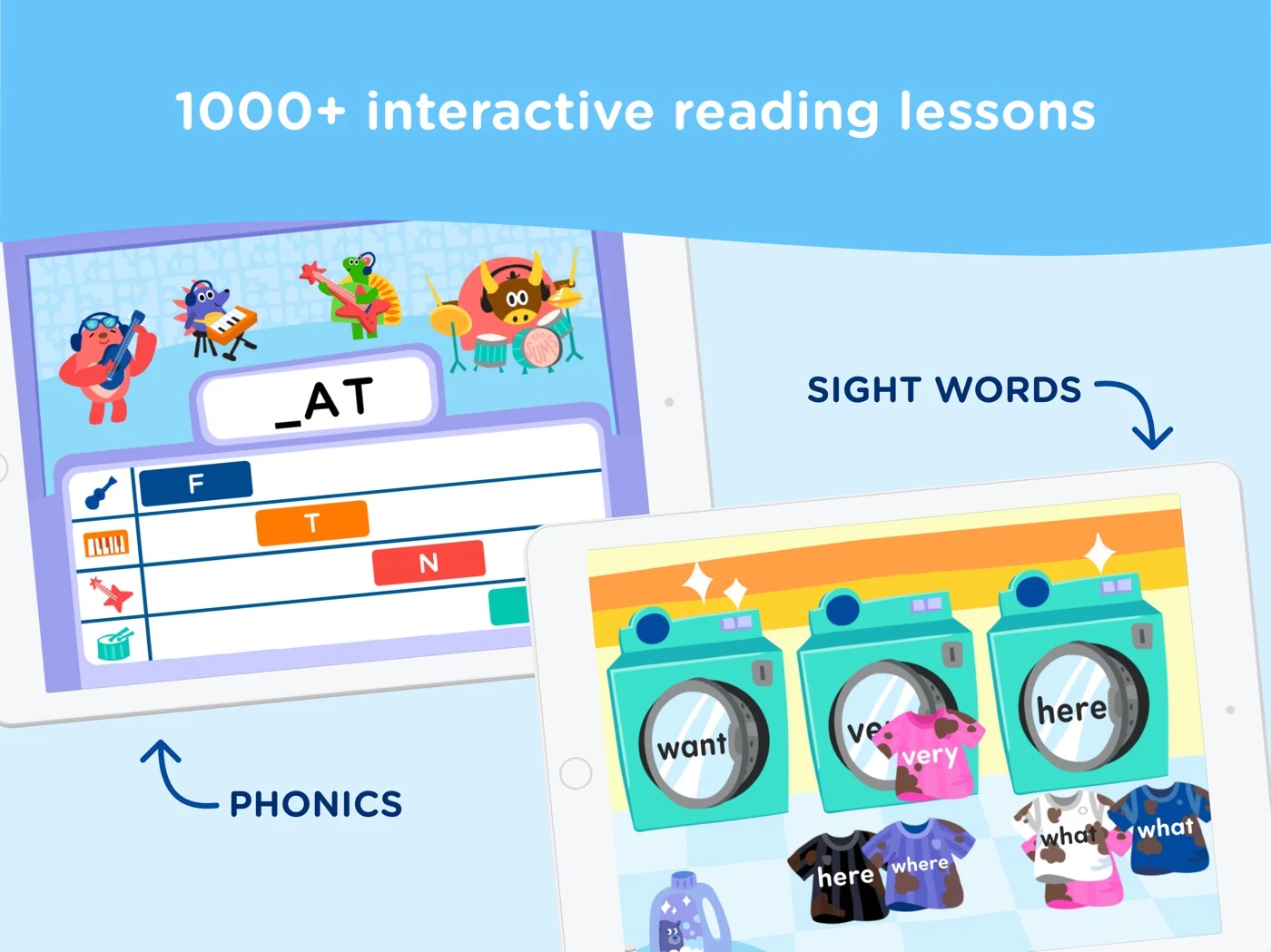
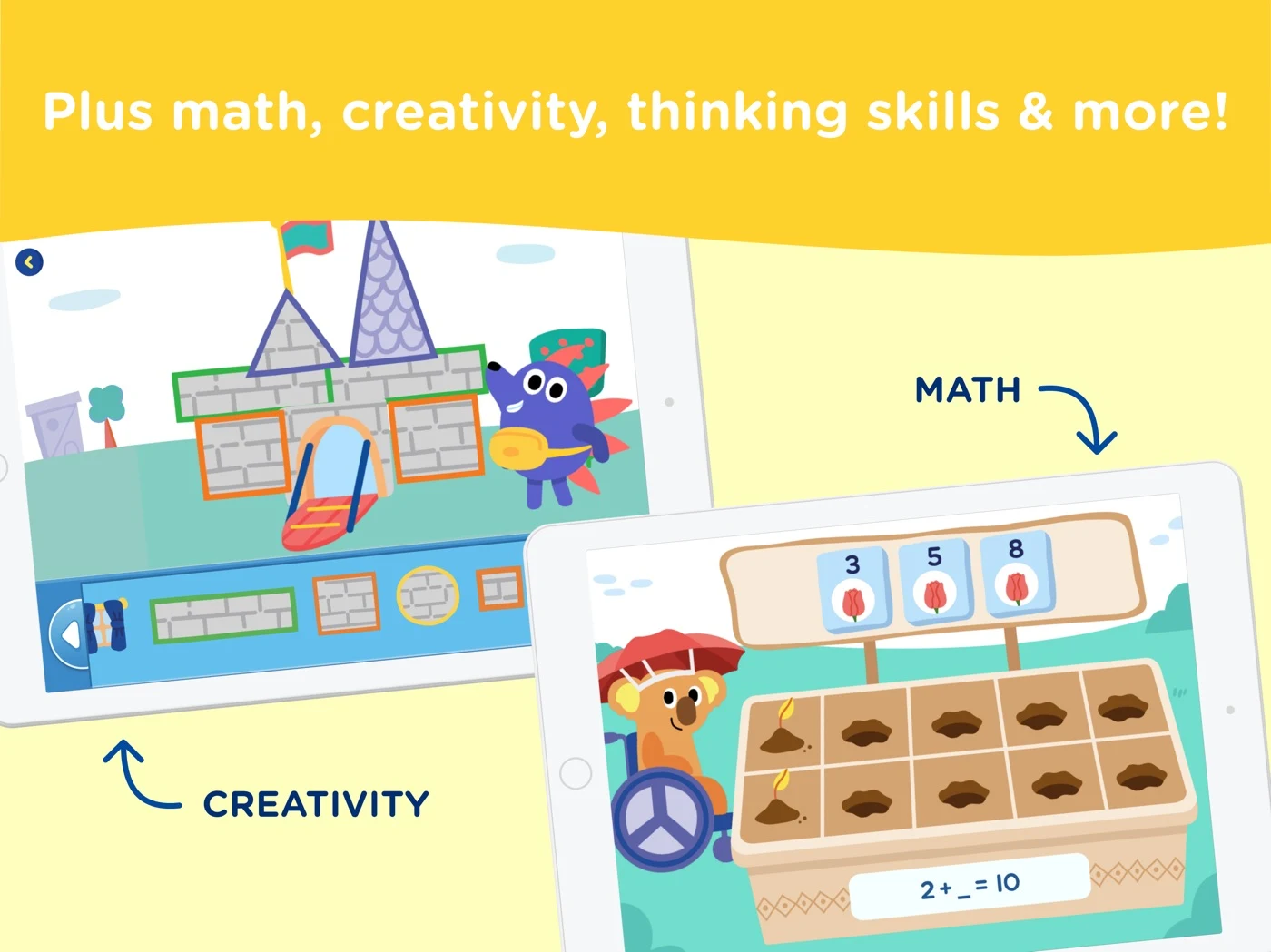
A numerical publisher claim needs independent evidence; age does not establish ability.
Open the original App Store listing ↗ · US iPad capture, 27 October 2026.
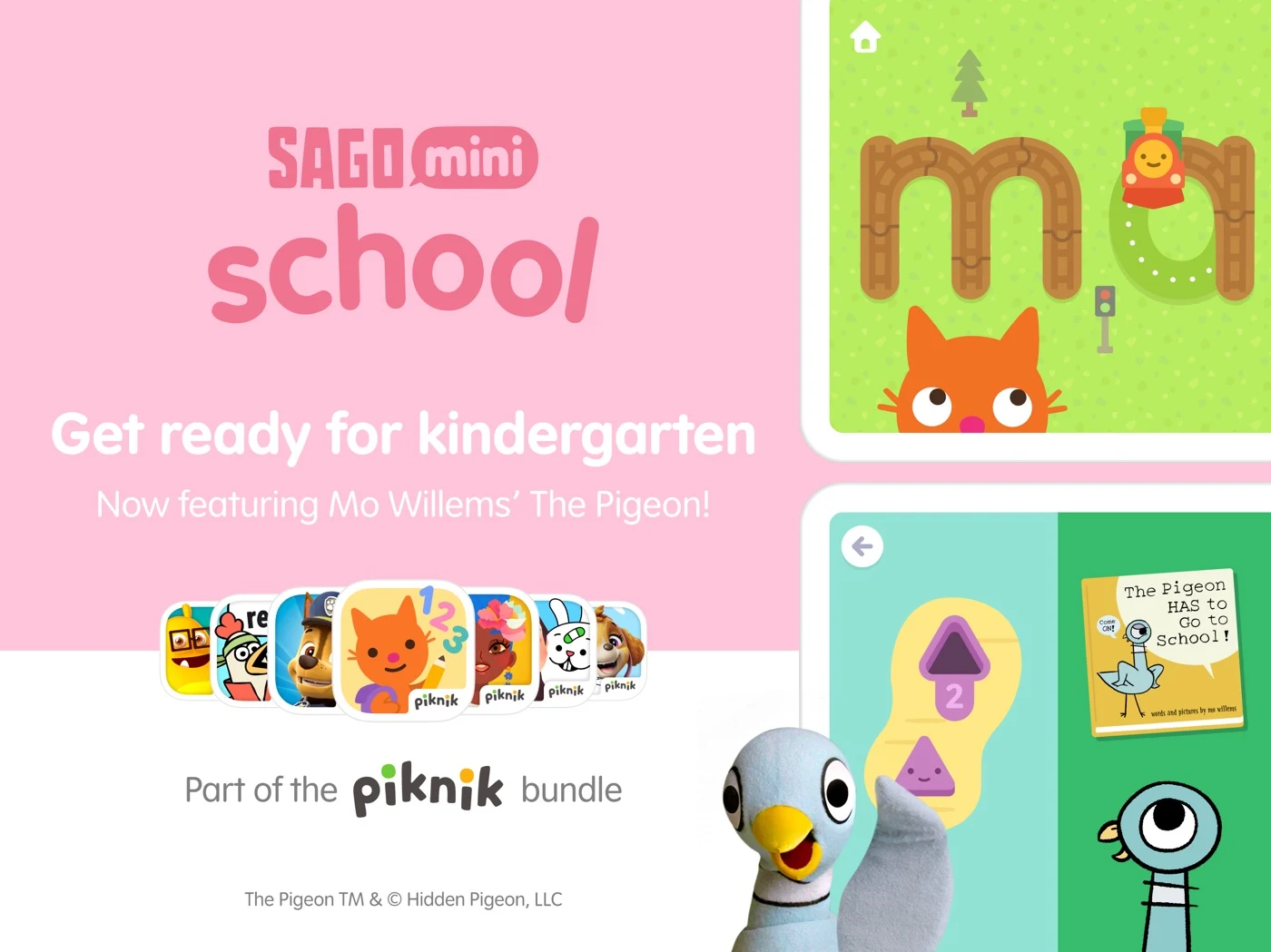
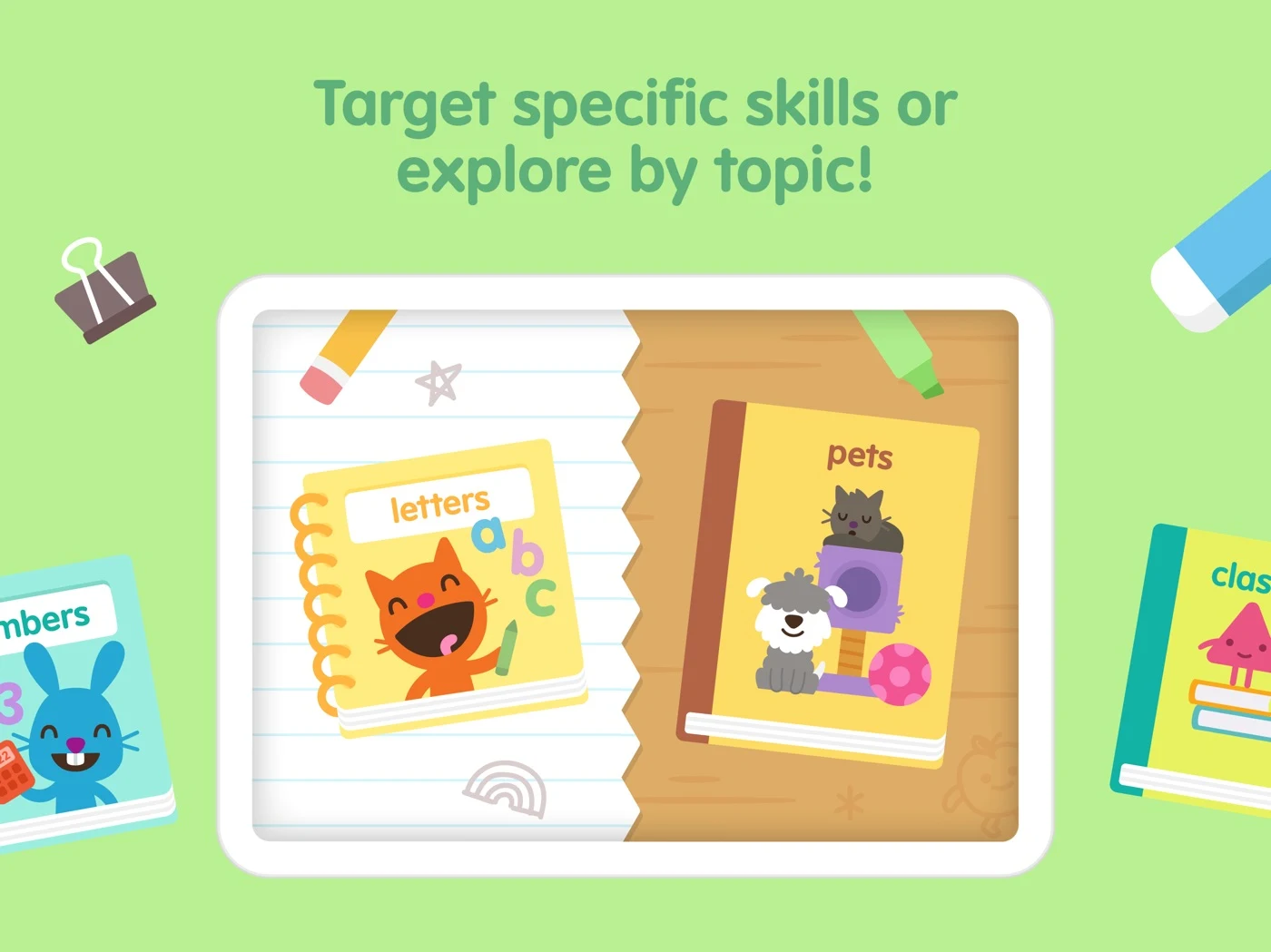
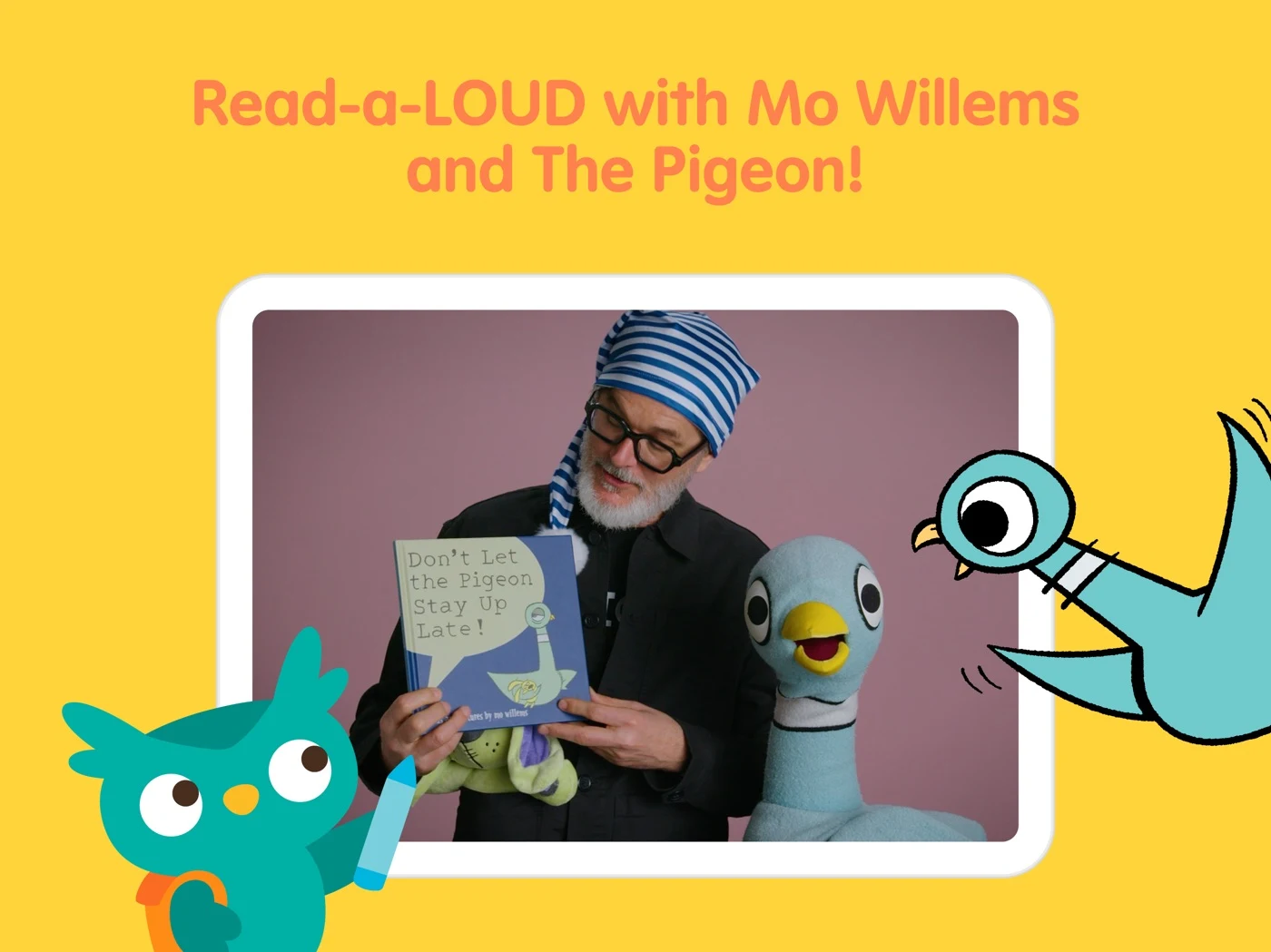
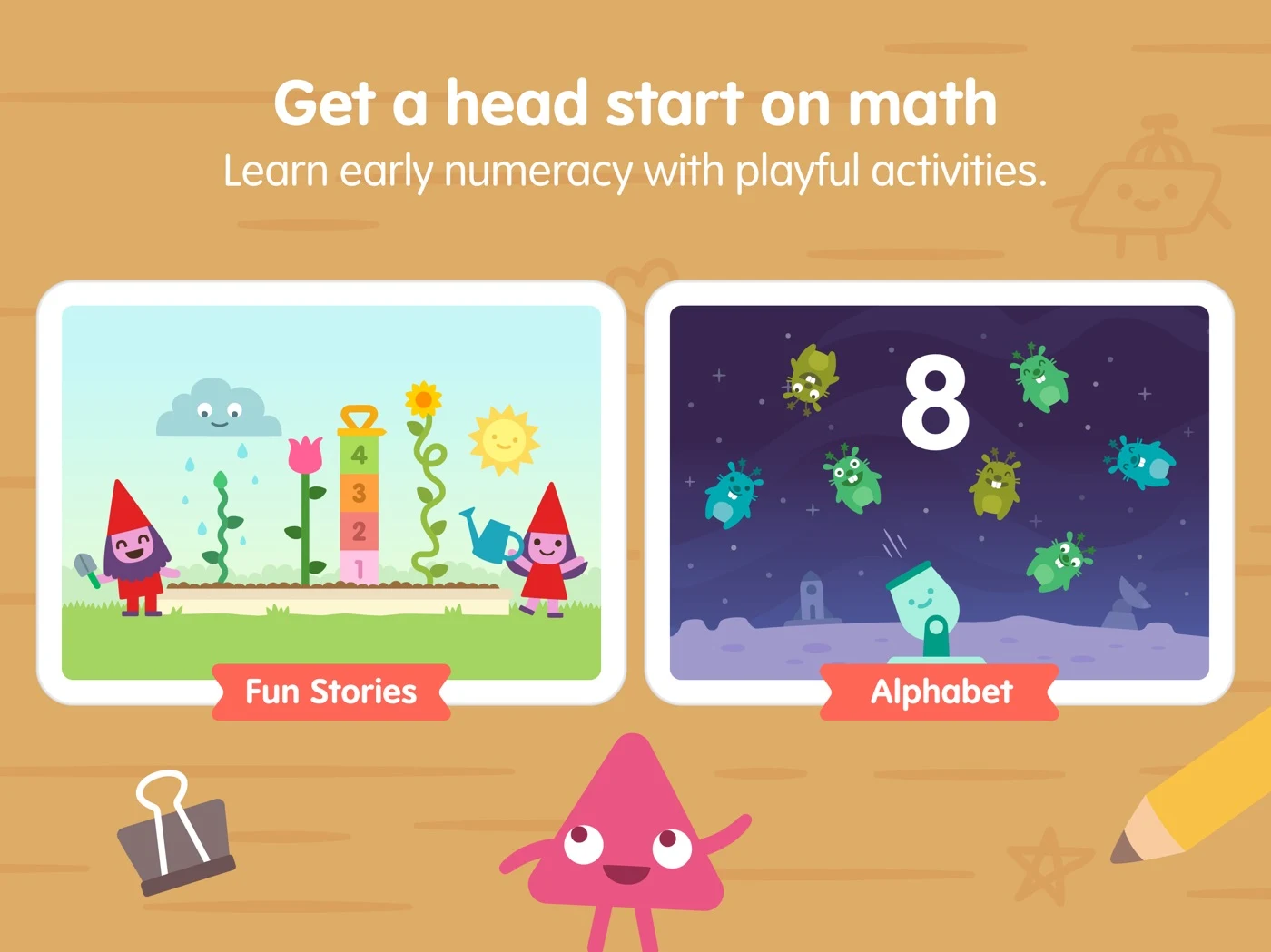
Test whether the action is clear and avoid promising school readiness.
Open the original App Store listing ↗ · US iPad capture, 27 October 2026.
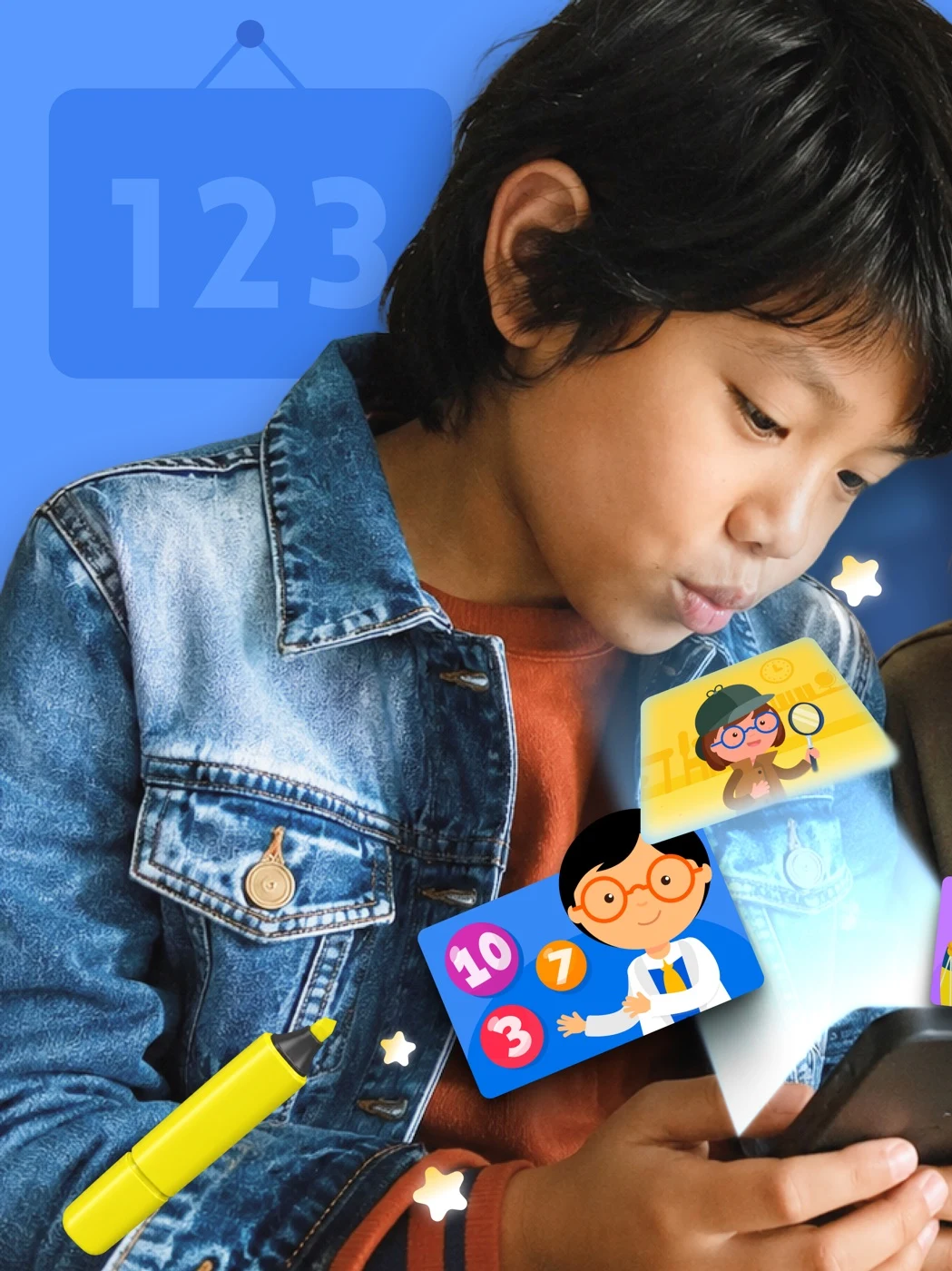
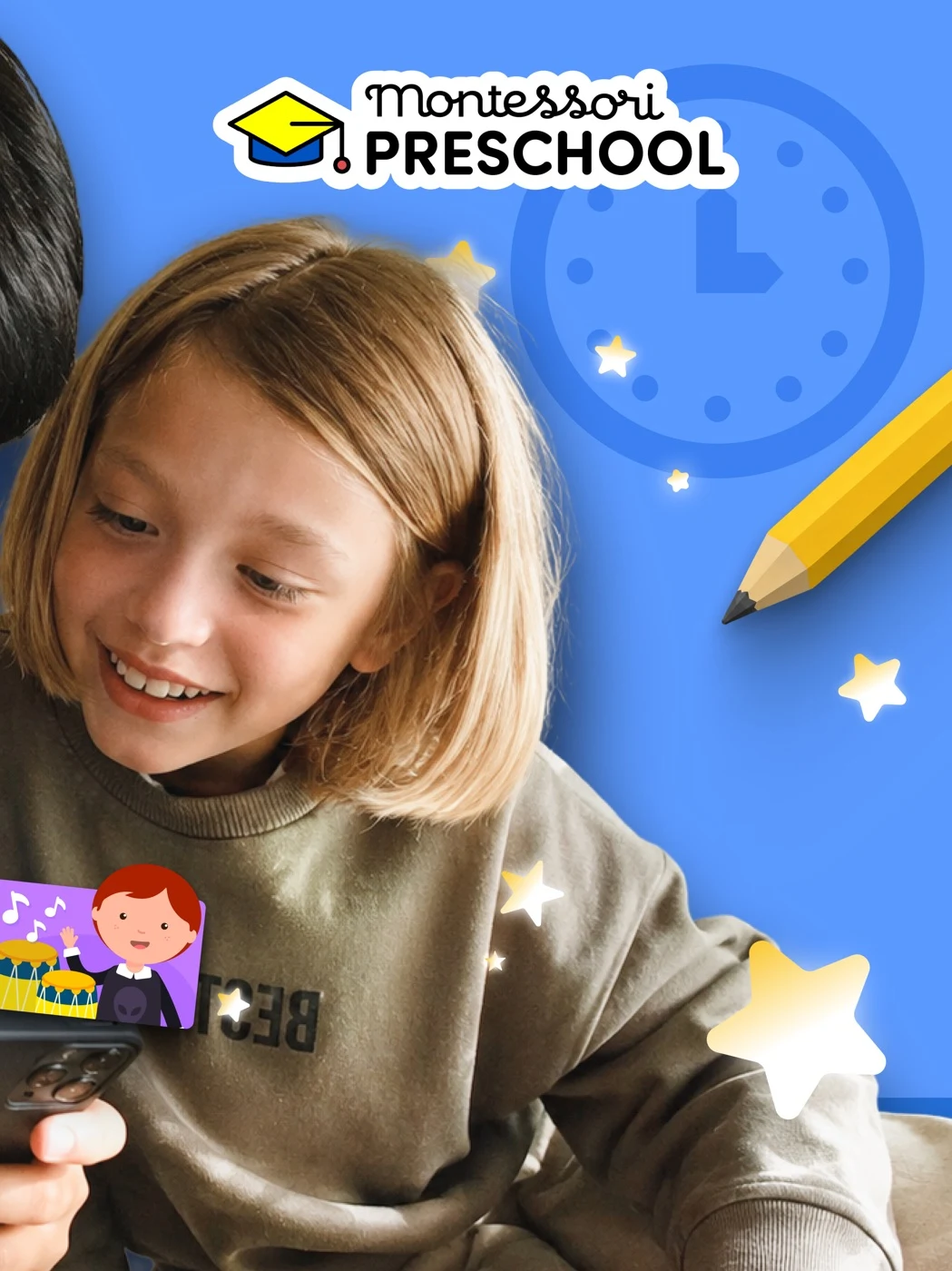
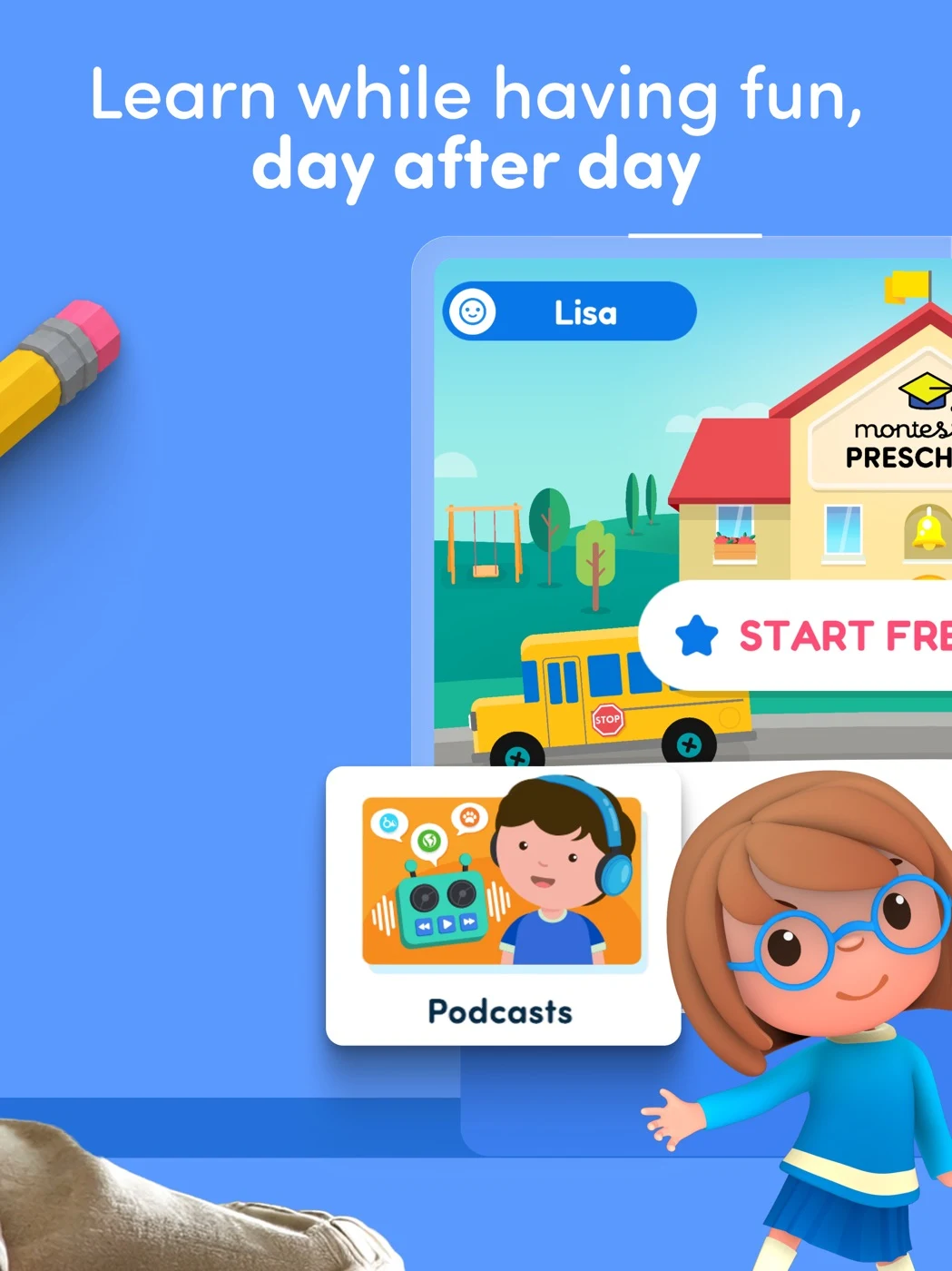
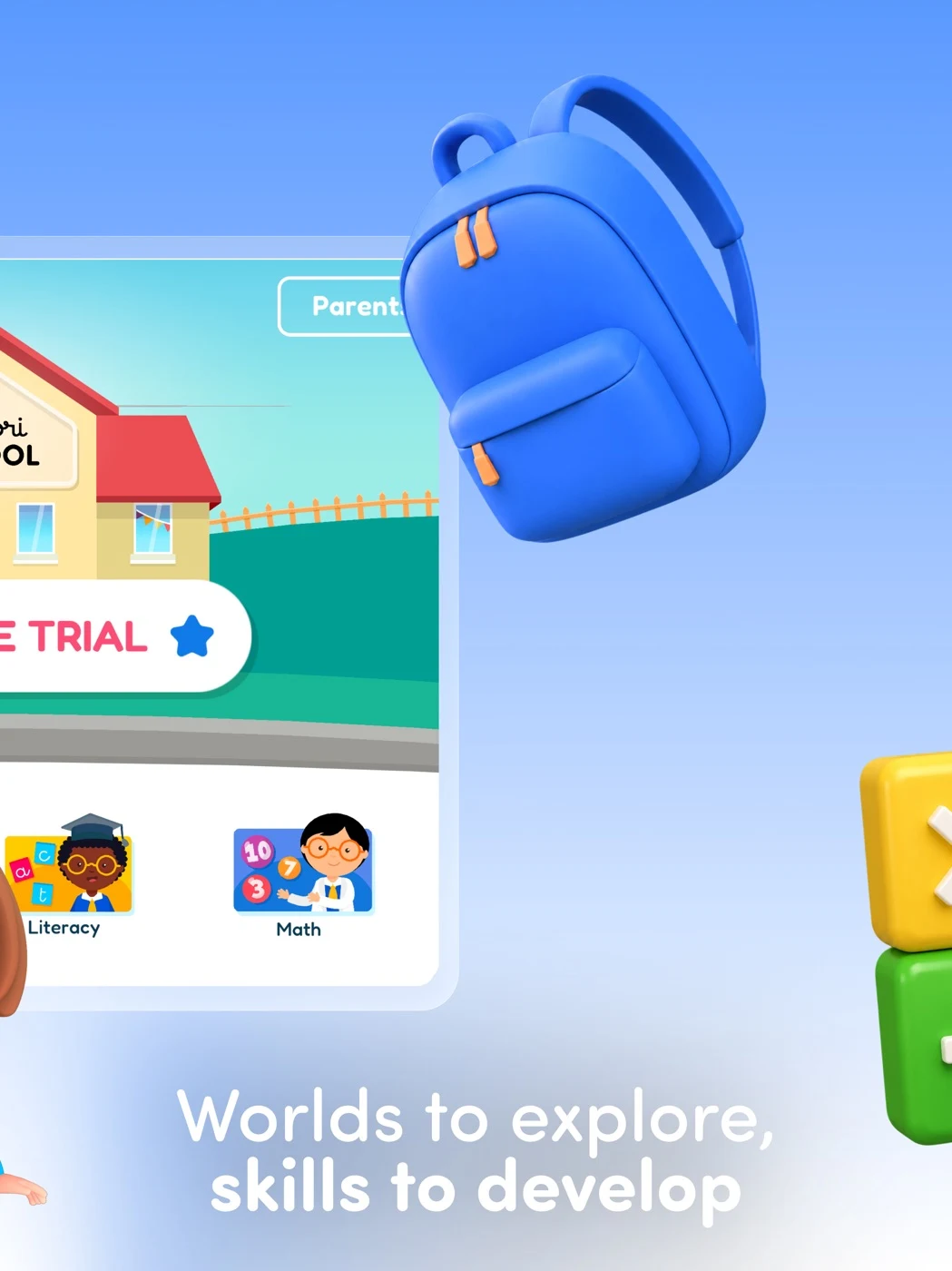
Show the real interaction and accurately explain trial and paid access.
Open the original App Store listing ↗ · US iPad capture, 27 October 2026.
These observations suggest tests, not proof of conversion effects. Use screenshot readability and sequence planning to show a supported action at store size.
EARLY LEARNING ASO
Example product: Little Sprout Demo, a fictional app with letter-sound matching and counting activities. The following is an illustration, not a recommendation to use claims that the real app cannot support.
Swipe horizontally to compare all columns →
| Field | Fictional example | Purpose |
|---|---|---|
| iOS app name | Little Sprout: Early Learning | Brand plus a clear category description. |
| iOS subtitle | Letters and counting games | Communicate two supported activities. |
| iOS keyword field | preschool,phonics,shapes,match,activity,story | Candidate terms only; check relevance and 100-byte limit. |
| Google Play title | Little Sprout: Early Learning | Name the product consistently. |
| Google Play short description | Explore letter sounds and counting through playful activities. | Explain the actual action without promising an outcome. |
For the long description, lead with the activity: “Listen to a letter sound, then choose the matching picture. Explore counting by tapping objects together.” Follow with supported ages, languages, adult participation, pricing and data details as applicable. Verify current field limits, policies and counts for each platform. See iOS keyword field guidance and Google Play short descriptions.
A six-panel screenshot sequence could introduce the product, show a child-facing letter task, demonstrate a counting task, explain how an adult chooses activities, accurately identify access and pricing, and show a specific supported language or accessibility feature. Each panel must represent real product behavior. Test the first two panels at store size using the screenshot strategy guide.
Swipe horizontally to compare all columns →
| Field | Fictional example | Characters / limit |
|---|---|---|
| iOS name | Little Sprout: Early Learning | 29 / 30 |
| iOS subtitle | Letters and counting games | 26 / 30 |
| iOS keyword field | preschool,phonics,shapes,match,activity,story | 45 / 100 |
| Google Play title | Little Sprout: Early Learning | 29 / 30 |
| Google Play short description | Explore letter sounds and counting through playful activities. | 62 / 80 |
The example is fictional; verify actual features, messaging rules, plans and supported markets. Review the iOS keyword field, short description and long description.
The first screenshots should match the real product experience.
EARLY LEARNING ASO
1. Leading with a mascot while hiding the activity. Test a real task as the opening image. 2. Using “learn to read” when the product only identifies letters. Replace it with a precise description of the supported exercise. 3. Describing an entire curriculum when the free experience contains only a small sample. Explain what is included. 4. Treating “ages 2–6” as evidence that every activity suits every child. Verify the actual range and avoid developmental assumptions. 5. Promising offline play when only some content is downloaded. State the real restrictions. 6. Calling an app “safe” without explaining data practices. Replace the blanket claim with accurate, checkable details. 7. Treating a parent gate as equivalent to legal consent. Review the actual implementation and applicable rules. 8. Showing an attractive AI mockup as though it is a live screen. Rebuild the concept from approved product UI. 9. Translating text while the activity audio remains in another language. State exactly what is localized. 10. Reporting conversion changes as proof of learning. Separate store-page experiments from any educational evaluation.
Check trust signals and record the change in a metadata change log.
EARLY LEARNING ASO
This is a research plan for adult searchers, not an instruction to launch a campaign or spend money. First verify product and campaign eligibility, current Apple Ads audience settings, applicable store rules and privacy obligations. Do not profile children or assume an account’s age identifies the person using a device.
Group supported exact-match hypotheses by intent: letter sounds, beginner counting, broad early learning, and parent questions such as offline access. Add a separate discovery group using broad match or Search Match only if available and suitable, then review aggregate search-term relevance. Exclude irrelevant intent with appropriate negative keywords; for example, exclude school worksheets if the app does not provide printable materials. Competitor or brand terms require separate relevance and policy review.
For each group, map the search term to an existing activity, the appropriate product page and a permitted aggregate measure. Compare impressions, taps and downloads with the same attribution window and market. A high tap rate with weak downloads is a reason to inspect message fit, not proof that a screenshot caused the result. Set an explicitly approved budget and stopping rule before any future test; none is authorized here. Read ASO measurement definitions before comparing results.
Read Apple’s campaign structure, match types and negative keywords. Define conversion rates, ASO metrics and acquisition measurement.
EARLY LEARNING ASO
In these five captured US iPad sets, apps combine character imagery with activity examples and parent-facing claims. This small dated sample cannot establish a market-wide trend or conversion impact.
Test a real activity against a character-led opening; ask adults what the child can do and what is included. Review the original panels and treat the effect as a hypothesis.
EARLY LEARNING ASO
These are fictional AI concepts, not real profiles, live screens or tested treatments. Select an image for full size.
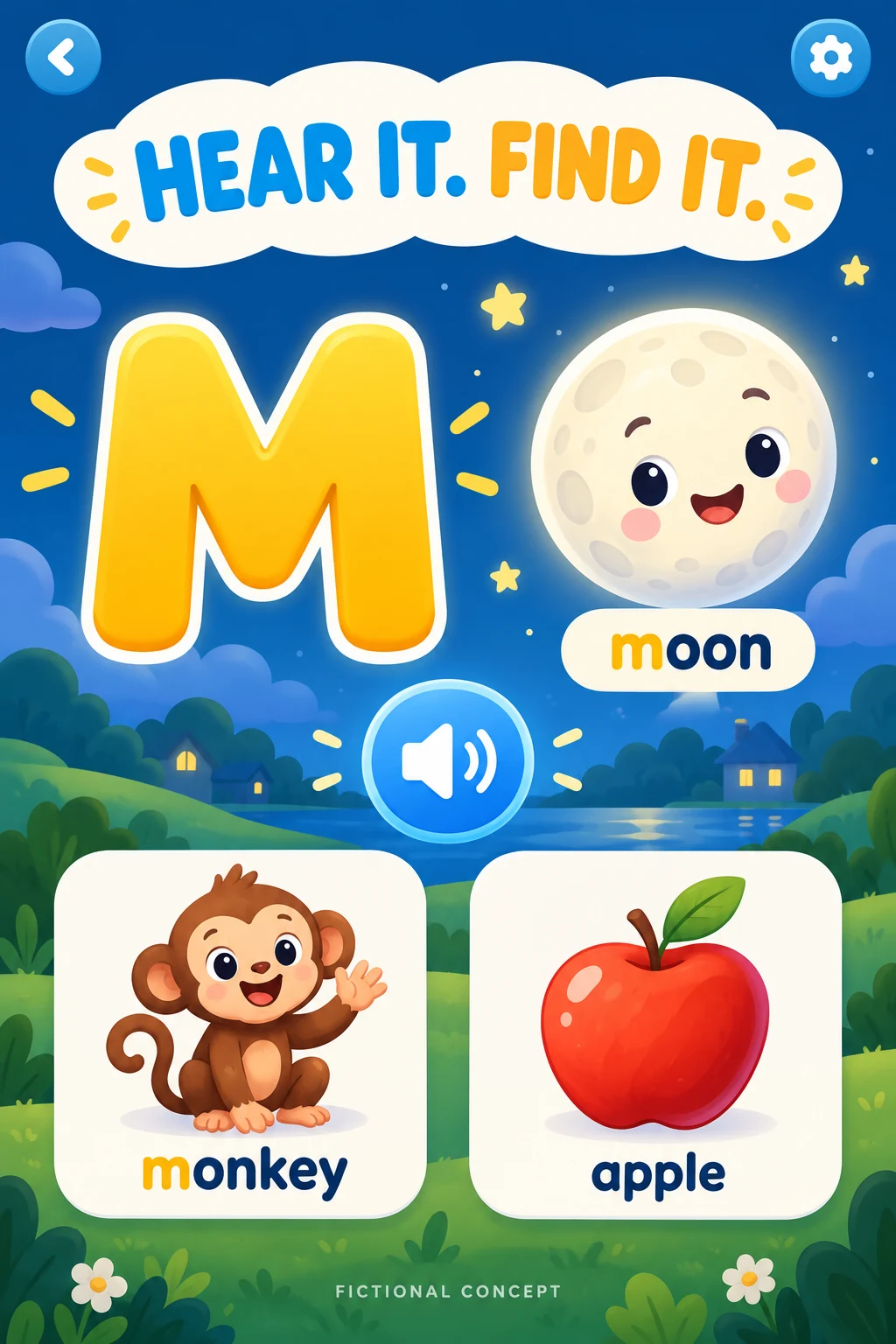
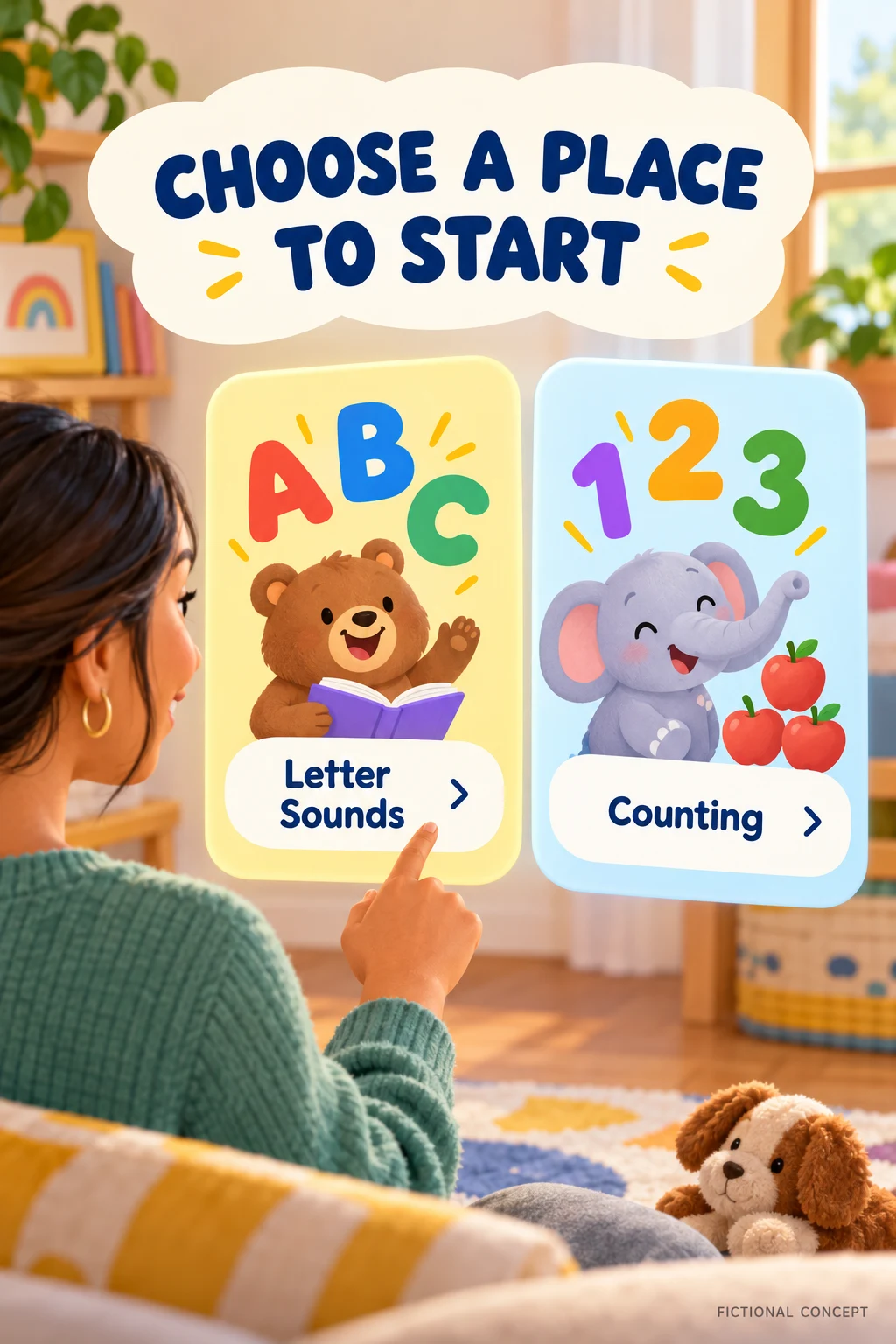
The letter concept has two words beginning with M and an invented audio control; clarify the task and replace invented UI. The activity chooser is fictional. Rebuild with real approved UI. DOWNLOAD TEN WORKED TEST BRIEFS ↓
Use AI to explore visual directions, not to manufacture evidence. Start from a written description of a real activity and approved UI, then generate a concept labelled fictional. Ask an adult reviewer whether they can identify the child’s task, starting point, assistance required and access conditions. Replace every invented button, progress meter or feature with approved product material before a store test.
A useful concept might show a large letter, an audio prompt and three real choices, with “Hear it. Find it.” as a possible headline. Another might show a parent choosing between supported activities with “Choose a place to start.” Both are hypotheses: confirm the actual interaction, copy, privacy and screenshot requirements before implementation.
ASO tip: lead with one real action and a visible response. A child matching a sound to an image communicates more than a collage of educational labels.
ASO strategy: pair each supported activity with the search intent of the adult who chooses the app. Use separate groups for letter sounds, counting and stories, then validate demand and fit before choosing metadata.
ASO warning: a screenshot can show practice; it does not prove that the activity improves reading, readiness or school performance. Any outcome claim needs specific, suitable evidence.
ASO tip: explain whether activities are narrated and which languages are supported. This helps adults assess whether a child can use the app without reading instructions.
ASO strategy: test clarity with adults using a realistic small-screen preview. Ask what the child does, whether an adult is needed and what costs extra. Keep the source, device and capture date for every competitor example.
ASO warning: be precise about privacy, age suitability, offline access and pricing. Review platform policy and legal requirements before making claims. Do not collect or use child-level advertising profiles to validate a store-page experiment.
EARLY LEARNING ASO
Verify age suitability, parent controls, privacy practices, plan boundaries, offline access and accessibility before submitting. Localize support and moderation as well as creative.
Use local keyword research, screenshot adaptation, localization QA and an ASO audit.
EDUCATIONAL GAME ASO
Explore educational-game keywords, real screenshots and practical ASO advice for reaching caregivers.
Read the educational-game ASO guide ↗CREATIVE PLAY ASO
Explore creative-play keywords, real screenshots and practical ASO tips for reaching caregivers.
Read the creative-play app ASO guide ↗MATH APP ASO
Explore math-app keywords, real screenshots and practical ASO tips for reaching caregivers.
Read the children’s math app ASO guide ↗READING APP ASO
Explore reading-app keywords, competitor screenshots and practical ASO tips for reaching caregivers.
Read the children’s reading app ASO guide ↗