Toca Boca World: Pretend scenes and interactions
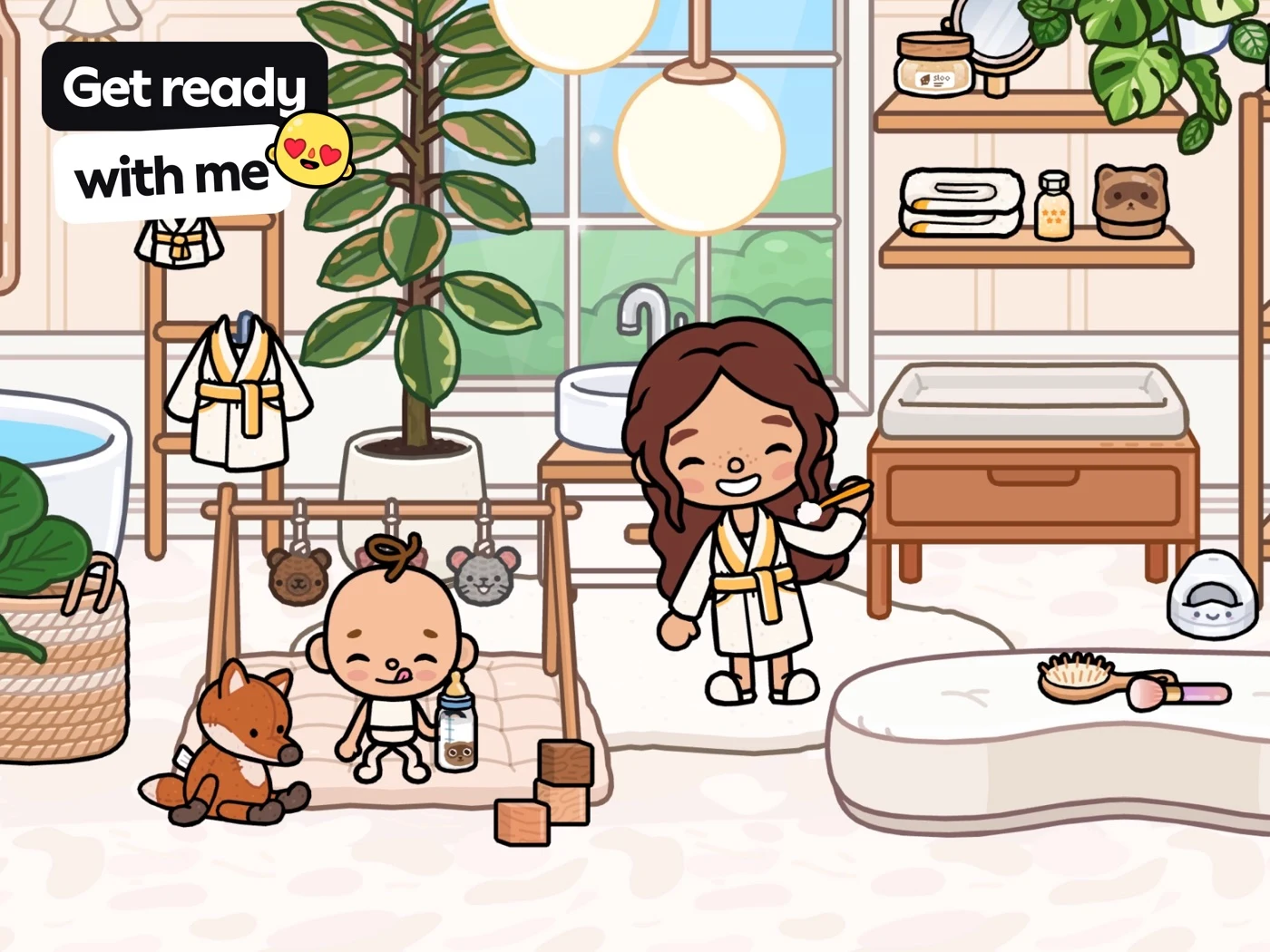
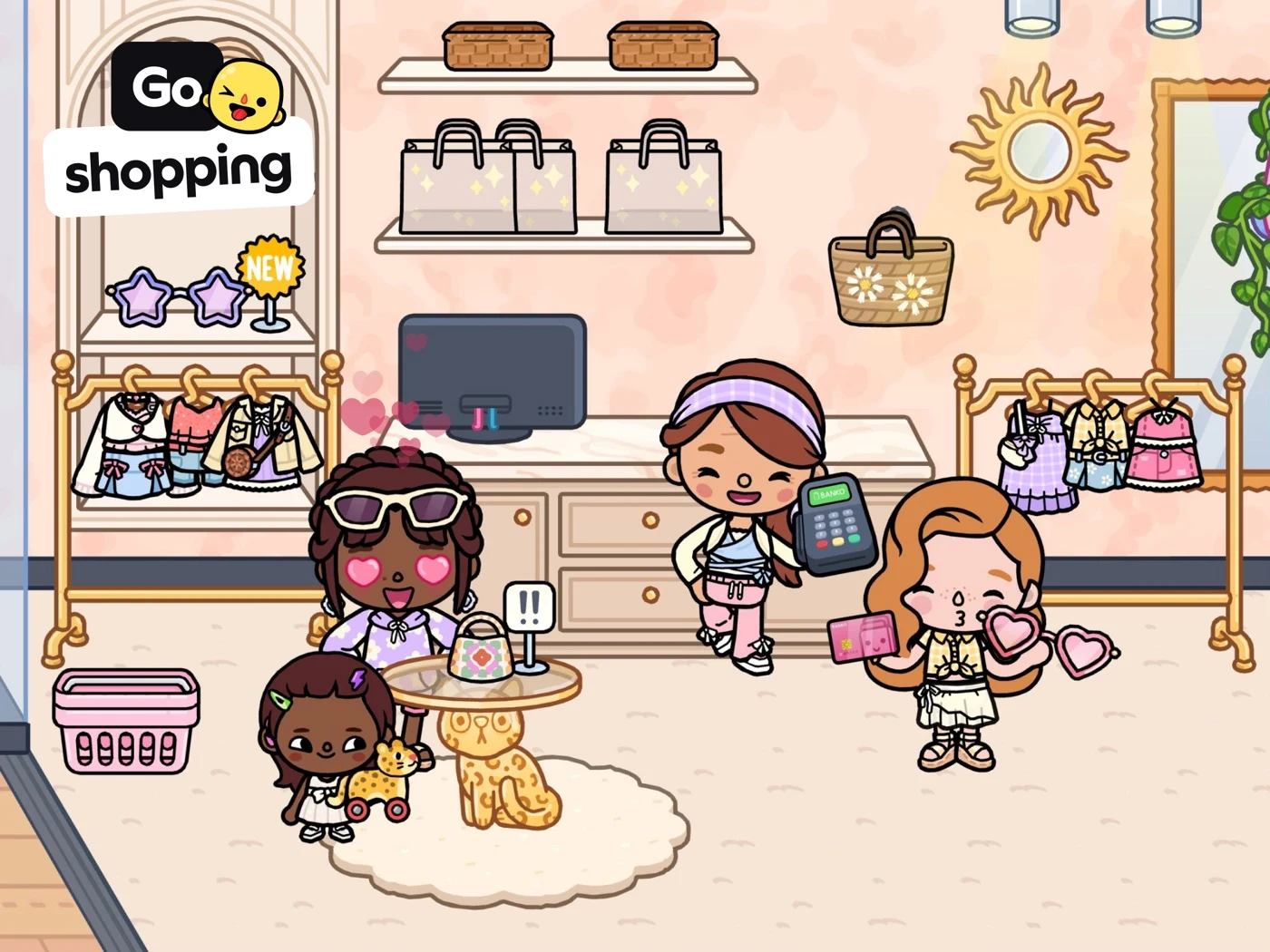
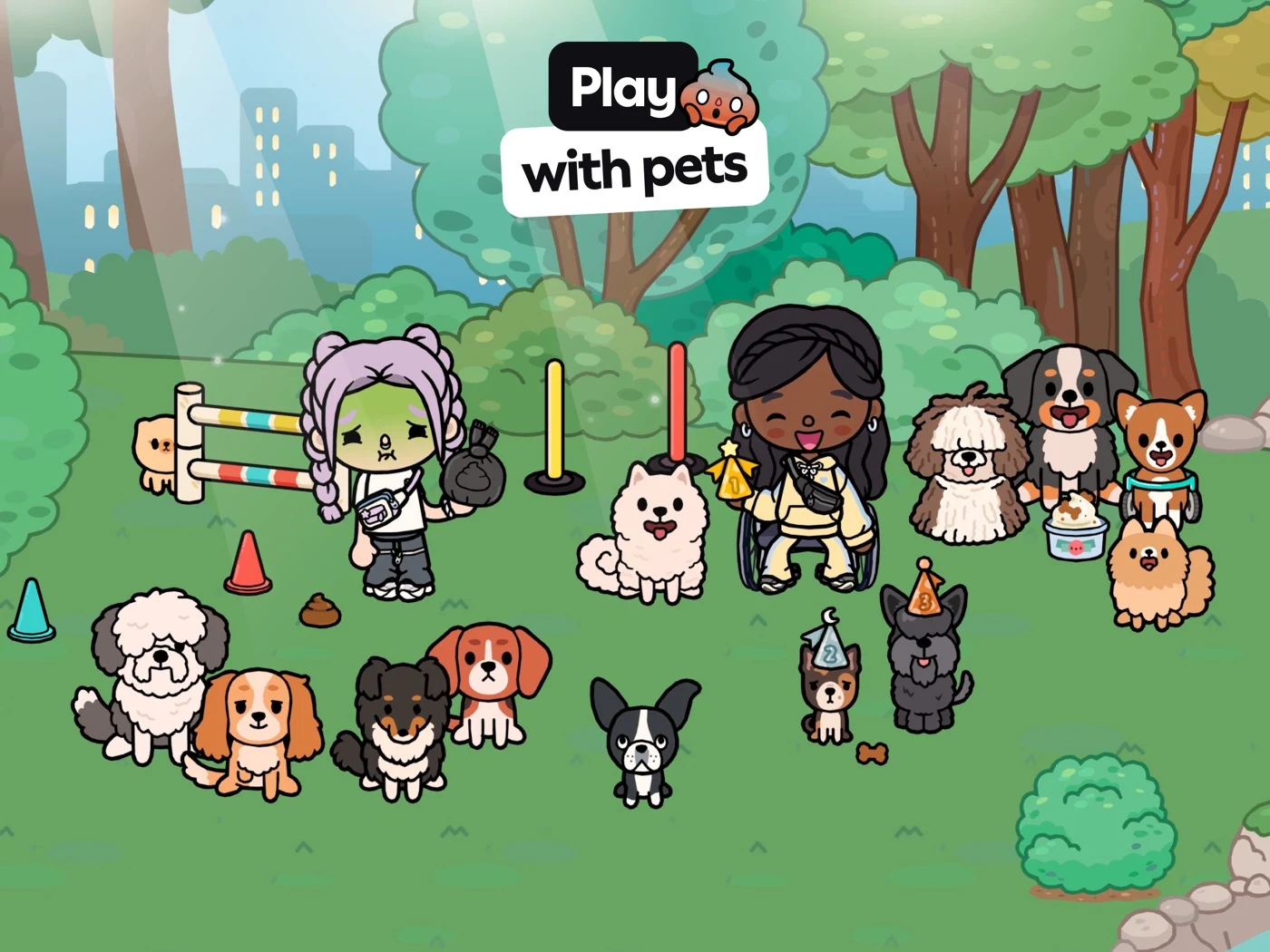
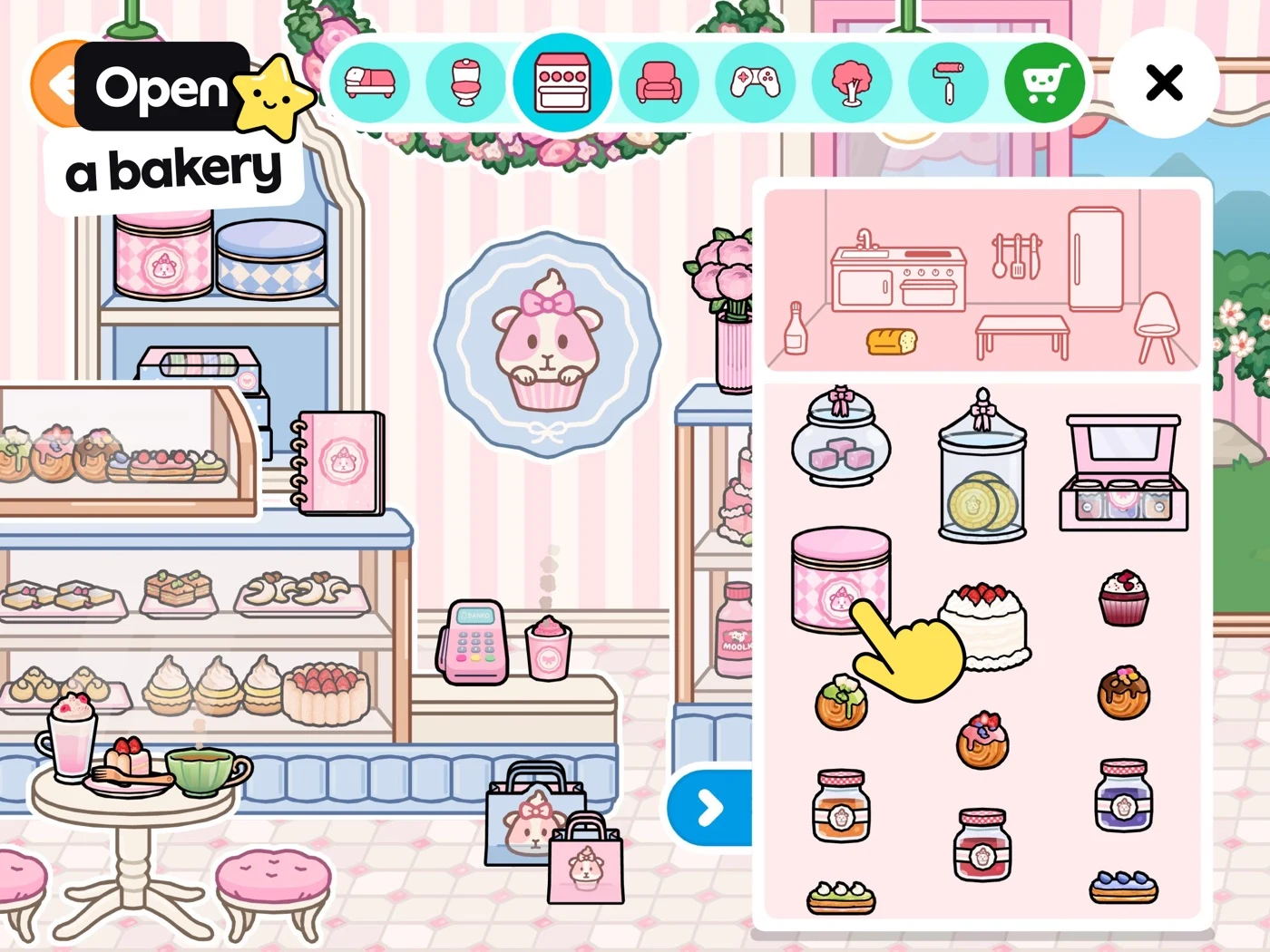
Show the real action, distinguish pretend shopping from paid content, and verify access.
Open the original App Store listing ↗ · US iPad capture, 27 October 2026.
CATEGORY PLAYBOOK / CREATIVE PLAY
Help parents understand the play, creative choices and access before they choose.
EXPLORE THE PLAYBOOK ↓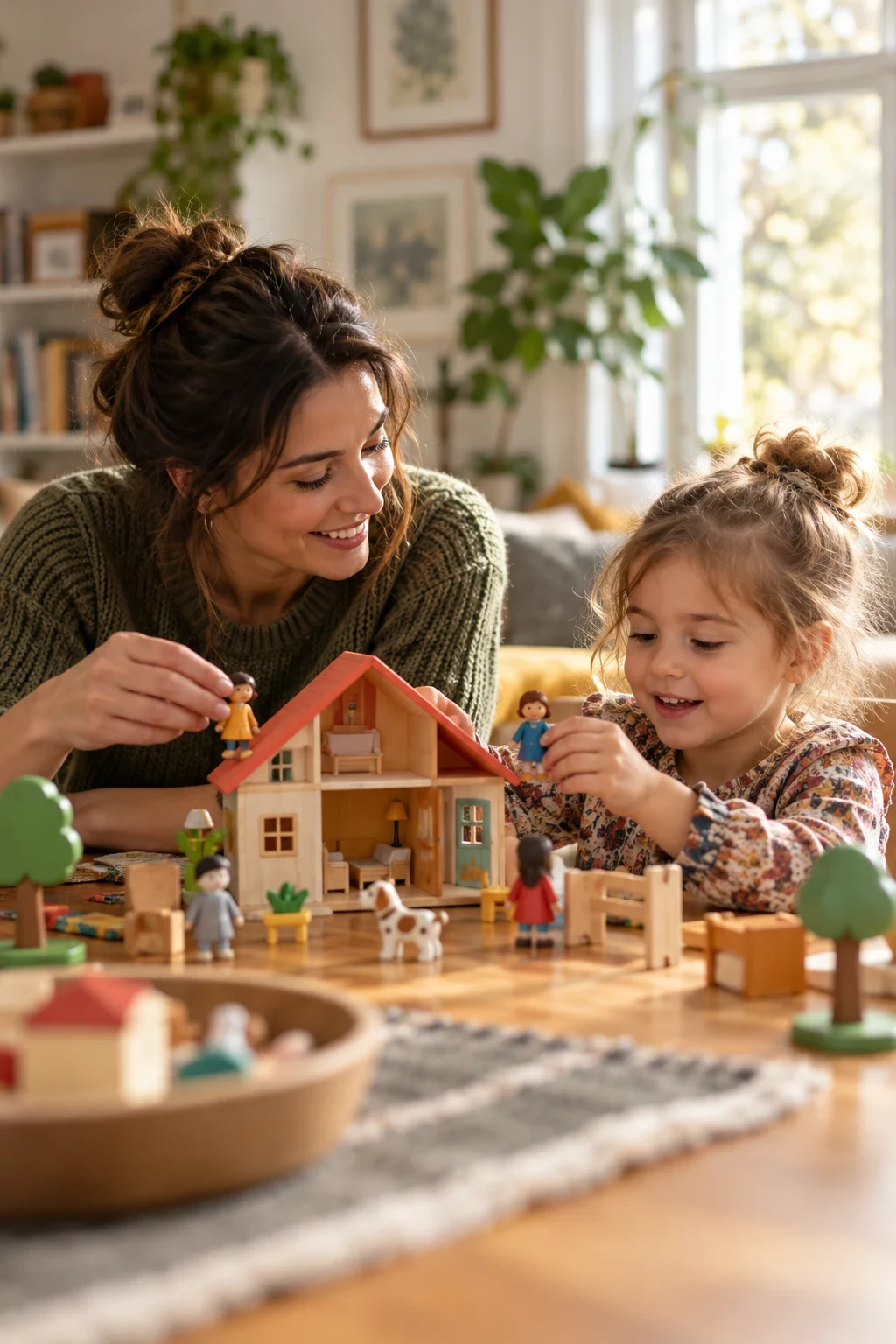
CREATIVE PLAY ASO
A parent looking for a drawing activity may want a different product from a child who wants to decorate a pretend room or invent a story with characters. Creative-play ASO should make the actual activity visible: choose a character, move an object, draw, build or create a scene. Describe what can be done and which parts are available without suggesting that an app automatically improves creativity or development.
Adults often decide whether to install, while children explore the experience. A good listing answers both sets of questions: what can the child play with, and what should an adult know about content, access and controls? Distinguish pretend purchases in a game from actual in-app purchases. See the children’s app ASO hub and the early-learning guide for related audience and privacy considerations.
ASO tip: show one real child action in the first screenshots rather than only a collage of characters. ASO warning: a scene containing several characters does not prove that an app supports live multiplayer.
Keyword ideas · Eight apps · Real screenshots · Apple Ads
Start with ASO strategy and keyword research.
CREATIVE PLAY ASO
These are research hypotheses, not measured demographics. Children have different preferences and abilities; age alone does not determine what they enjoy or can do. Validate with adults and appropriately consented usability research.
Swipe horizontally to compare all columns →
| Potential adult need | Question before installing | Evidence to show if supported |
|---|---|---|
| Pretend play at home | What can my child actually move or change? | A real room with an actual object interaction. |
| Character customization | Can the child create and dress a character? | A genuine selection screen and included options. |
| Storymaking | Can scenes be saved, recorded or shared? | The exact supported story feature and its limits. |
| Drawing and coloring | Is the activity free drawing or a fixed coloring page? | A real drawing canvas and available tools. |
| Building and decorating | Can a child place furniture or only choose presets? | An actual placement action and supported items. |
| Animal roleplay | Are the animals interactive and included? | A representative pet activity and access terms. |
| Independent play | Can the child understand controls without reading? | Real audio or visual instructions if supported. |
| Shared family play | Can a caregiver participate on the same device? | An accurate example of shared play, without implying multiplayer. |
| Privacy and sharing | Can the child contact other people or share creations? | Precise descriptions of actual social and privacy controls. |
| Subscription and offline access | Which scenes and objects are free or downloadable? | Current plan boundaries and exact offline conditions. |
Use these needs to investigate intent without stereotyping families or implying that a preschooler always needs the same support. Use search intent and localization QA to check actual market language and functionality.
Apply search intent and value proposition research without stereotyping.
CREATIVE PLAY ASO
These 100 ideas are unmeasured candidates, not demand estimates or rankings. Check current results, feature support and local availability before prioritizing.
Use keyword research, relevance checks, long-tail research and prioritization to validate ideas before use.
The worksheet contains 100 unmeasured ideas across pretend worlds, characters and stories, home scenes, community roles, drawing, building, animals, family needs, access and niche themes. These are research candidates, not measured search volumes or guaranteed ranking opportunities. Validate current store results, geography, product features and access before prioritizing.
“Pretend grocery store game” should lead to a genuine simulated grocery activity. “Kids drawing with stamps” requires actual drawing and stamp tools. “Offline pretend play games for kids” requires truthful offline access and clear conditions. A long-tail idea can express clear intent but does not automatically have high demand or low competition.
ASO strategy: group phrases by the activity adults expect, then connect each cluster to an actual screen, audience question and destination. Separate pretend roleplay from social messaging and paid purchases. See keyword research, relevance and long-tail research.
CREATIVE PLAY ASO
These eight US App Store listings were captured on 27 October 2026 as relevant examples, not an independently verified popularity ranking. Check original pages for current features, pricing, availability and publisher claims.
Swipe horizontally to compare all columns →
| App | What to compare | ASO question |
|---|---|---|
| Toca Boca World | Scene-based pretend play | Can an adult see the real object interaction? |
| Sago Mini World | Characters and activity collection | Which activities and offline conditions are actually supported? |
| Dr. Panda Town Tales | Character and room customization | What is included, and can stories be saved or shared? |
| Miga Town: My World | Town scenes and decoration | Does the page distinguish simulated scenes from social play? |
| Avatar World | Characters and roleplay settings | Are free and paid objects clear? |
| LEGO DUPLO World | Construction and play | Does the page show a real building action and age fit? |
| Kids Drawing Doodle Painting | Drawing tools | Can adults tell free drawing from fixed coloring? |
| Joy Doodle | Doodle and drawing activities | Are the actual tools and supported actions visible? |
Compare what the screenshots show rather than copying a competitor’s claims or inferring conversion performance. Publisher counts, awards and testimonials require independent verification before reuse.
Original sources: Toca Boca World: Game & Play ↗ · Sago Mini World: Kids Games ↗ · Dr. Panda Town Tales: New Life ↗ · Miga Town: My World ↗ · Avatar World ® ↗ · LEGO® DUPLO® World ↗ · Kids Drawing, Doodle Painting ↗ · Joy Doodle: Drawing for Kids ↗
Use competitor research to investigate mechanics rather than copy claims.
CREATIVE PLAY ASO
Apple’s App Review guidance calls for screenshots that accurately communicate functionality. Read the current App Review Guidelines for children’s apps, metadata and privacy. Google Play’s target-audience guidance and Families requirements depend on the declared audience and implementation.
Explain real paid items, trial conditions, sharing, messaging and offline scope. A parental gate is not automatically valid consent to collect data: review actual practices and applicable jurisdiction with sources such as the FTC COPPA guidance. Do not claim guaranteed creative or developmental benefits without appropriate evidence.
ASO warning: a fictional AI mockup may invent controls, objects, sharing features or paid content. Label it as a concept and rebuild it with real approved product UI before any store test.
CREATIVE PLAY ASO
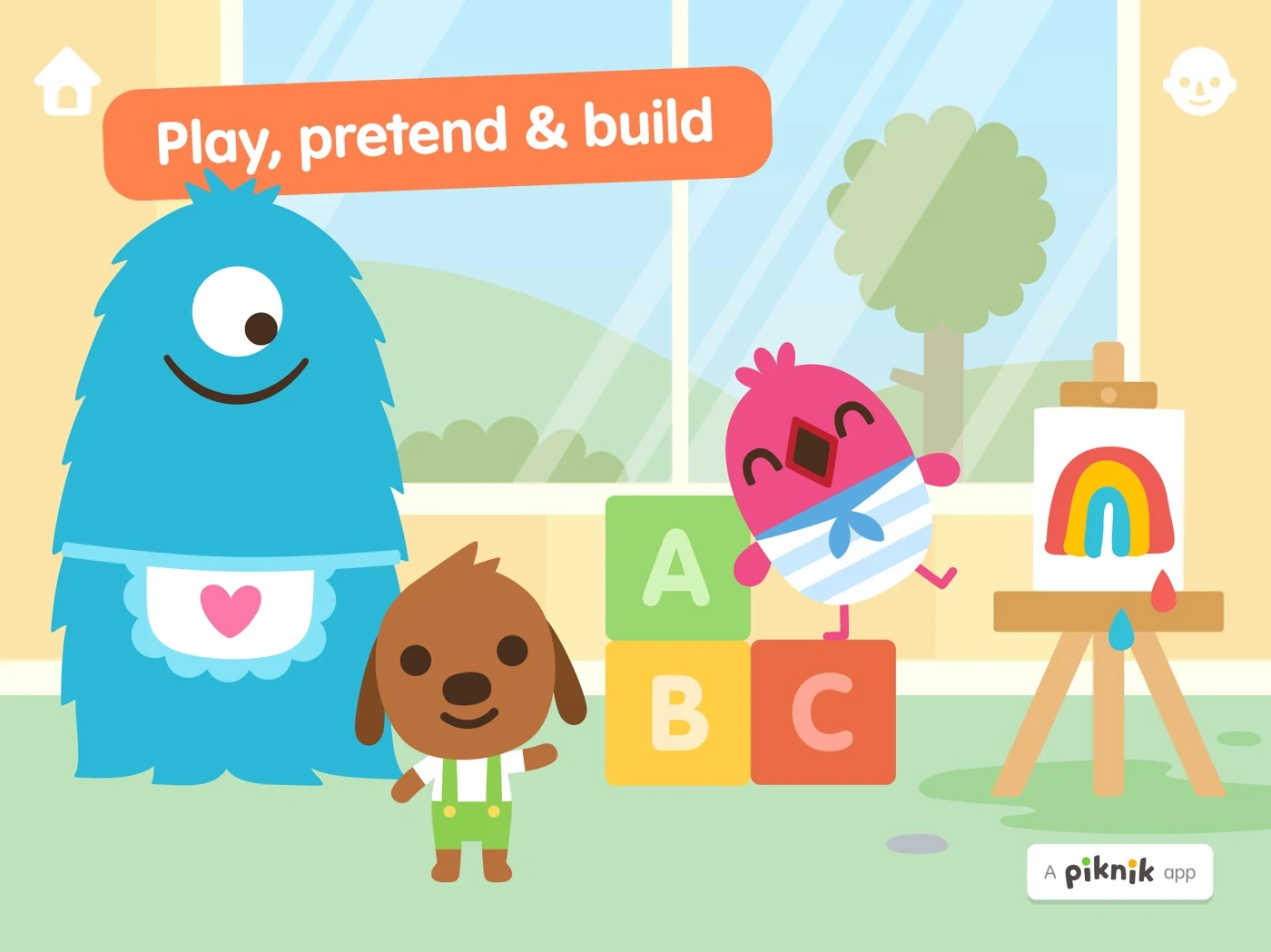
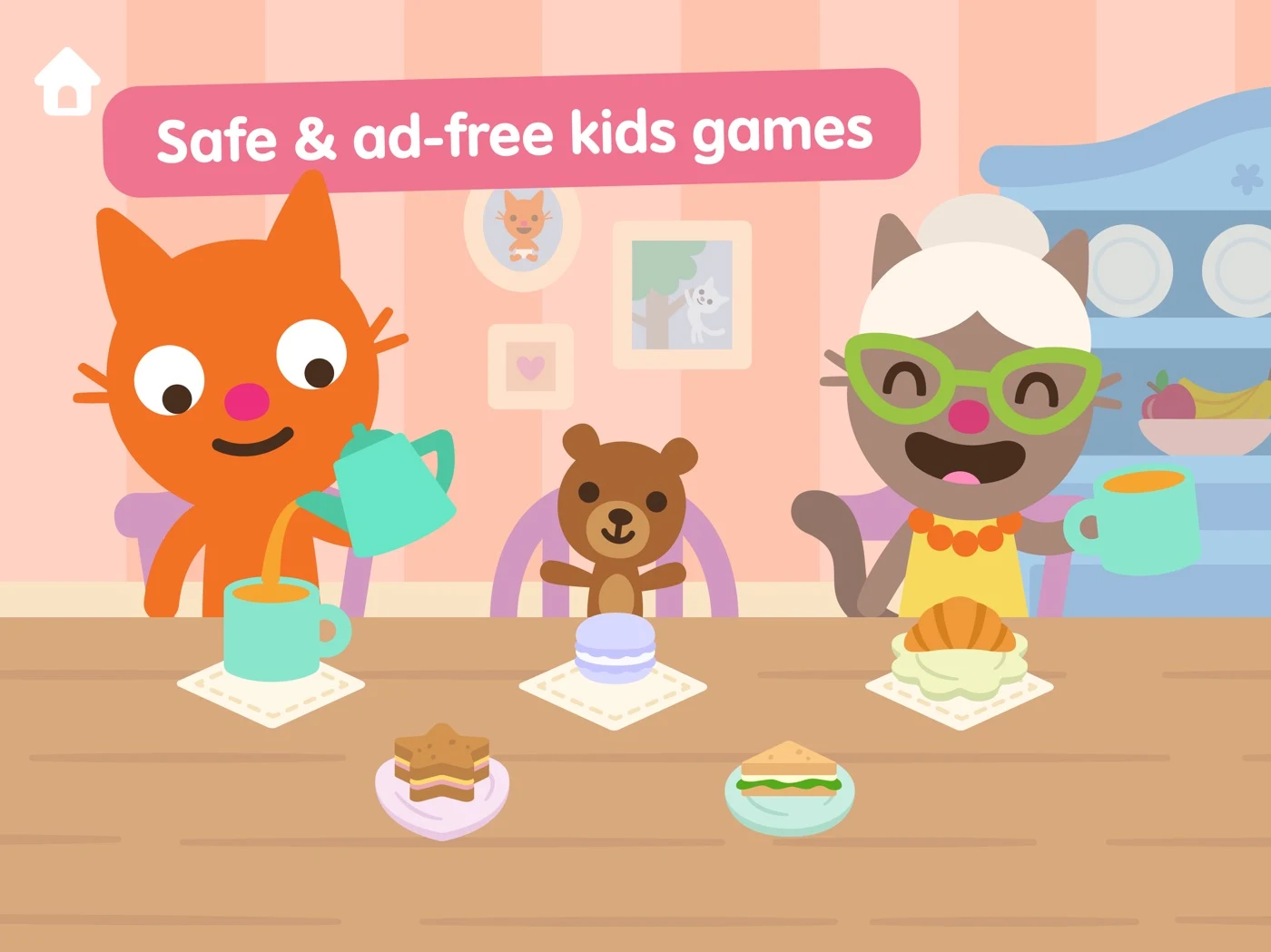
These are 20 original US iPad panels captured and individually reviewed on 27 October 2026. Select any image to view it full-size. Live storefront order may differ. Publisher claims and outcomes are not independently verified.
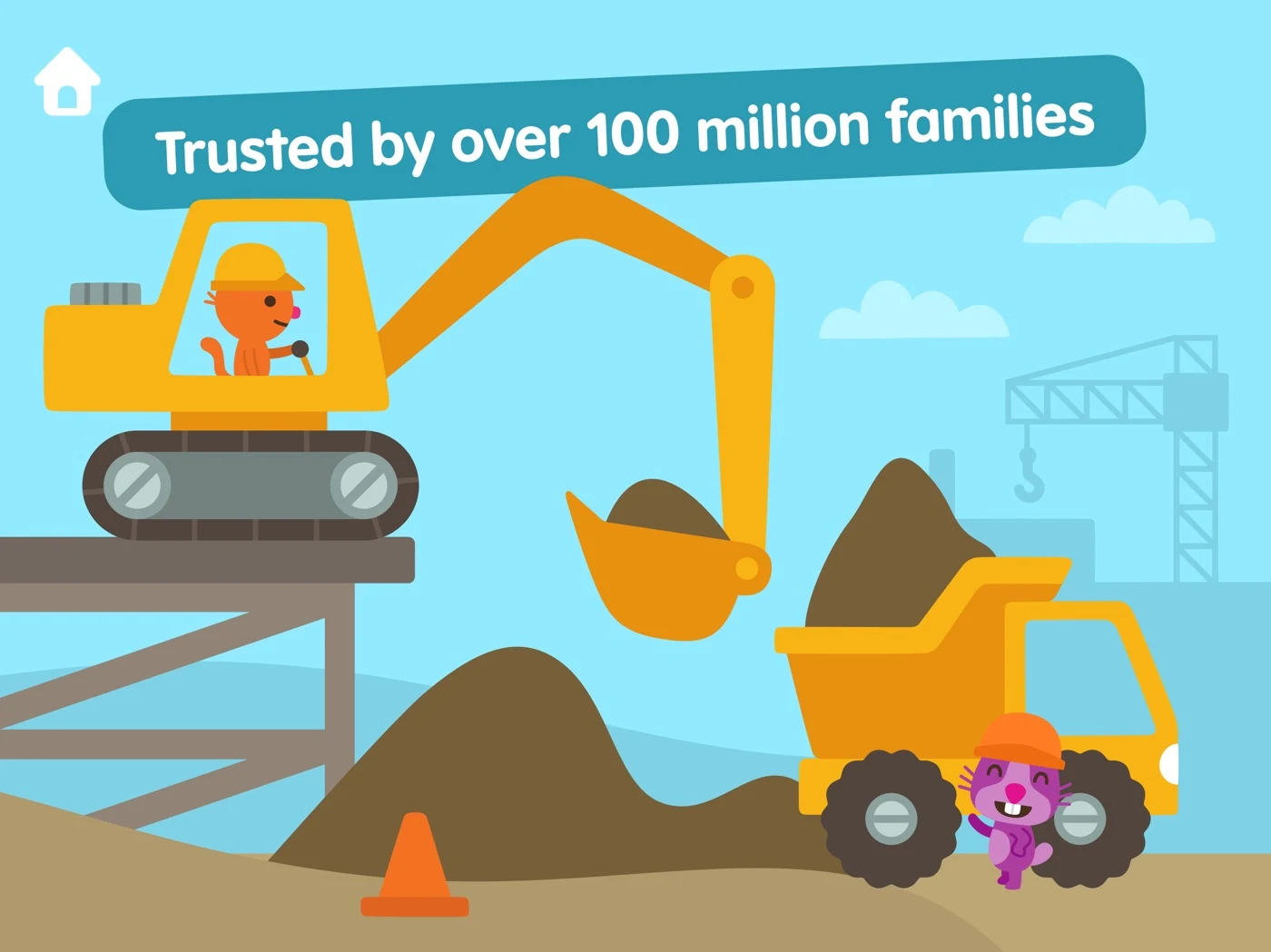
Show the real action, distinguish pretend shopping from paid content, and verify access.
Open the original App Store listing ↗ · US iPad capture, 27 October 2026.
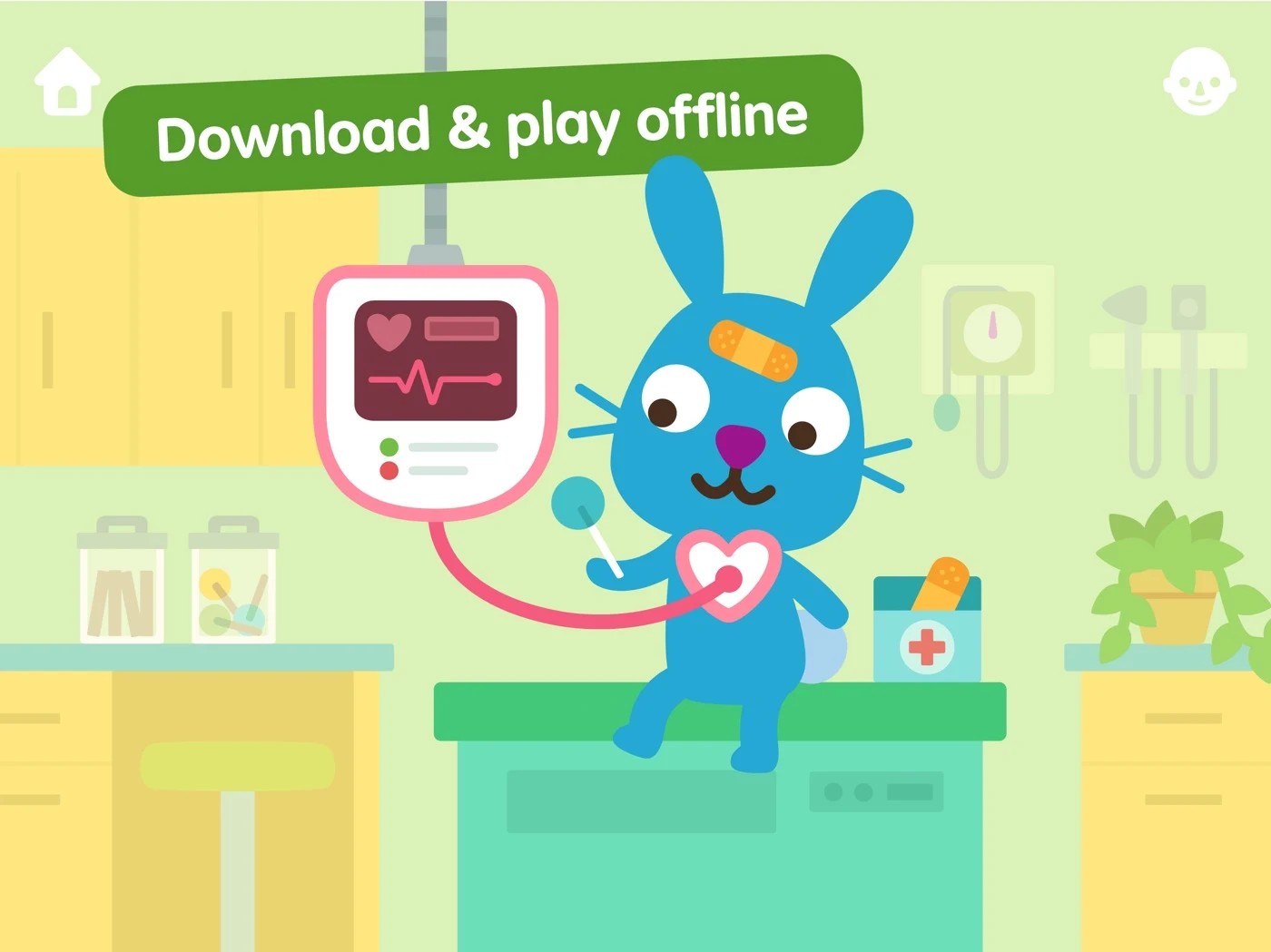
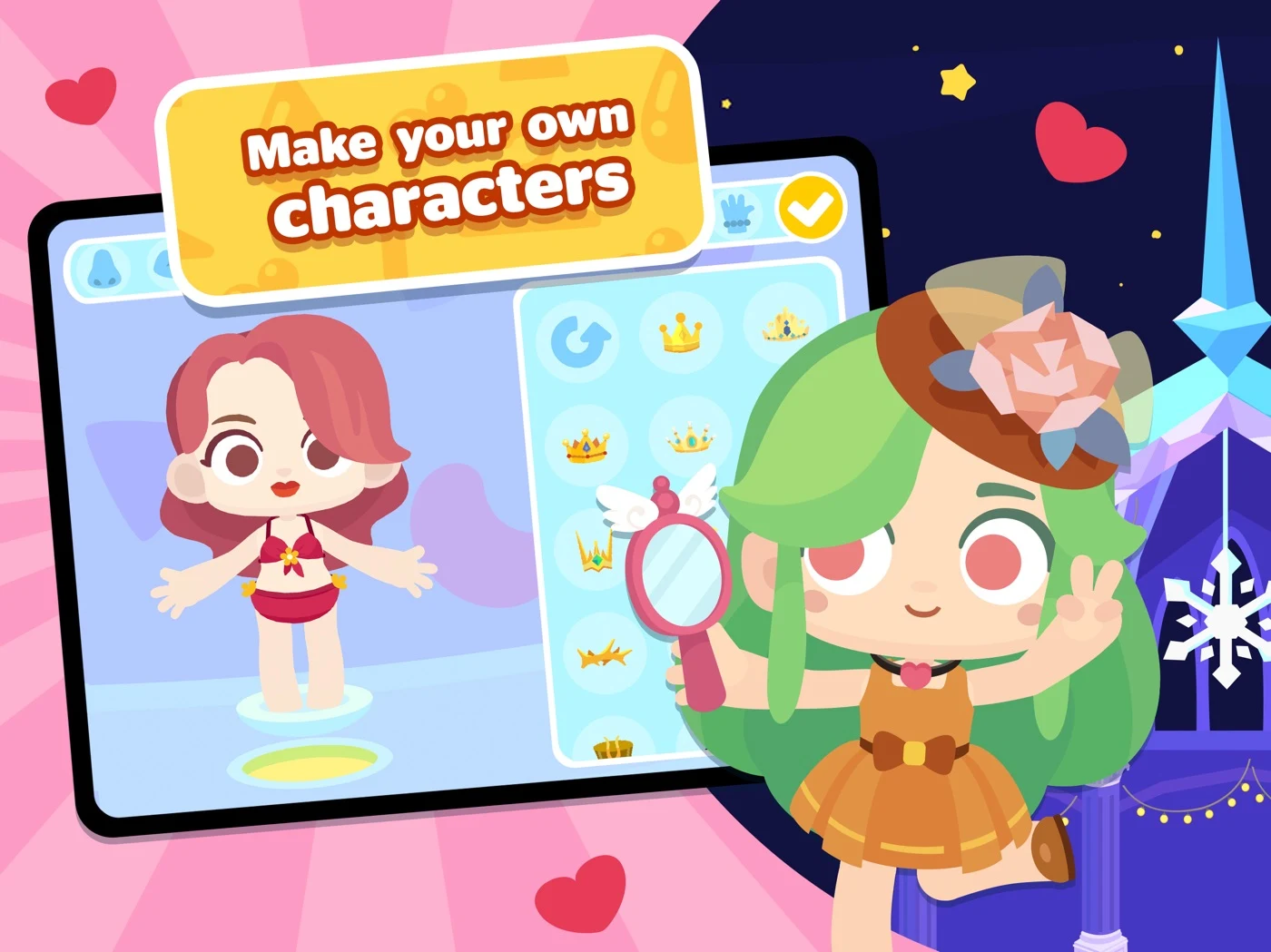
Verify publisher claims and specify real offline and subscription conditions.
Open the original App Store listing ↗ · US iPad capture, 27 October 2026.
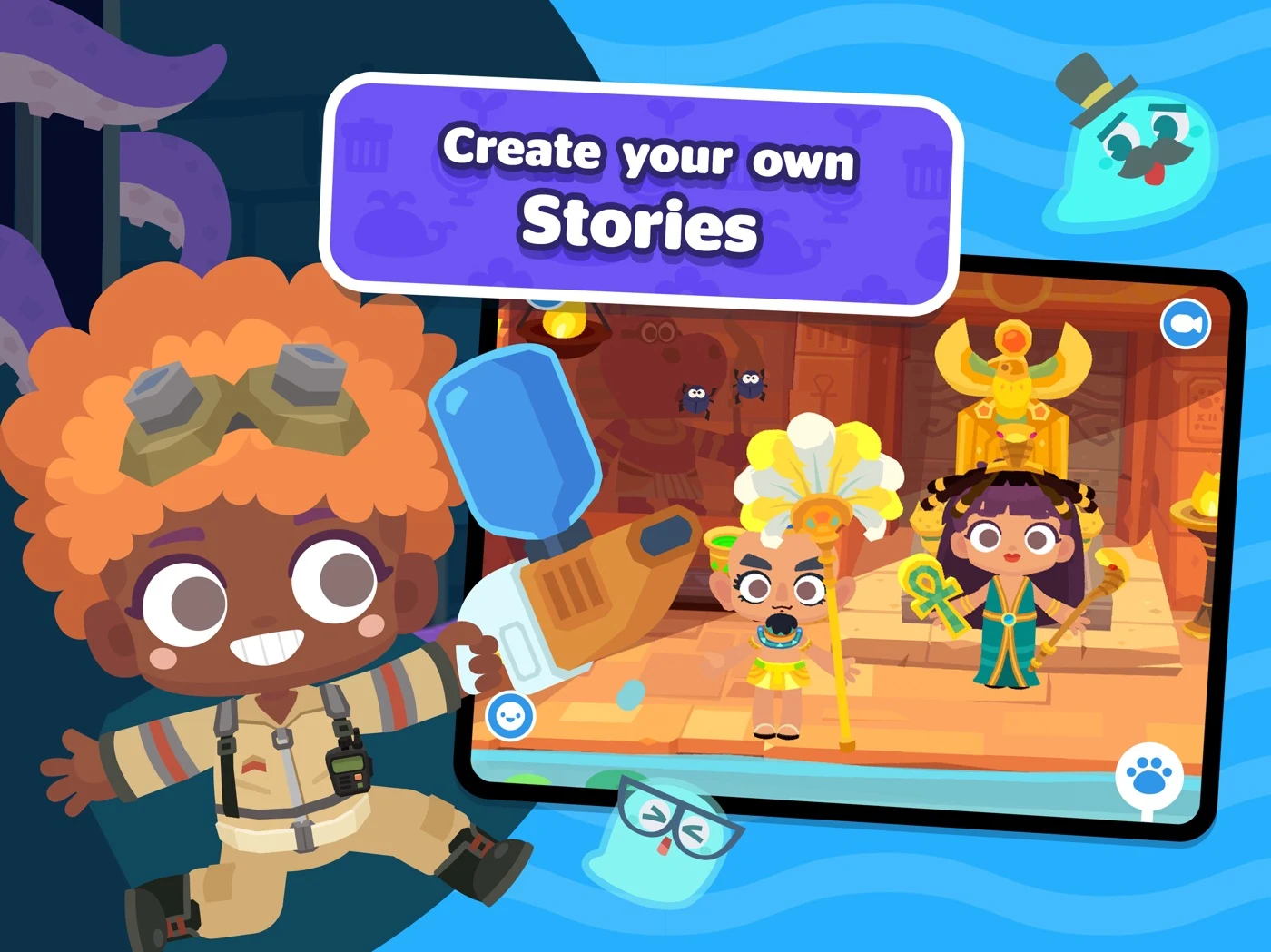
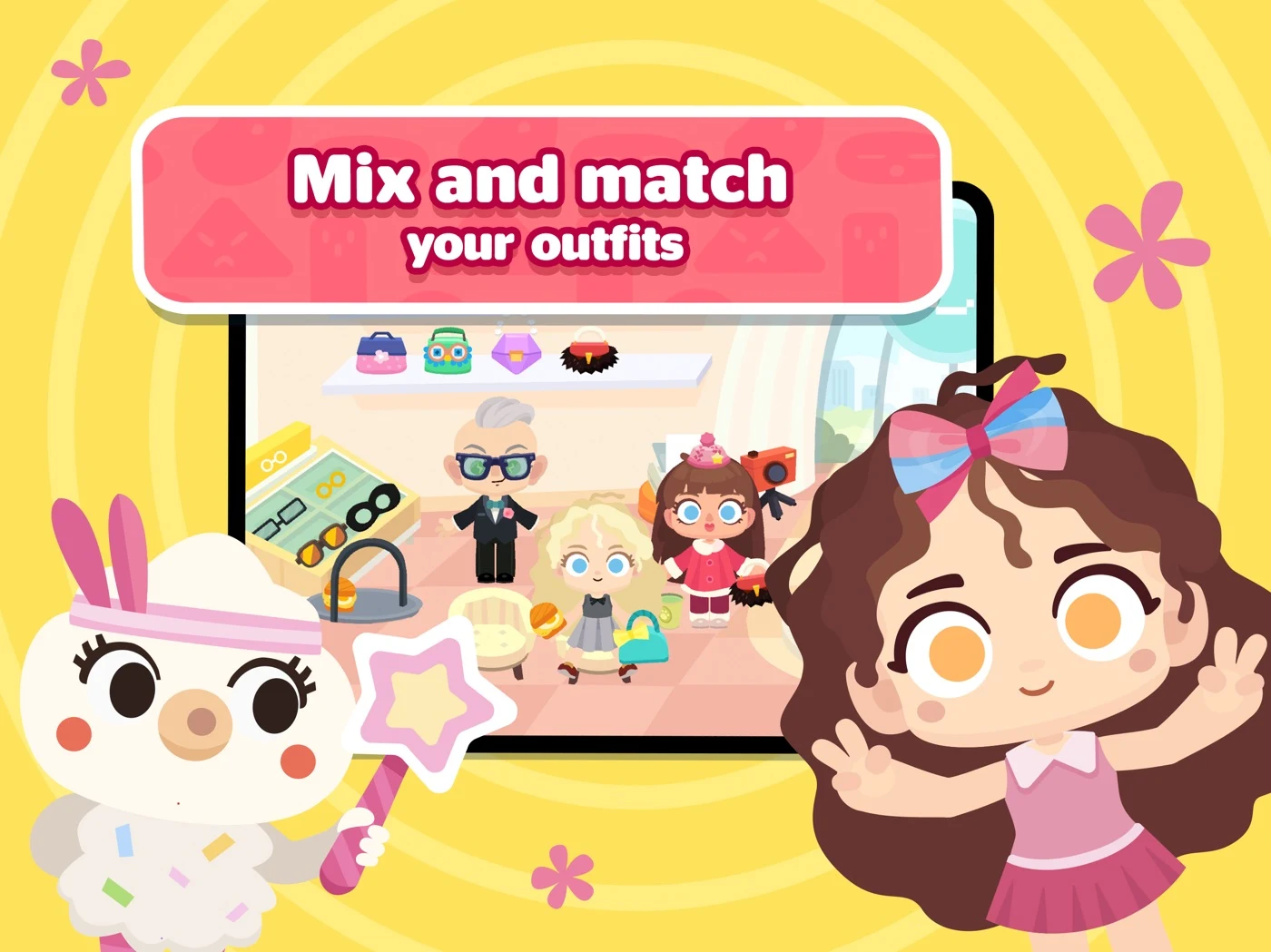
Explain included items and whether stories can really be saved or shared.
Open the original App Store listing ↗ · US iPad capture, 27 October 2026.
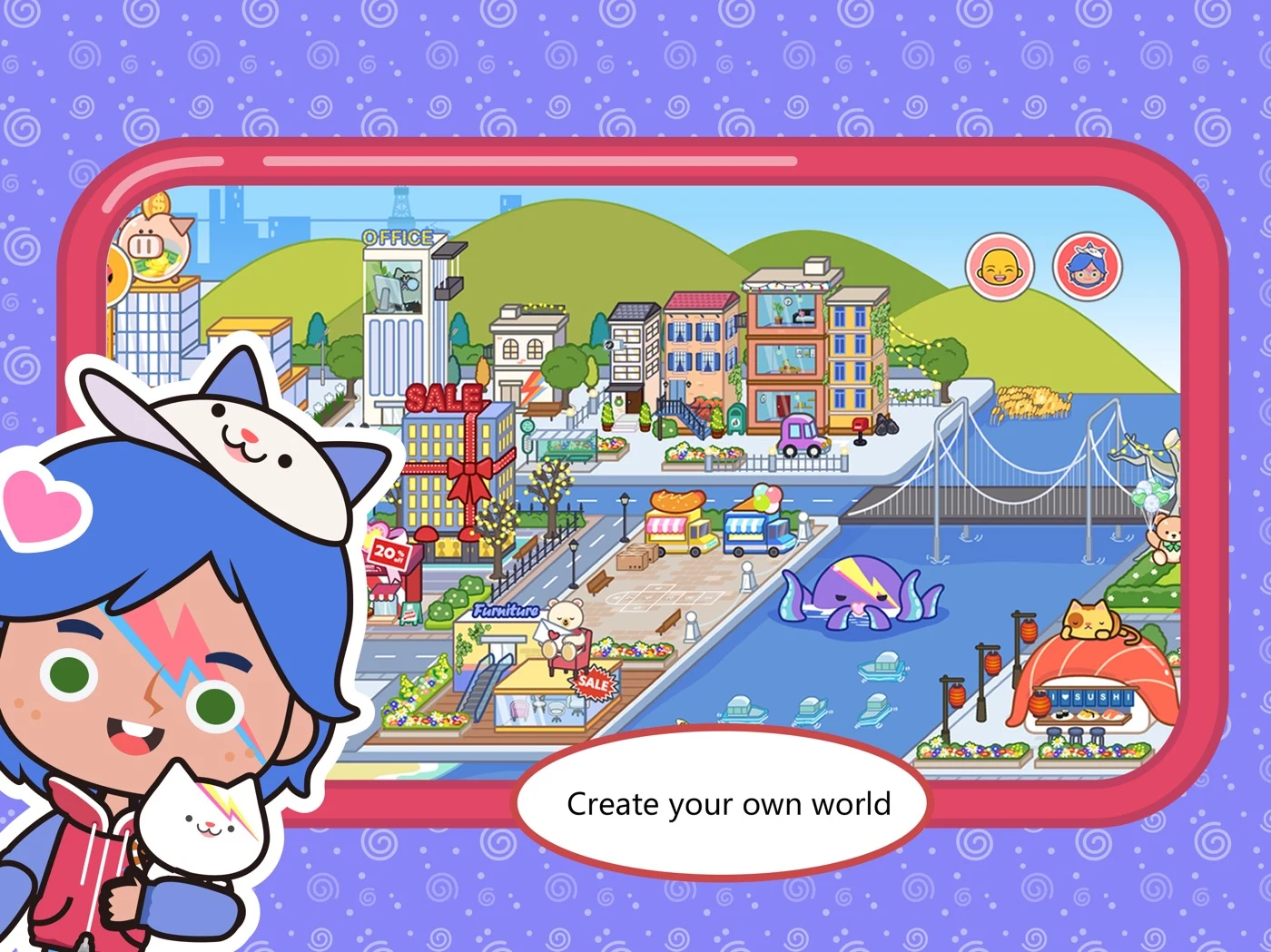
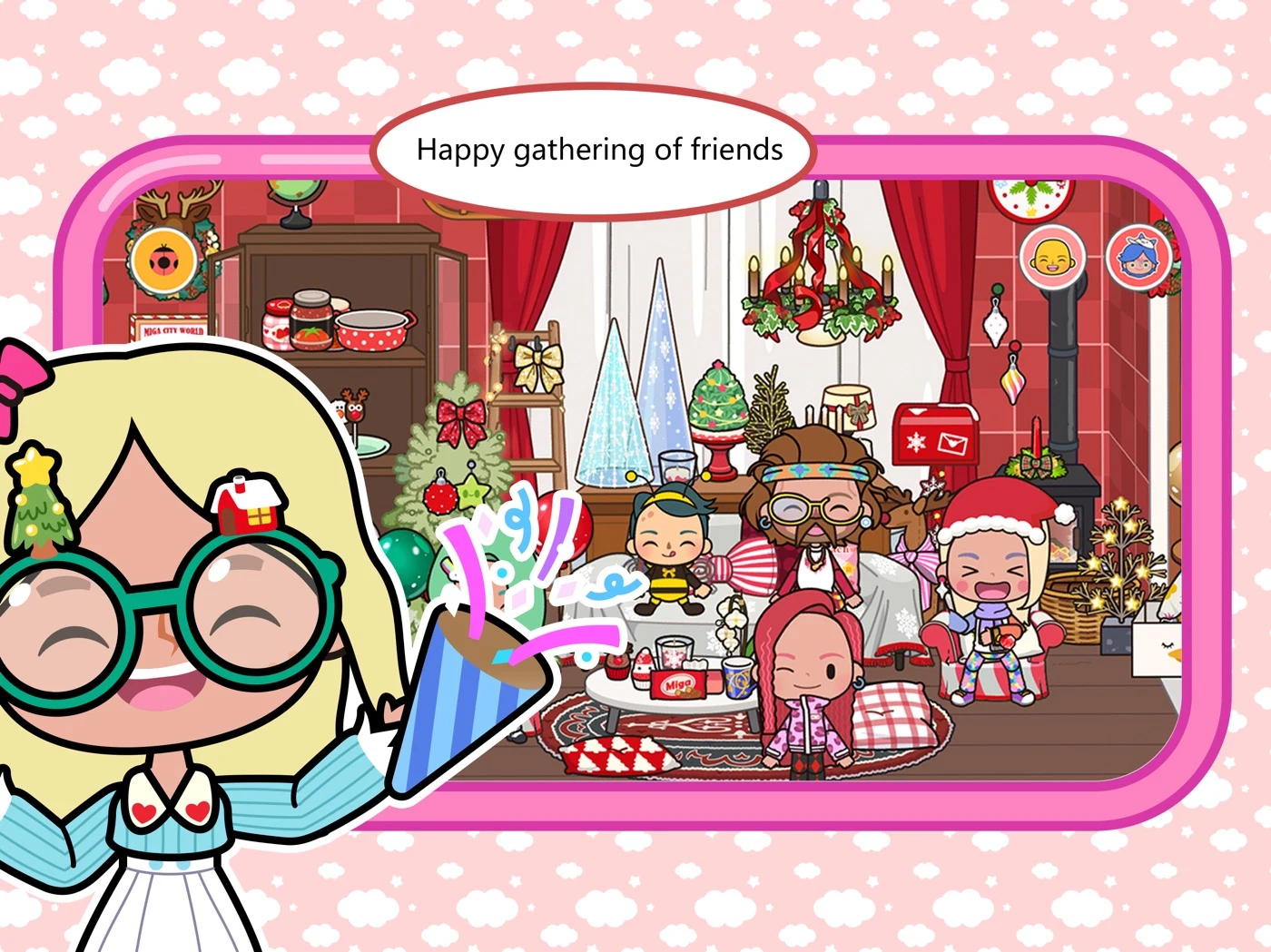
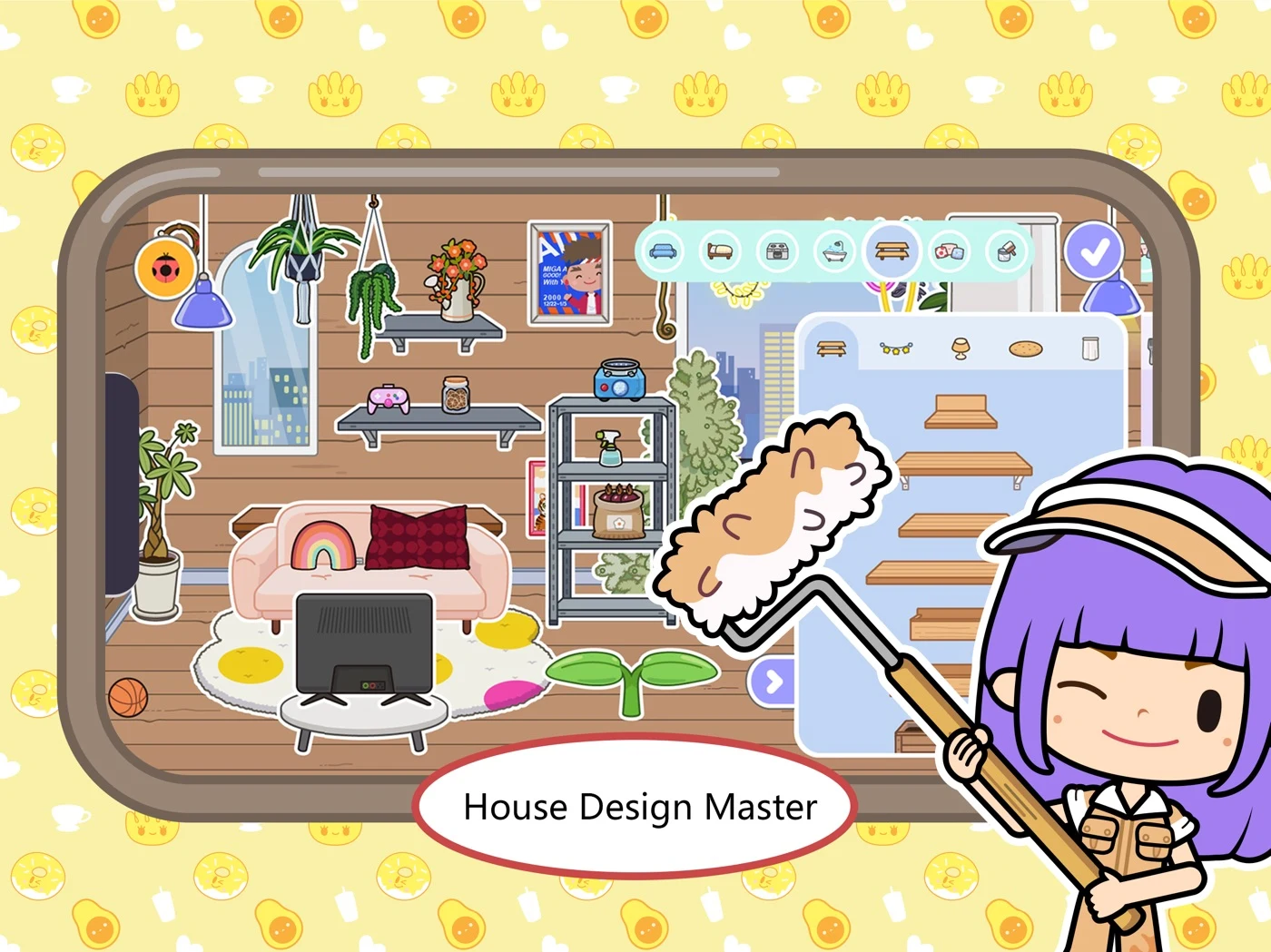
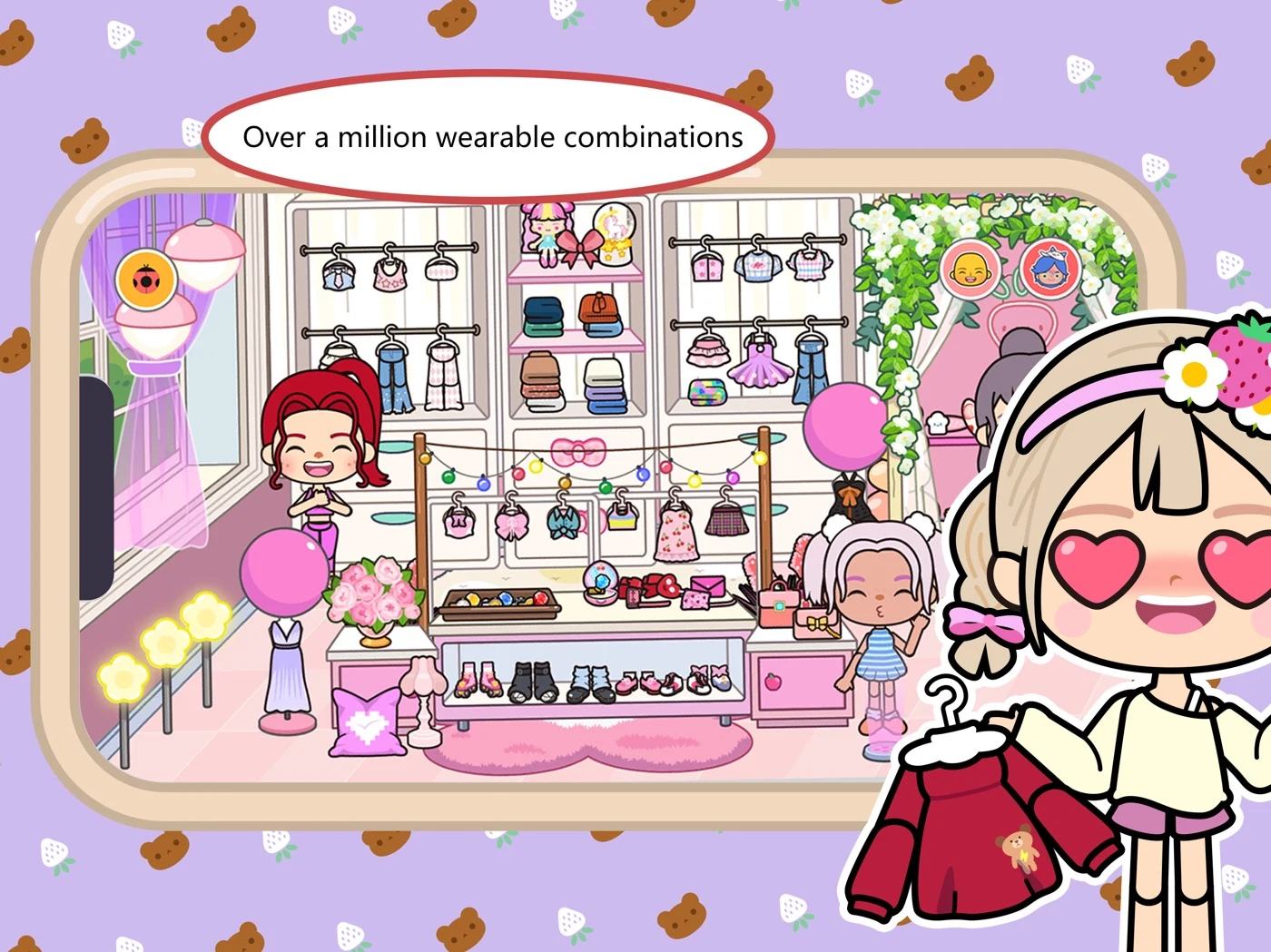
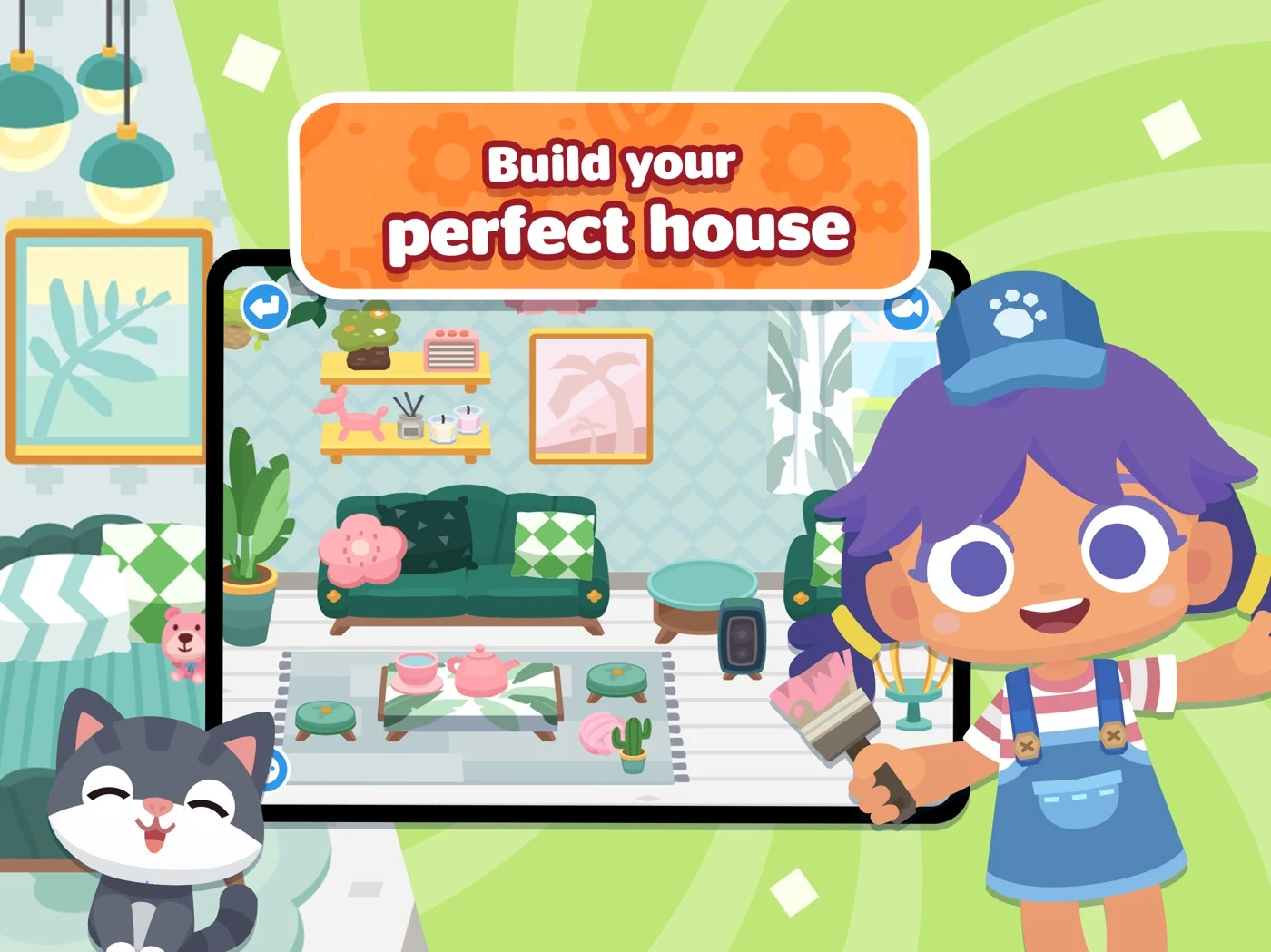
Do not infer multiplayer from characters; clarify paid access and verify counts.
Open the original App Store listing ↗ · US iPad capture, 27 October 2026.
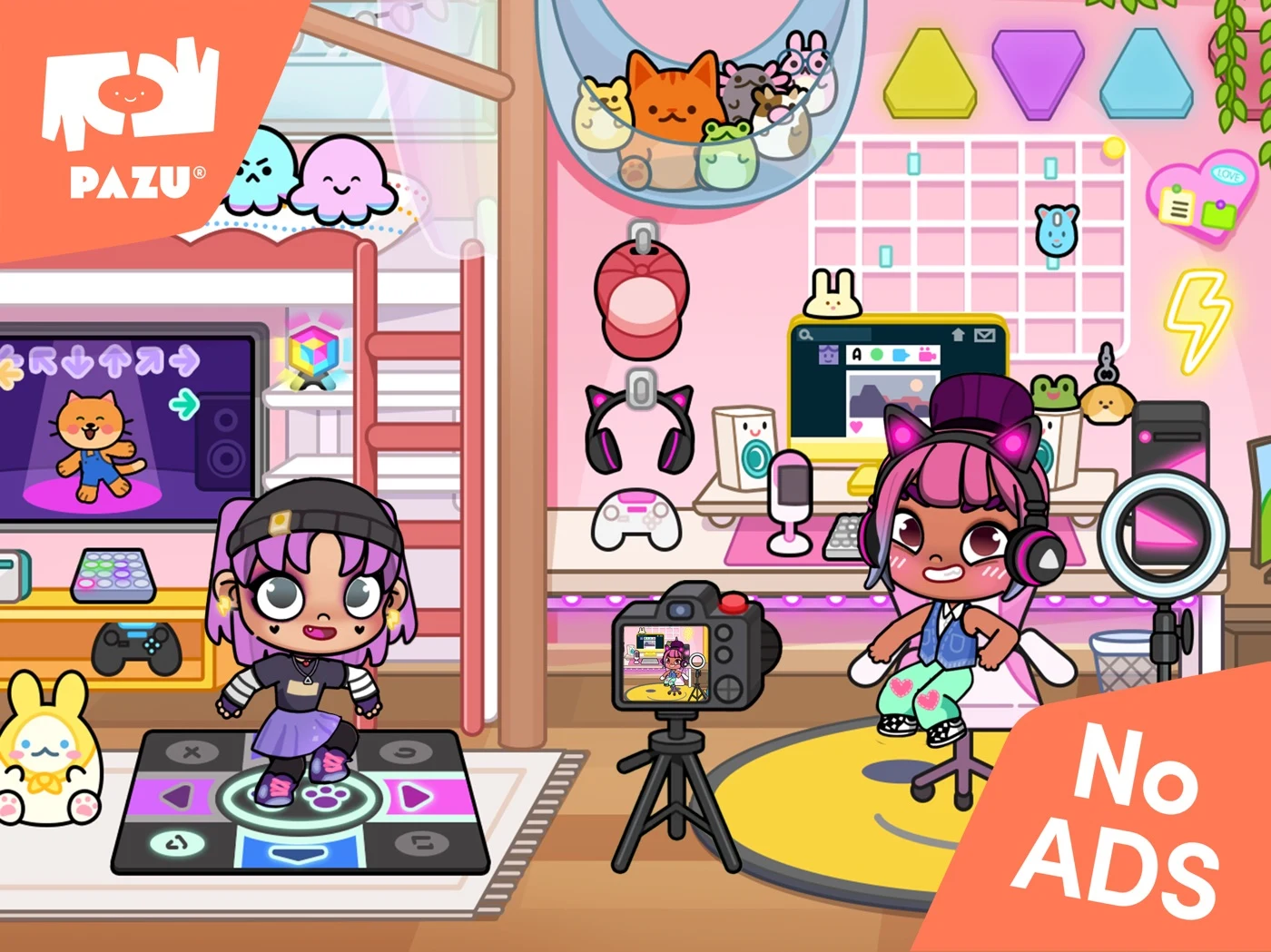
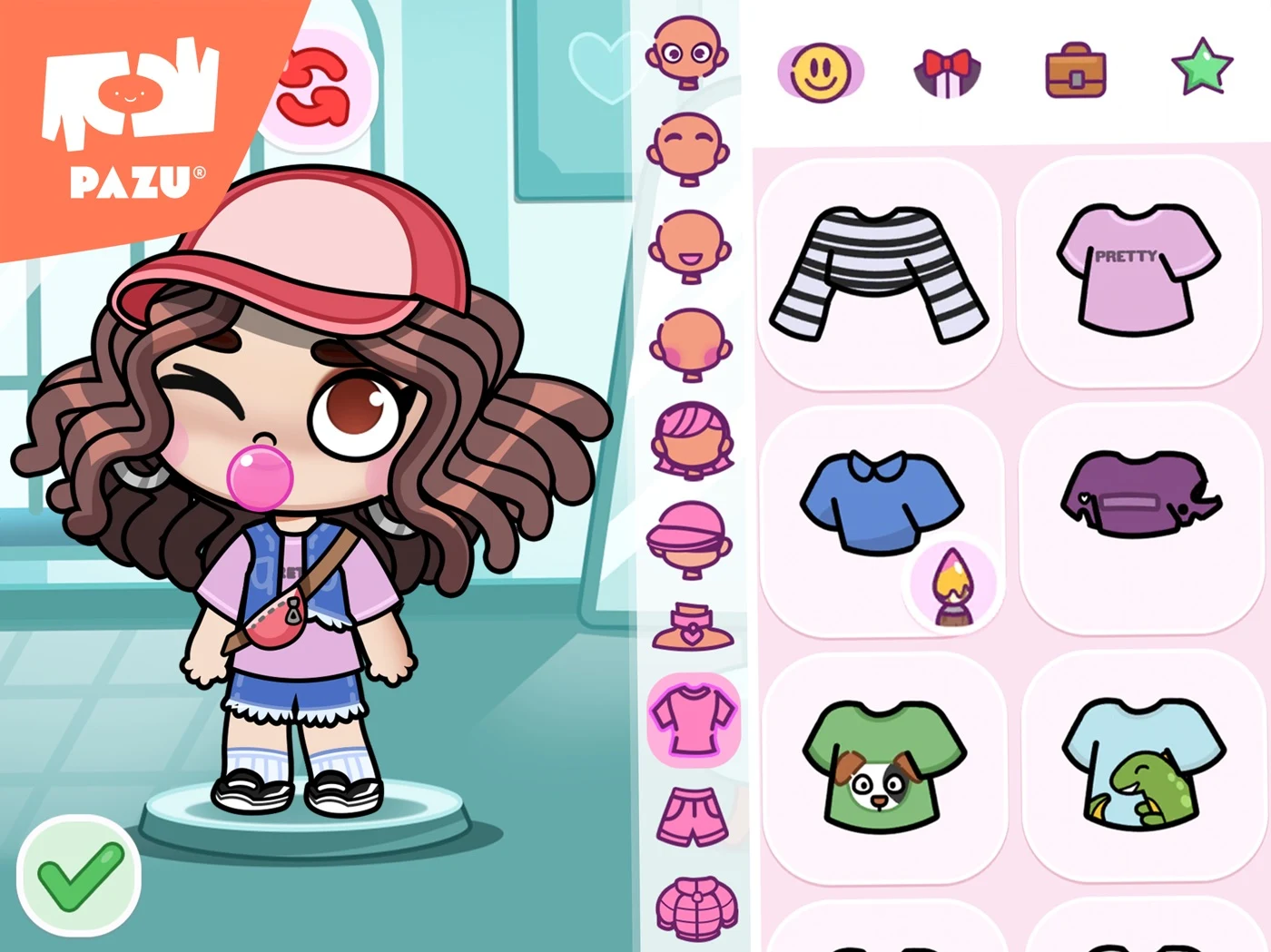
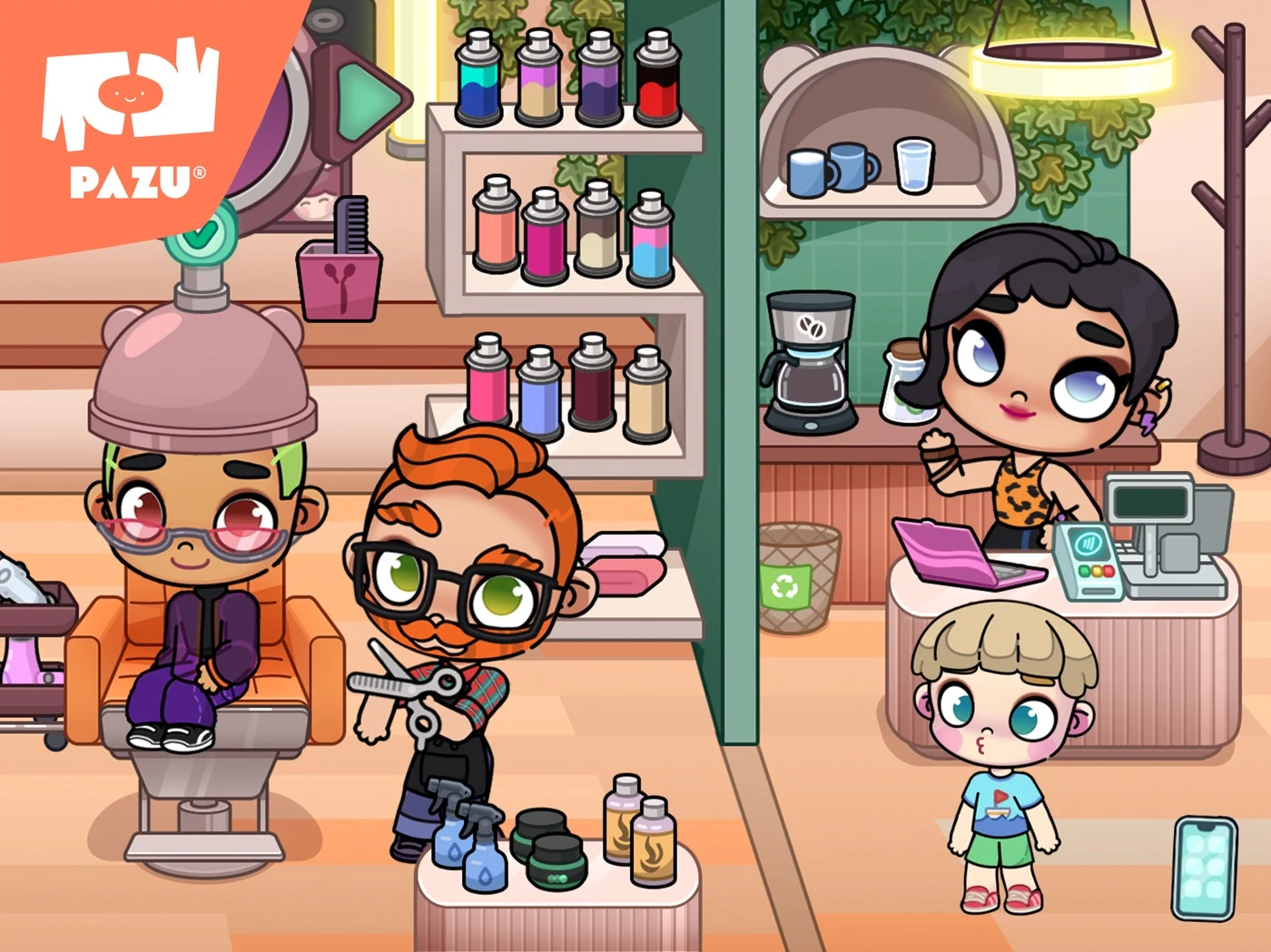
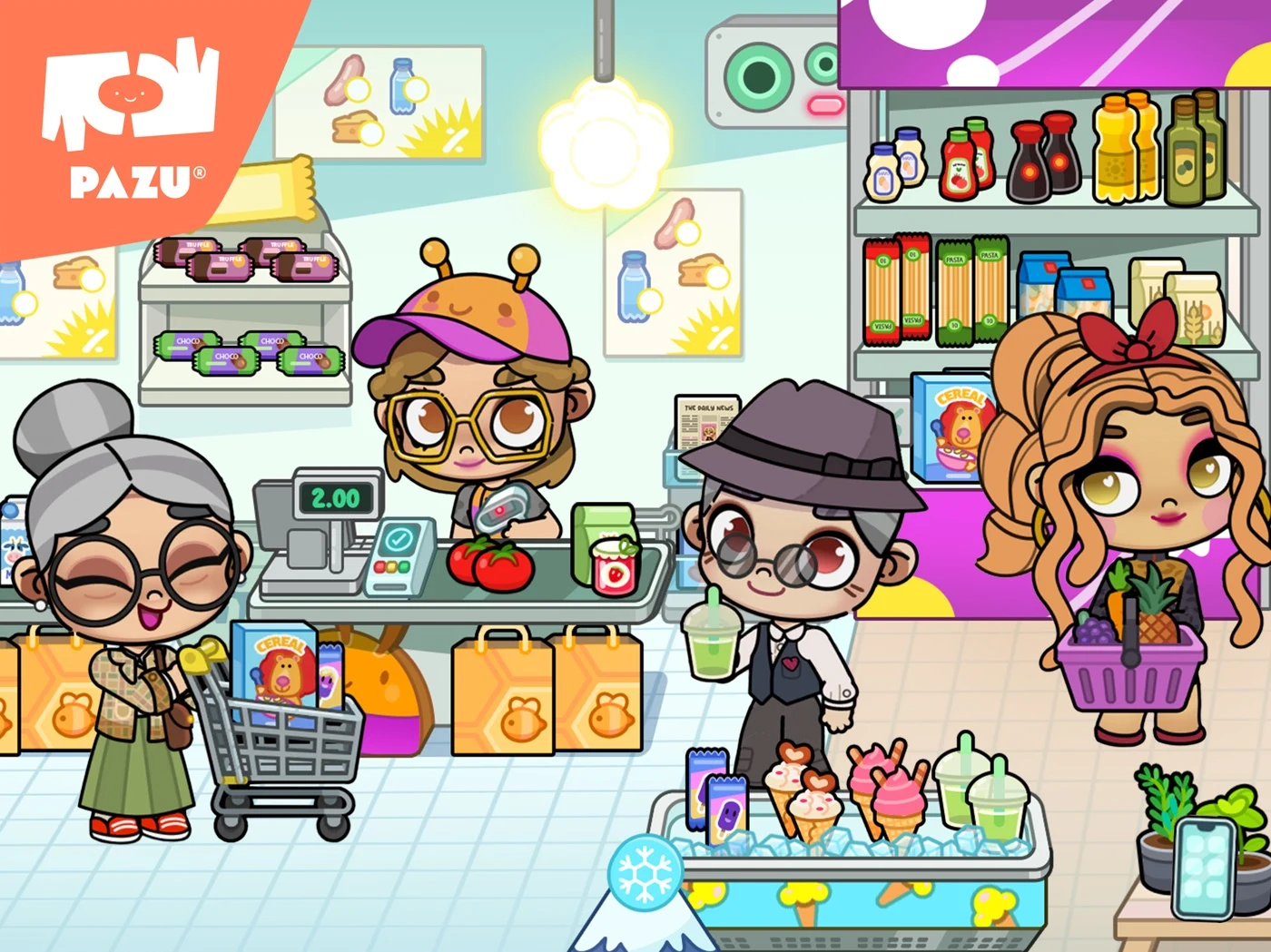
Distinguish simulated play, social features and actual purchases; verify the ad claim.
Open the original App Store listing ↗ · US iPad capture, 27 October 2026.
These observations suggest tests, not proof of conversion effects. Use screenshot readability and sequence planning to show a supported action at store size.
CREATIVE PLAY ASO
Example only: Little Story Town Demo is a fictional pretend-play app with character selection and room decoration. Use this copy only if the real product supports these features.
Swipe horizontally to compare all columns →
| Field | Example | Purpose |
|---|---|---|
| iOS app name | Little Story Town: Play | Brand plus a clear activity. |
| iOS subtitle | Characters and room play | Name two supported features. |
| iOS keyword field | pretend,house,create,decorate,story,play | Candidate terms; check the 100-byte limit. |
| Google Play title | Little Story Town: Play | Identify the product and use. |
| Google Play short description | Choose characters and create pretend scenes together. | Explain the activity without an outcome claim. |
A truthful description can begin: “Choose a character, place furniture and make up a story in a pretend room.” Then explain actual scenes, free and paid objects, adult controls, supported languages, offline access and any social features. Check current field limits and use the iOS keyword field and Google Play short description guides.
A six-panel sequence can introduce the world, show a real character choice, show an object being moved, present a genuine room or story, explain adult controls and clarify access. Do not use AI illustrations as though they are product UI. Review screenshot strategy before testing.
Swipe horizontally to compare all columns →
| Field | Fictional example | Characters / limit |
|---|---|---|
| iOS name | Little Story Town: Play | 23 / 30 |
| iOS subtitle | Characters and room play | 24 / 30 |
| iOS keyword field | pretend,house,create,decorate,story,play | 40 / 100 |
| Google Play title | Little Story Town: Play | 23 / 30 |
| Google Play short description | Choose characters and create pretend scenes together. | 53 / 80 |
The example is fictional; verify actual features, messaging rules, plans and supported markets. Review the iOS keyword field, short description and long description.
The first screenshots should match the real product experience.
CREATIVE PLAY ASO
1. Showing characters without a real action: test a visible object interaction. 2. Calling a fixed scene open-ended when children cannot change it: explain the actual options. 3. Implying multiplayer from multiple characters: specify whether other people can connect. 4. Calling simulated shopping a real purchase or vice versa: make the difference clear. 5. Showing paid locations without explaining the plan: clarify what is included. 6. Promising offline play without checking downloads or subscription status: specify real conditions. 7. Treating a safety badge as proof of the entire app’s compliance: review actual practices. 8. Claiming a game improves creativity without suitable evidence: describe the activity instead. 9. Presenting AI-generated objects as real content: rebuild with approved app screens. 10. Treating conversion as proof of developmental outcomes: measure each separately.
Check trust signals and record the change in a metadata change log.
CREATIVE PLAY ASO
This is a plan for researching adult search intent, not permission to create campaigns or spend money. Check current eligibility, Apple Ads audience settings, platform rules and applicable privacy obligations. Do not profile children or assume who uses a device from the account holder’s age.
Separate supported intent groups for pretend-house play, character customization, drawing, building and animals. Start with relevant exact-match hypotheses; use broad match or Search Match for discovery only where available and suitable. Review aggregate search terms. Exclude unrelated intent such as printable coloring sheets if the app has no printable content. Consider competitor and brand terms separately under current rules.
Connect each group to a real feature, an appropriate product page and permitted aggregate measures. Compare impressions, taps and downloads using consistent markets and attribution windows. A gap between tap and download rates can suggest a mismatch, not prove a screenshot caused it. Define an approved budget and stop rule before any future campaign. See conversion definitions and ASO and acquisition.
Read Apple’s campaign structure, match types and negative keywords. Define conversion rates, ASO metrics and acquisition measurement.
CREATIVE PLAY ASO
In these five captured US iPad sets, apps combine character imagery with activity examples and parent-facing claims. This small dated sample cannot establish a market-wide trend or conversion impact.
Test a real activity against a character-led opening; ask adults what the child can do and what is included. Review the original panels and treat the effect as a hypothesis.
CREATIVE PLAY ASO
These are fictional AI concepts, not real profiles, live screens or tested treatments. Select an image for full size.
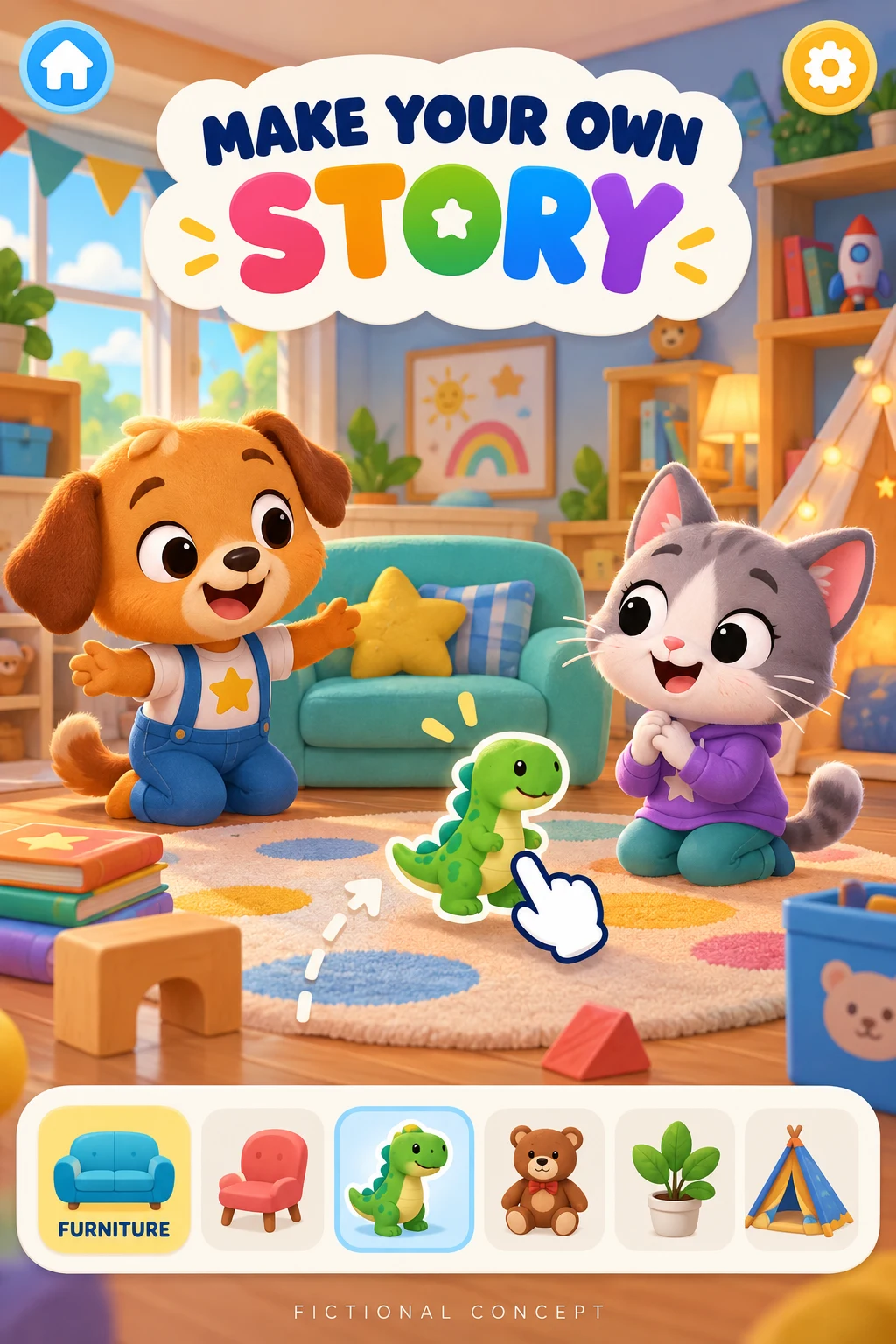
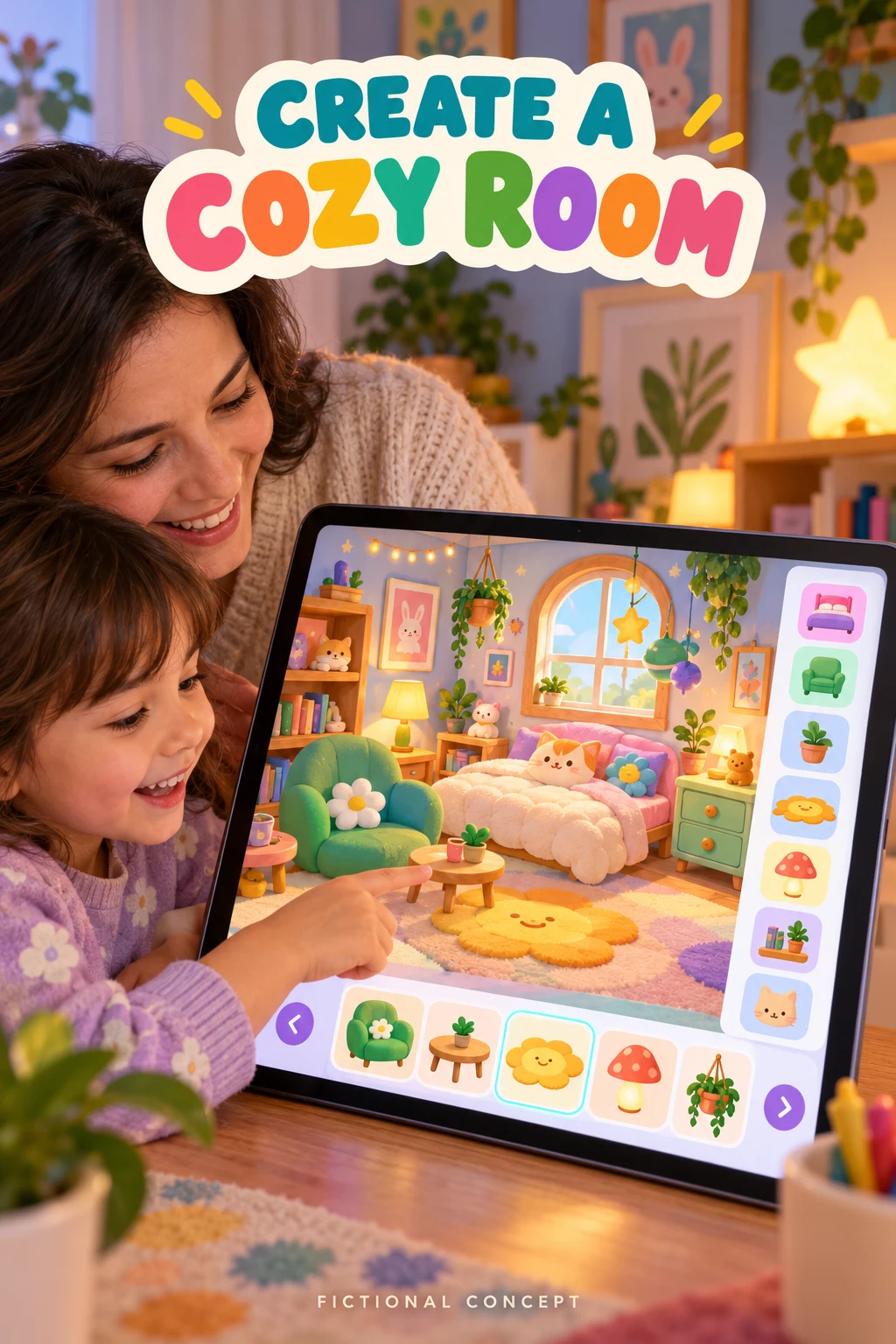
The characters, object picker and room design controls are invented. Rebuild both concepts with real approved UI and explain access and sharing before testing. Rebuild with real approved UI. DOWNLOAD TEN WORKED TEST BRIEFS ↓
AI concepts are fictional hypotheses, not actual screens or evidence of creative development. Start with approved UI and a description of a real interaction. Ask adults what a child can do, whether the activity can be saved or shared, and what is included. Replace invented characters, objects, menus and controls with real approved app content before a store experiment.
One concept can show a character moving a real object with “Make your own story.” Another can show supported room decoration with “Create a cozy room.” Verify the actual functionality, included content, privacy and age appropriateness before using either idea.
ASO tip: show the real action, such as placing furniture or choosing a character, instead of only showing a finished scene.
ASO strategy: separate keyword clusters for pretend worlds, drawing, character creation and building, then validate intent against actual features and availability.
ASO warning: do not claim developmental improvement, social features or unlimited access unless those claims are accurate and supported.
ASO tip: clarify whether scenes can be saved or shared and whether a caregiver needs to participate, when the real product supports those features.
ASO strategy: test an interaction-led opening against a world-led opening with consistent markets and privacy-respecting measures.
ASO warning: state free and paid content, offline limits, data practices and real sharing controls precisely. Do not use child-level advertising profiles to evaluate a store-page experiment.
CREATIVE PLAY ASO
Verify age suitability, parent controls, privacy practices, plan boundaries, offline access and accessibility before submitting. Localize support and moderation as well as creative.
Use local keyword research, screenshot adaptation, localization QA and an ASO audit.