Choose the promise before drafting.
Write down the primary use case and audience. A product that helps freelancers organise receipts can lead with that practical job. It does not need to claim it transforms every aspect of business finance. A narrower, accurate promise can be more informative.
If the priority is unclear, revisit the ASO strategy. Copy cannot resolve a disagreement about who the product is for by including every possible audience.
Use the available space deliberately.
Google describes a short-description limit of 80 characters. Draft for meaning first, then edit for the constraint. The final phrase should remain natural, useful and consistent with the actual app. Check Google’s listing guidance before publication.
A character counter is only a mechanical check. Review what the sentence implies, what it leaves ambiguous and whether it adds information beyond the app title.
Make the benefit specific enough to inspect.
For a fictional receipt app, “Scan receipts and keep expenses organised” gives the reviewer something concrete to verify. “The ultimate finance experience” asks for trust without explaining the experience. Neither wording should be used if it misrepresents the product.
The example panel connects the promise to interface evidence and a potential question. It is an editorial illustration, not a claim that a particular phrase will outperform another.
Keep the rest of the listing in agreement.
The first screenshots should support the promise, while the full description can explain the workflow, audience and useful detail. If each element promotes a different use case, the visitor has to assemble the positioning themselves.
Use screenshot strategy and full-description planning to create a coherent journey. Coherence does not mean repeating the same sentence everywhere.
Treat revisions as hypotheses where appropriate.
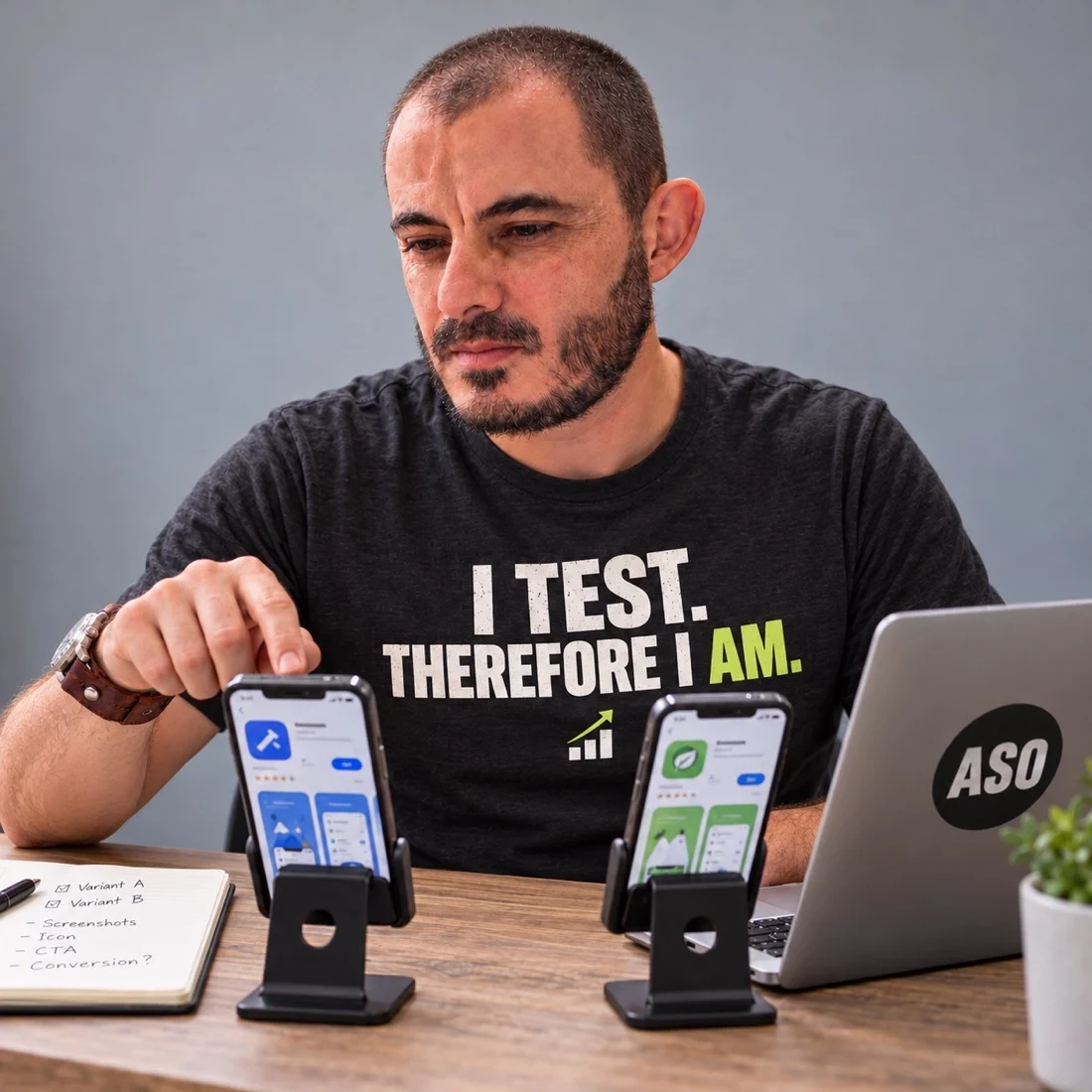
If the uncertainty is which of two accurate messages better helps a defined audience, write down the question before preparing variants. Keep the metric and evaluation plan explicit. A team preference is not evidence of visitor behaviour.
Google’s supported localized experiments can include descriptions; confirm the current configuration in the experiments guide. For help connecting research and copy, explore Google Play consulting.