PBS KIDS Games: Activities, characters and selection
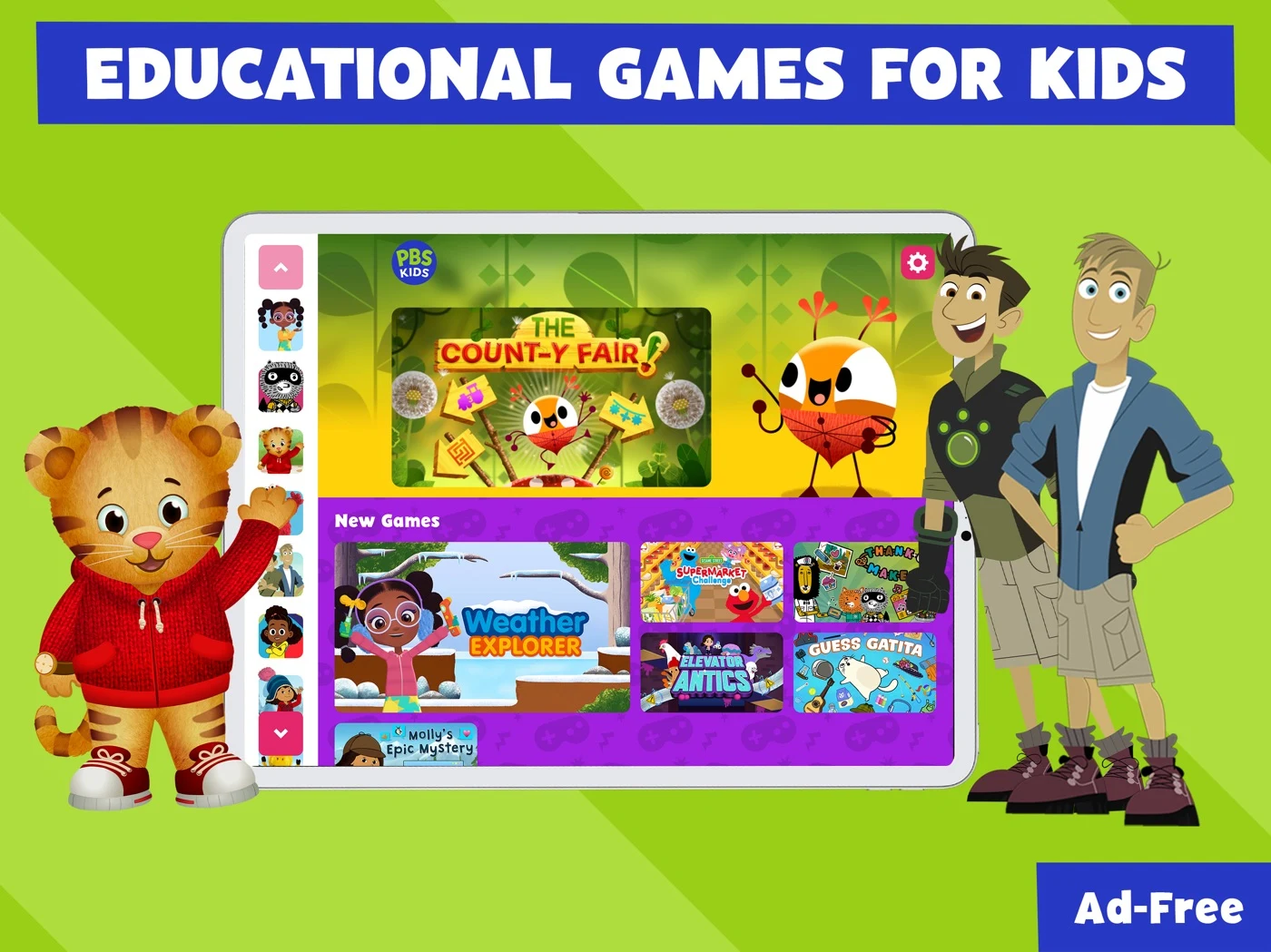
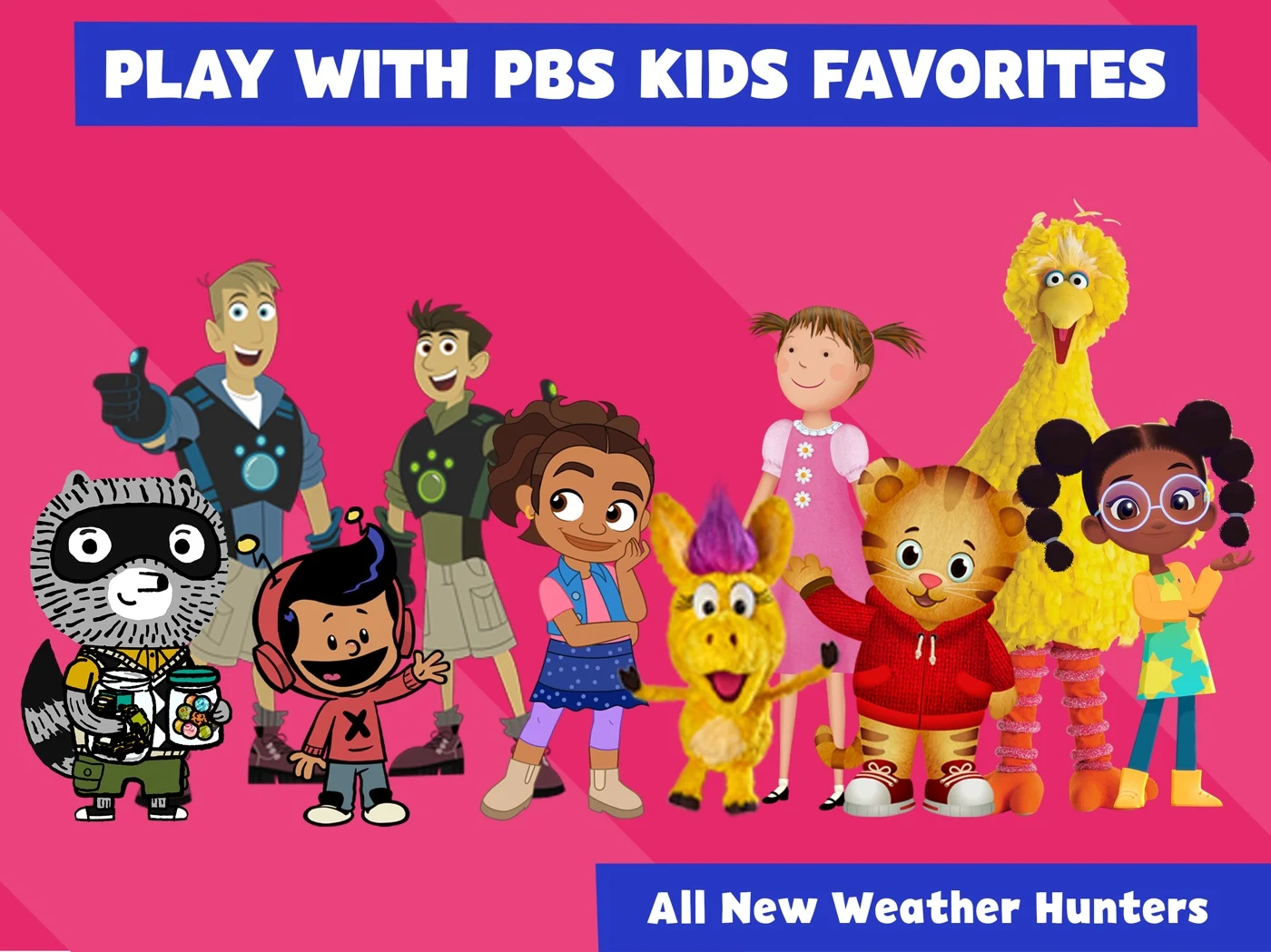
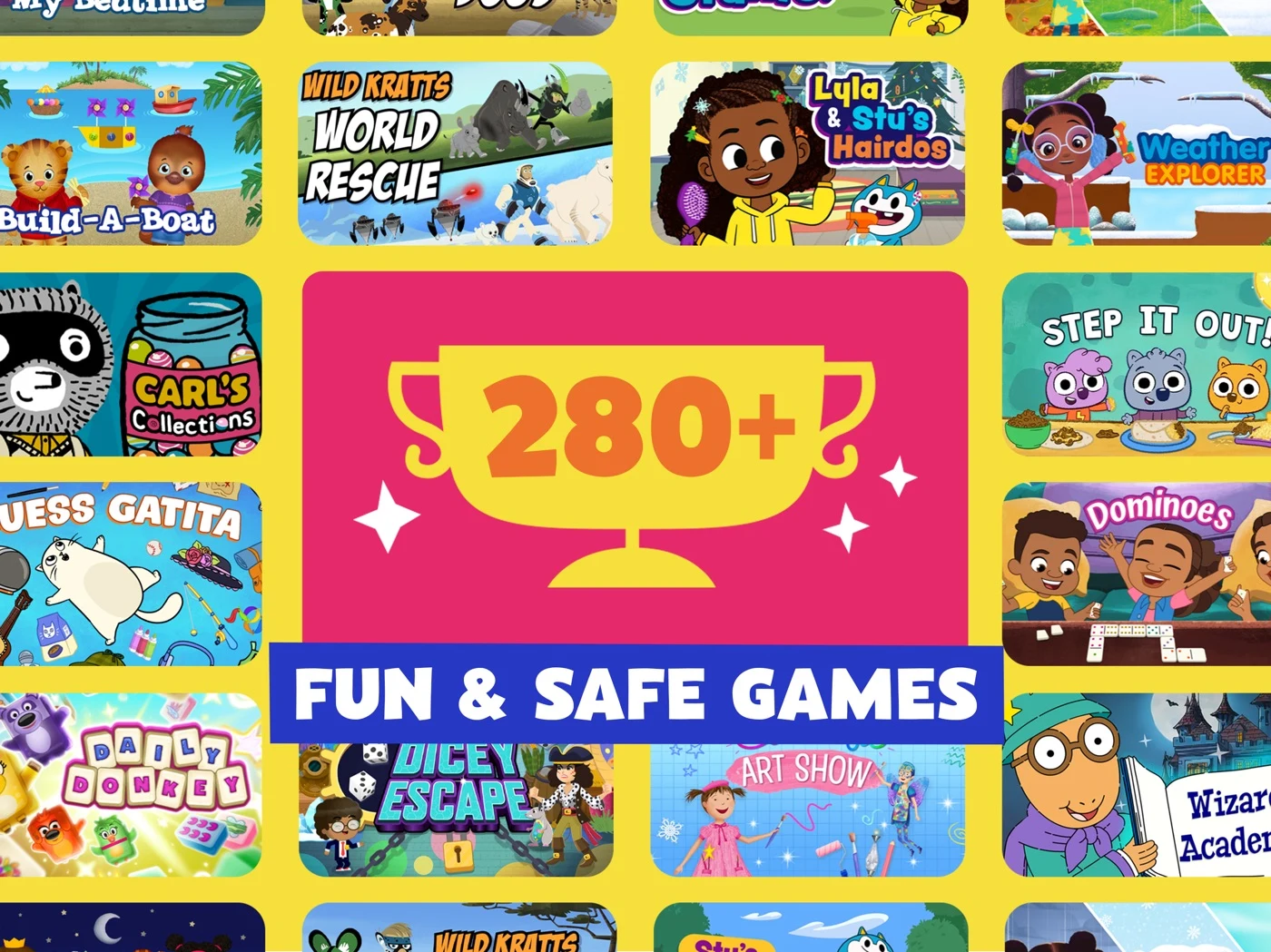
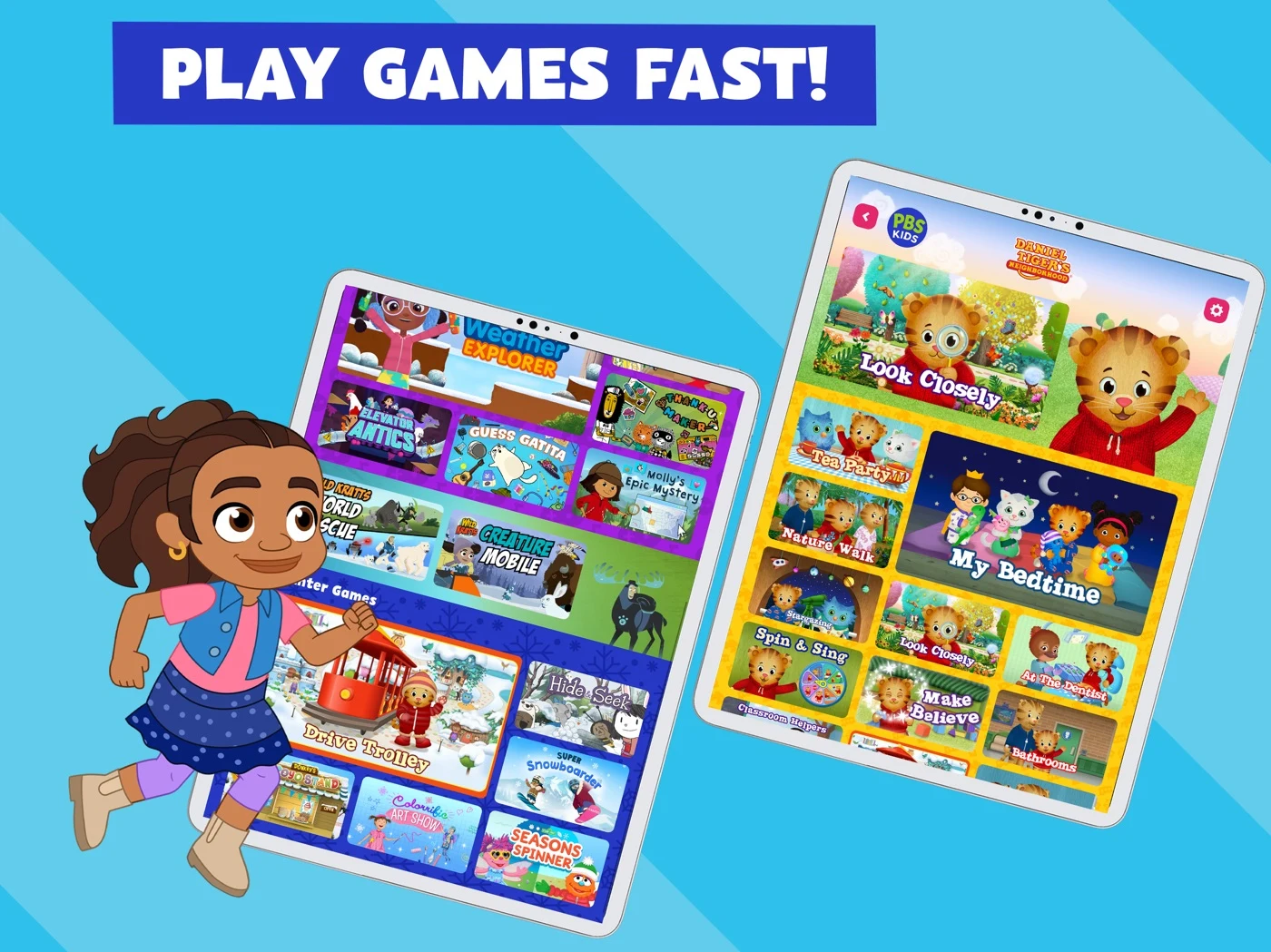
Verify the actual activity, ad conditions and catalog; avoid unqualified safety claims.
Open the original App Store listing ↗ · US iPad capture, 27 October 2026.
CATEGORY PLAYBOOK / CHILDREN’S APPS
Help parents understand the real activity, age fit and controls before they choose.
EXPLORE THE PLAYBOOK ↓
CHILDREN’S APP ASO
A children's app listing has to explain two experiences at once: what a child can actually do and what an adult needs to understand before choosing the app. A bright character may attract attention, but a parent or teacher still needs to know the intended age range, the activity, the cost and what controls are available.
Children's apps cover early literacy, pretend play, creative activities, math and many other needs. An app is not automatically educational because it uses friendly animals, and a screenshot cannot prove that every child will achieve a learning outcome. Show the real activity, make age suitability accurate and explain adult-facing controls without claiming guarantees. Begin with ASO strategy and value proposition research.
This report compares selected US App Store listings and iPad screenshots captured 27 October 2026. The eight apps are examples, not a market-share ranking. Publisher claims about learning, safety, counts and pricing have not been independently verified, and live listings can change.
Keyword ideas · Eight apps · Real screenshots · Apple Ads
Start with ASO strategy and keyword research.
CHILDREN’S APP ASO
These are research hypotheses for consent-based work with adults and, where appropriate, carefully designed research involving children with the required permissions. They are not audience statistics. Children develop at different rates and accessibility needs vary.
Swipe horizontally to compare all columns →
| Potential user or buyer | Question to investigate | Evidence a listing could show |
|---|---|---|
| Parent of a preschooler | What can the child do independently or with help? | A real activity and clear interaction. |
| Parent of an early reader | Does the app support the child's current stage? | Actual reading tasks and accurately described age suitability. |
| Carer looking for creative play | Can the child choose and explore? | Real pretend-play or creative controls. |
| Teacher looking for classroom activities | Is the product designed for classroom use? | Actual classroom features, without invented curriculum alignment. |
| Family travelling without reliable internet | Which activities work offline? | Verified download requirements and offline coverage. |
| Parent comparing cost | What is included and what needs a subscription? | Current plan boundaries and renewal terms. |
| Adult concerned about privacy | What data is collected and who receives it? | An accurate privacy label and plain explanation of the actual practices. |
| Family using more than one device | Are profiles or progress shared? | Real profile and account behavior. |
| Child using assistive technology | Can tasks be understood and completed? | Verified labels, audio options and accessible controls. |
| Adult supporting a multilingual child | Which activities are available in each language? | Actual localized audio, text and market availability. |
A parental gate controls access to certain actions; it is not automatically the same thing as legal parental consent for collecting data. Review the product, applicable rules and current store guidance rather than making a blanket claim.
Apply search intent and value proposition research without stereotyping.
CHILDREN’S APP ASO
These 100 ideas are unmeasured candidates, not demand estimates or rankings. Check current results, feature support and local availability before prioritizing.
Use keyword research, relevance checks, long-tail research and prioritization to validate ideas before use.
The worksheet contains 100 unmeasured candidates in ten clusters: preschool, reading, math, creative play, science, adult needs, age and stage, product features, contexts and long-tail activities. They are research ideas, not search volumes, difficulty scores or predictions. Verify the actual audience, store category, experience and market before choosing a term.
A shapes app might investigate “learn shapes through play” if the activity exists; a reading app might research “phonics practice for beginning readers” only if it actually teaches or practices phonics. “Offline games for children” requires verifying which activities work offline, including any download and subscription requirements. Age-specific phrases must reflect the product and store declarations; do not use “for kids” to misrepresent the product or its category.
A narrow activity phrase may be more informative than “kids games,” but its demand is unknown until measured. Use keyword research, search intent, long-tail research and prioritization to investigate, not to stuff every phrase into a listing.
CHILDREN’S APP ASO
The selected US Apple records cover a variety of children's experiences. Open the linked current listings for developers, age ratings, features, subscription terms and availability; these are comparators, not a verified top-eight list.
Swipe horizontally to compare all columns →
| App | Experience to investigate | ASO question |
|---|---|---|
| PBS KIDS Games | Character-led games and activity selection. | Can an adult identify a real task from the first frame? |
| Khan Academy Kids | Early-learning activities and books. | Does the screenshot show a specific activity rather than just a broad educational claim? |
| Sago Mini World | Pretend play and imaginative activities. | Are offline and subscription details current and clear? |
| Toca Boca World | Open-ended character and scene play. | Is pretend shopping distinguished from actual purchases? |
| ABCmouse | Children's learning activities. | Is age and plan information accurate for the real product? |
| Lingokids | Interactive activities and shows. | Does a screenshot show the actual activity and any paid boundary? |
| Duolingo ABC | Early reading activities. | Is the learning task understandable without promising a result? |
| Pok Pok | Preschool-oriented digital play. | Does the creative explain a real interaction and intended audience? |
Treat publisher claims as claims, not independent results. Competitor research should record the device, market, date and visible evidence separately from hypotheses.
Original sources: PBS KIDS Games ↗ · Khan Academy Kids ↗ · Sago Mini World: Kids Games ↗ · Toca Boca World: Game & Play ↗ · ABCmouse: Kids Learning Games ↗ · Lingokids: Games & Shows ↗ · Learn to Read - Duolingo ABC ↗ · Pok Pok | Montessori Preschool ↗
Use competitor research to investigate mechanics rather than copy claims.
CHILDREN’S APP ASO
Apple's Kids Category has specific requirements, including age bands and parental gates for certain actions. Its App Review Guidelines contain further rules on children's data, third-party analytics and advertising, including limited exceptions. A gate does not itself establish compliance with privacy law. Apple's app name and subtitle limits are 30 characters each, and its platform-version reference describes a keyword field of up to 100 bytes.
Google Play requires developers to declare their target audience; when children are included, Families requirements can apply to content, data, ads and monetization. Self-certification of an advertising SDK alone is not proof of overall compliance. Children's privacy law and age definitions vary by jurisdiction; check current official guidance and obtain appropriate advice for the product. Do not describe any app as compliant without a review of its actual implementation.
Use iOS keyword field guidance, Google Play short description guidance and localization QA alongside the complete current official policies.
CHILDREN’S APP ASO
These are 20 original US iPad panels captured and individually reviewed on 27 October 2026. Select any image to view it full-size. Live storefront order may differ. Publisher claims and outcomes are not independently verified.
Verify the actual activity, ad conditions and catalog; avoid unqualified safety claims.
Open the original App Store listing ↗ · US iPad capture, 27 October 2026.
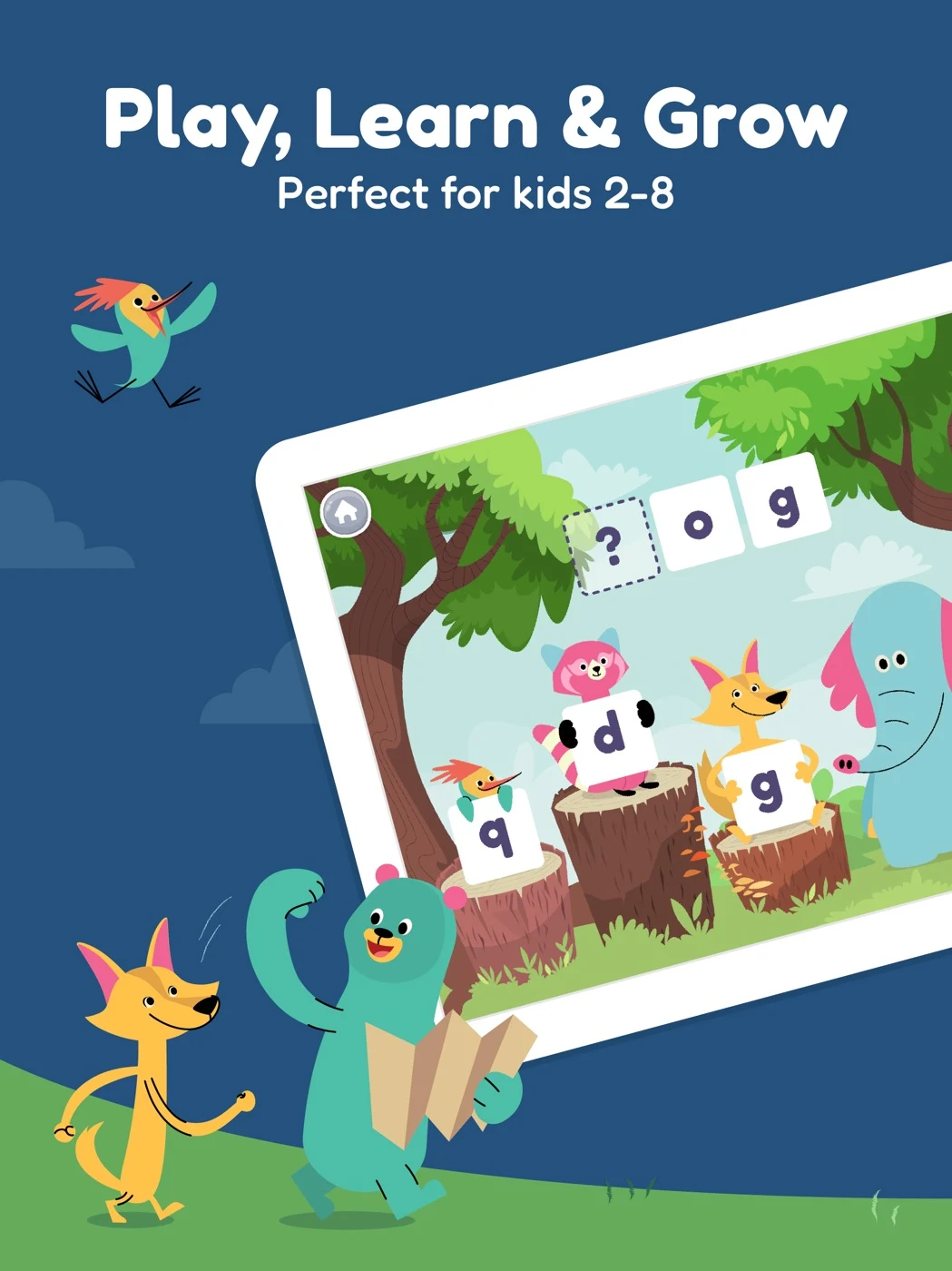
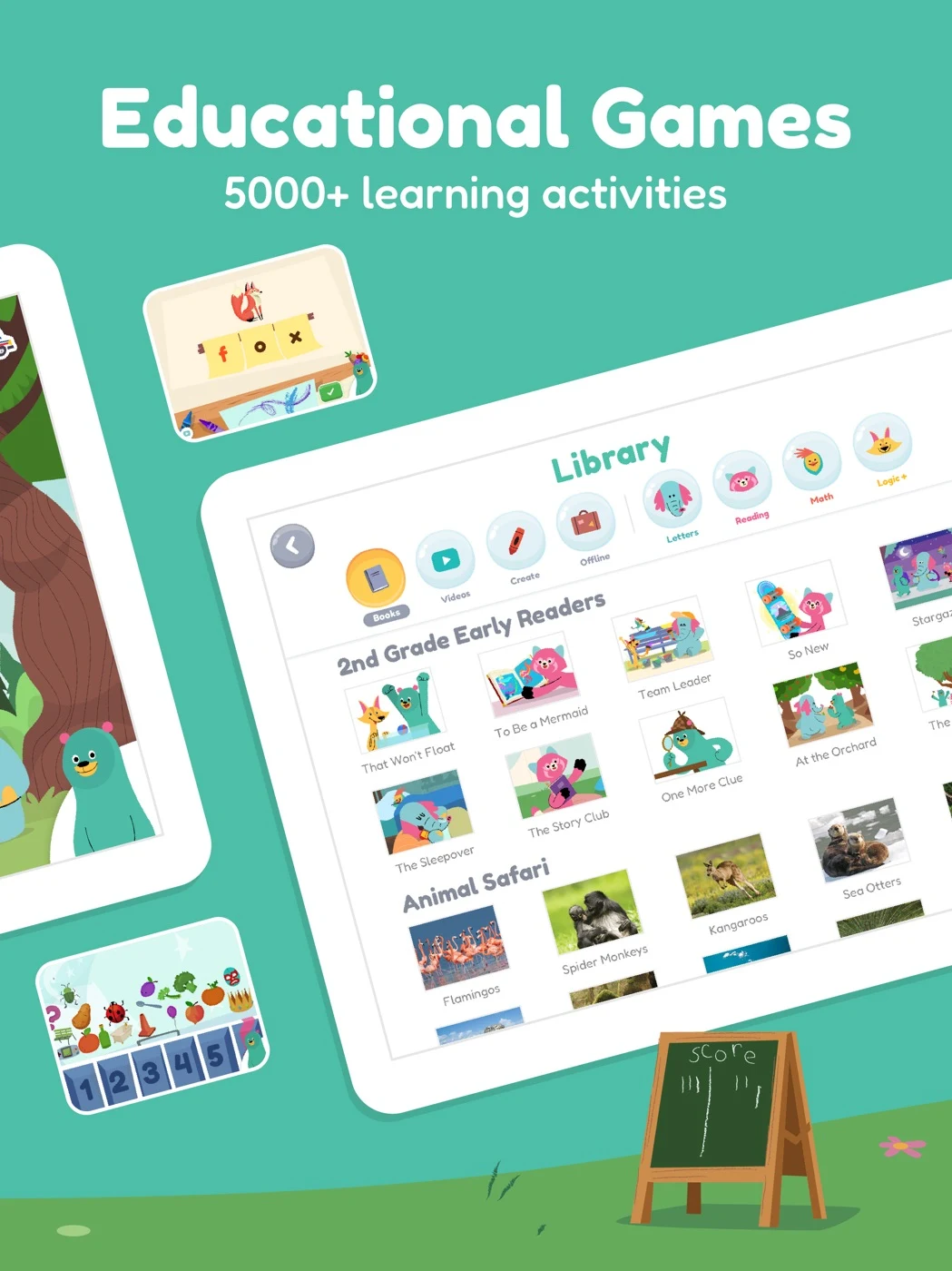
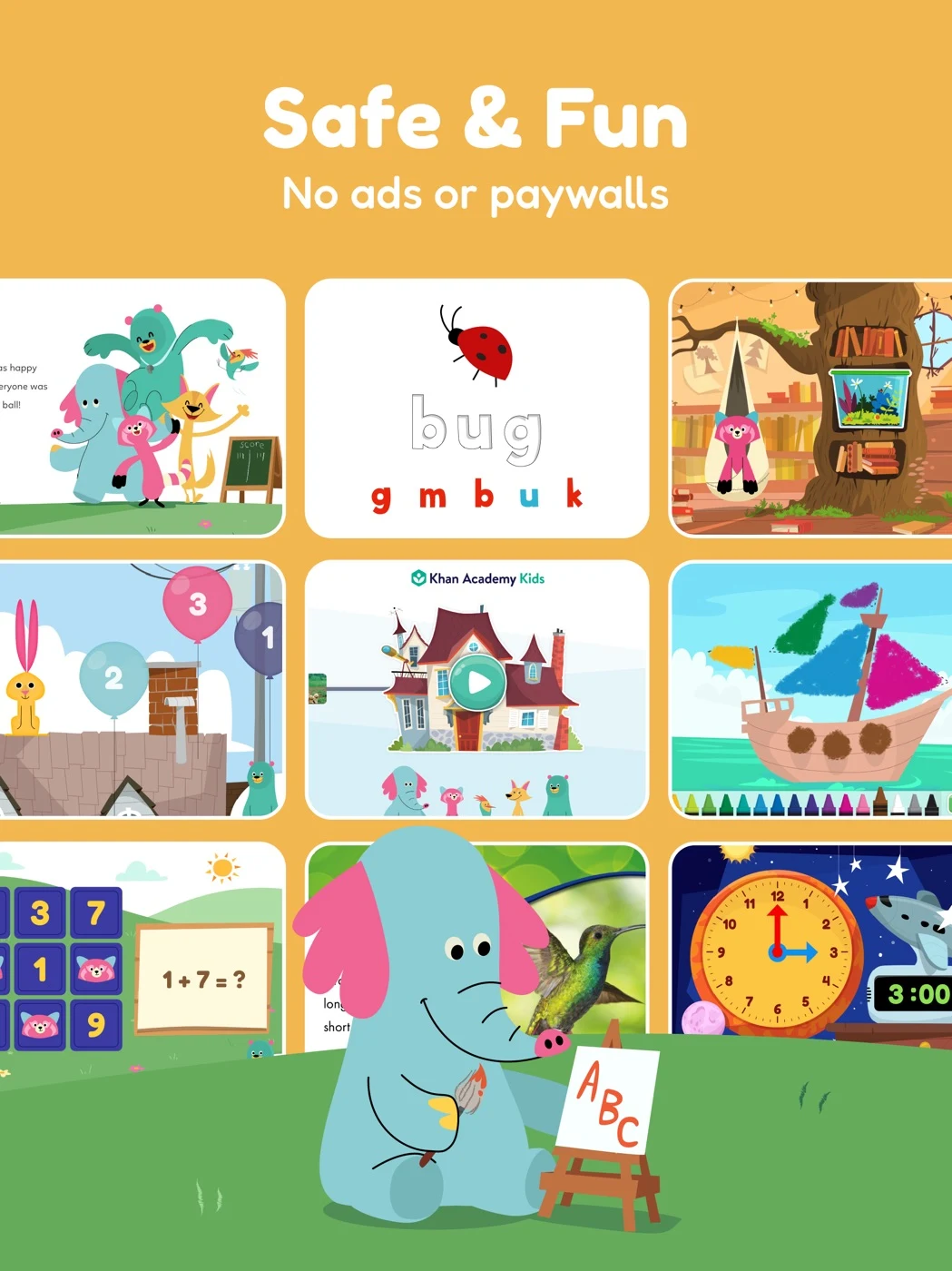
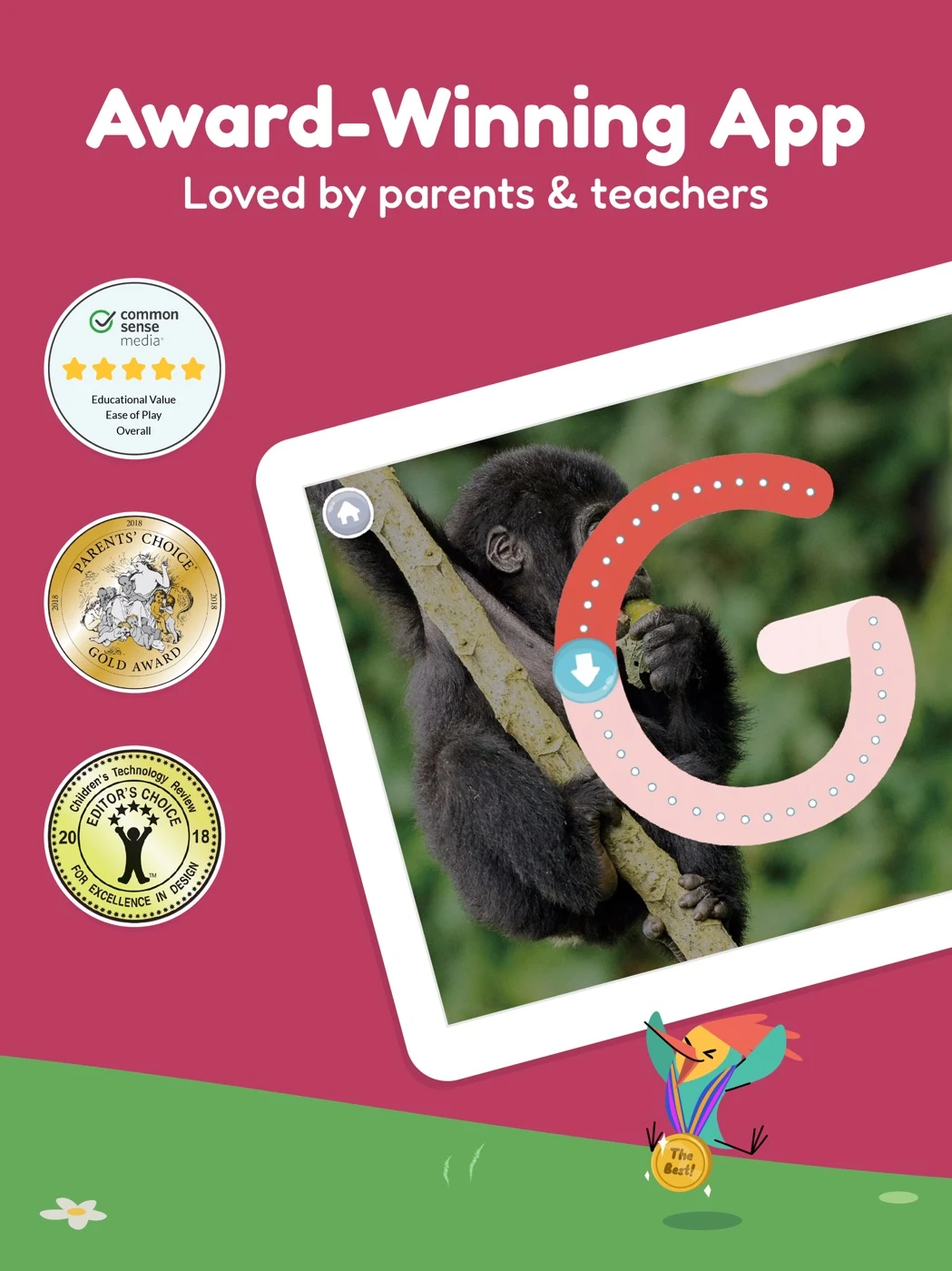
Confirm current age suitability, features, awards and plan details; avoid promised outcomes.
Open the original App Store listing ↗ · US iPad capture, 27 October 2026.
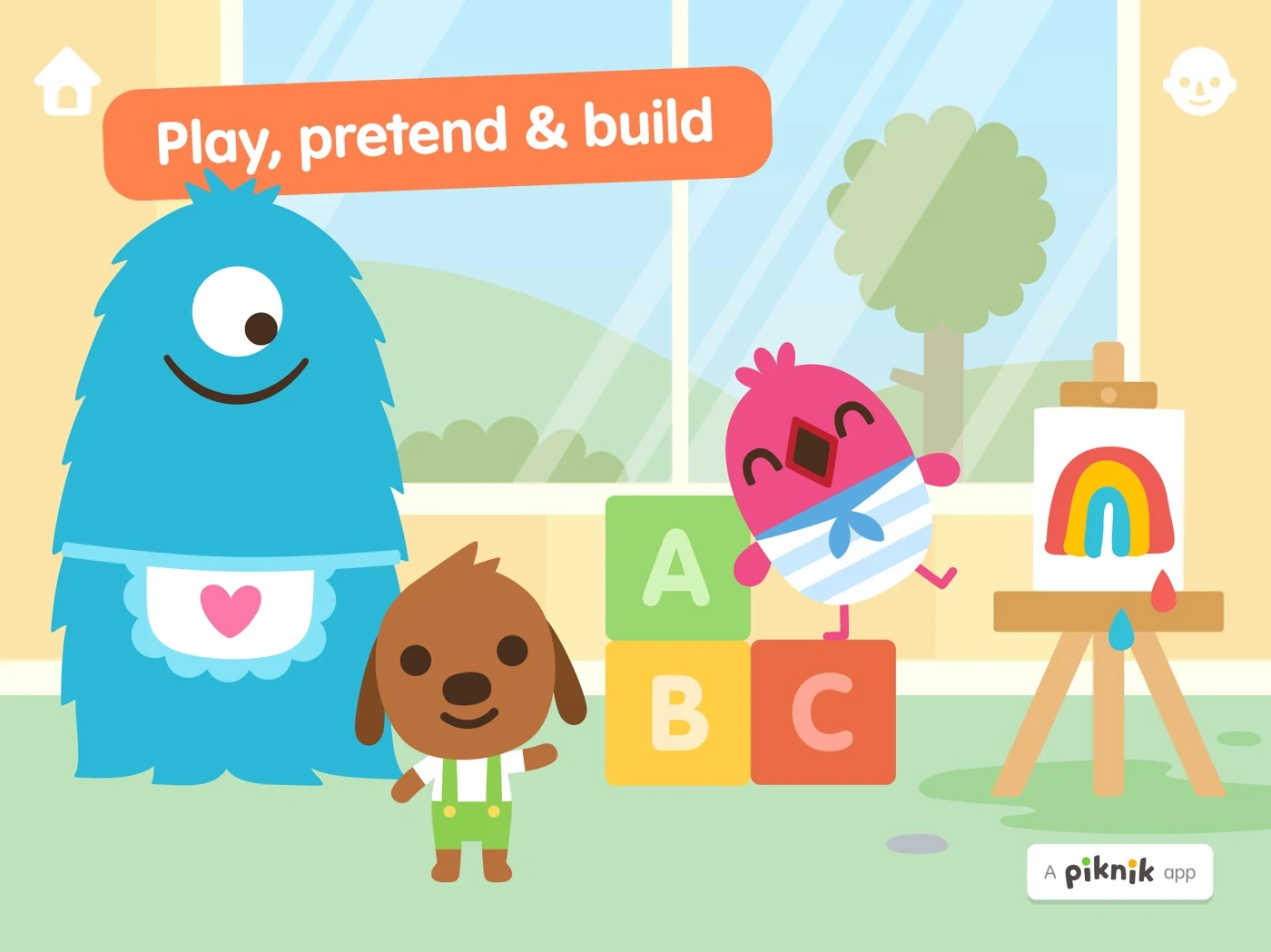
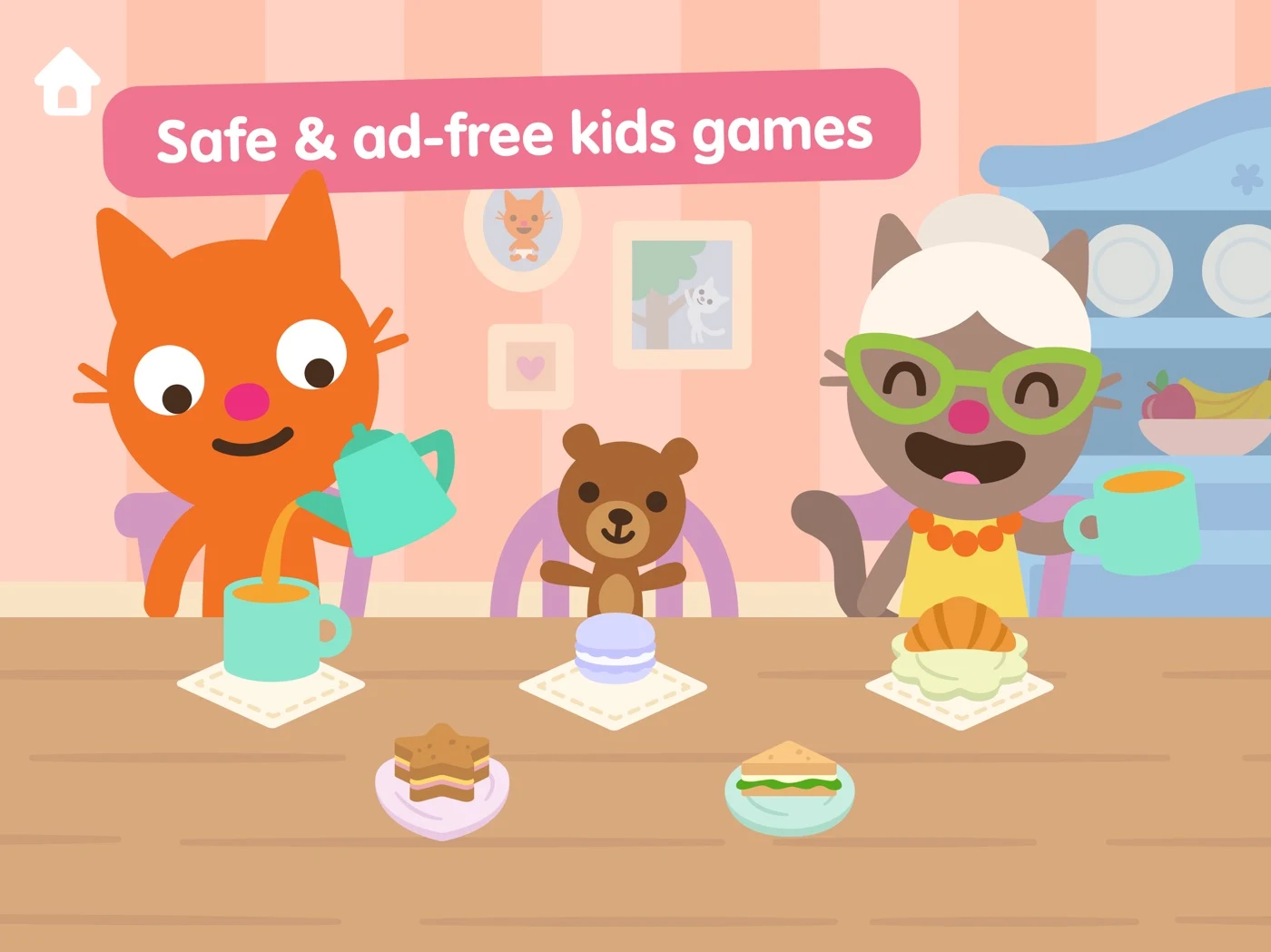
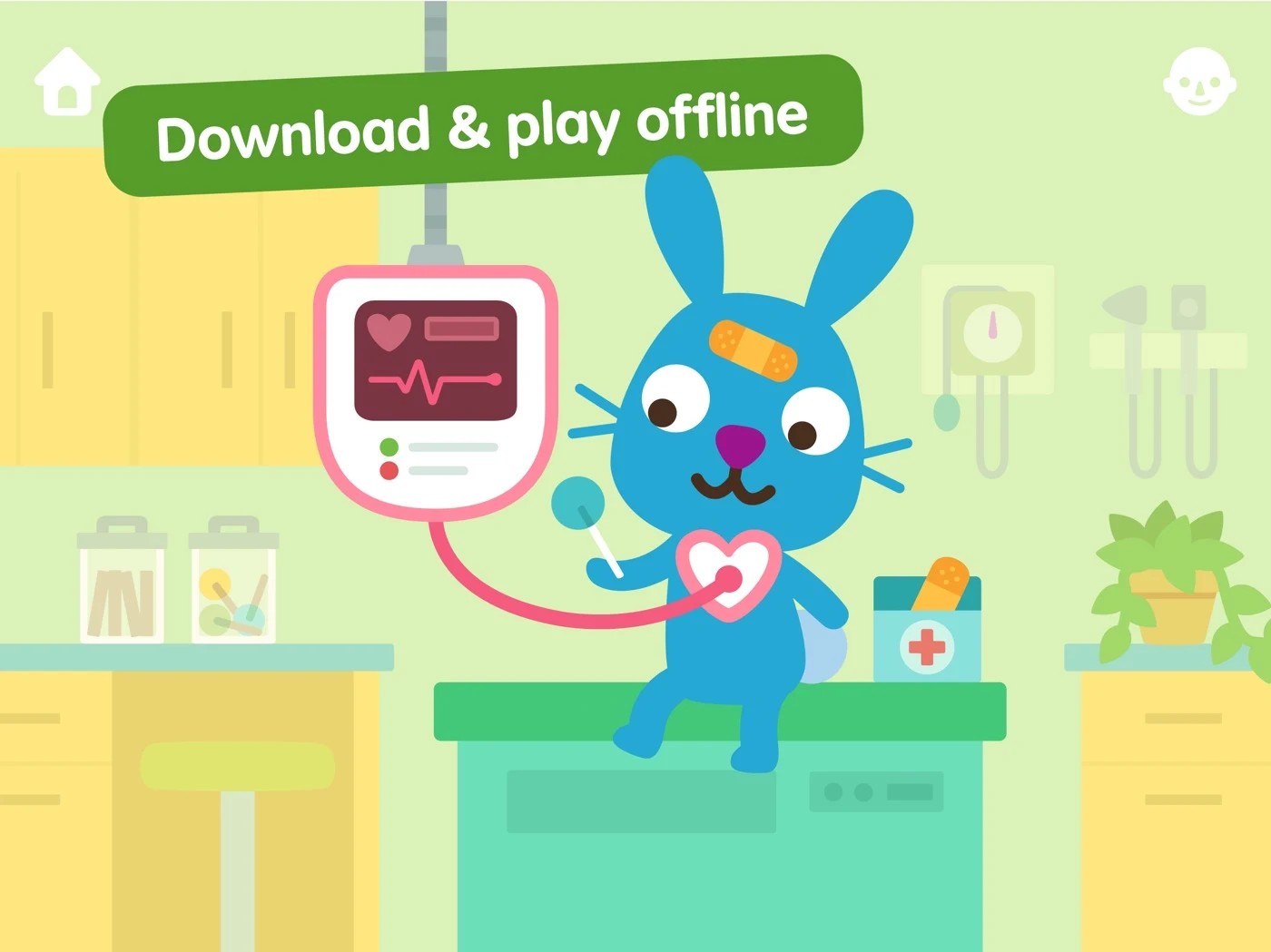
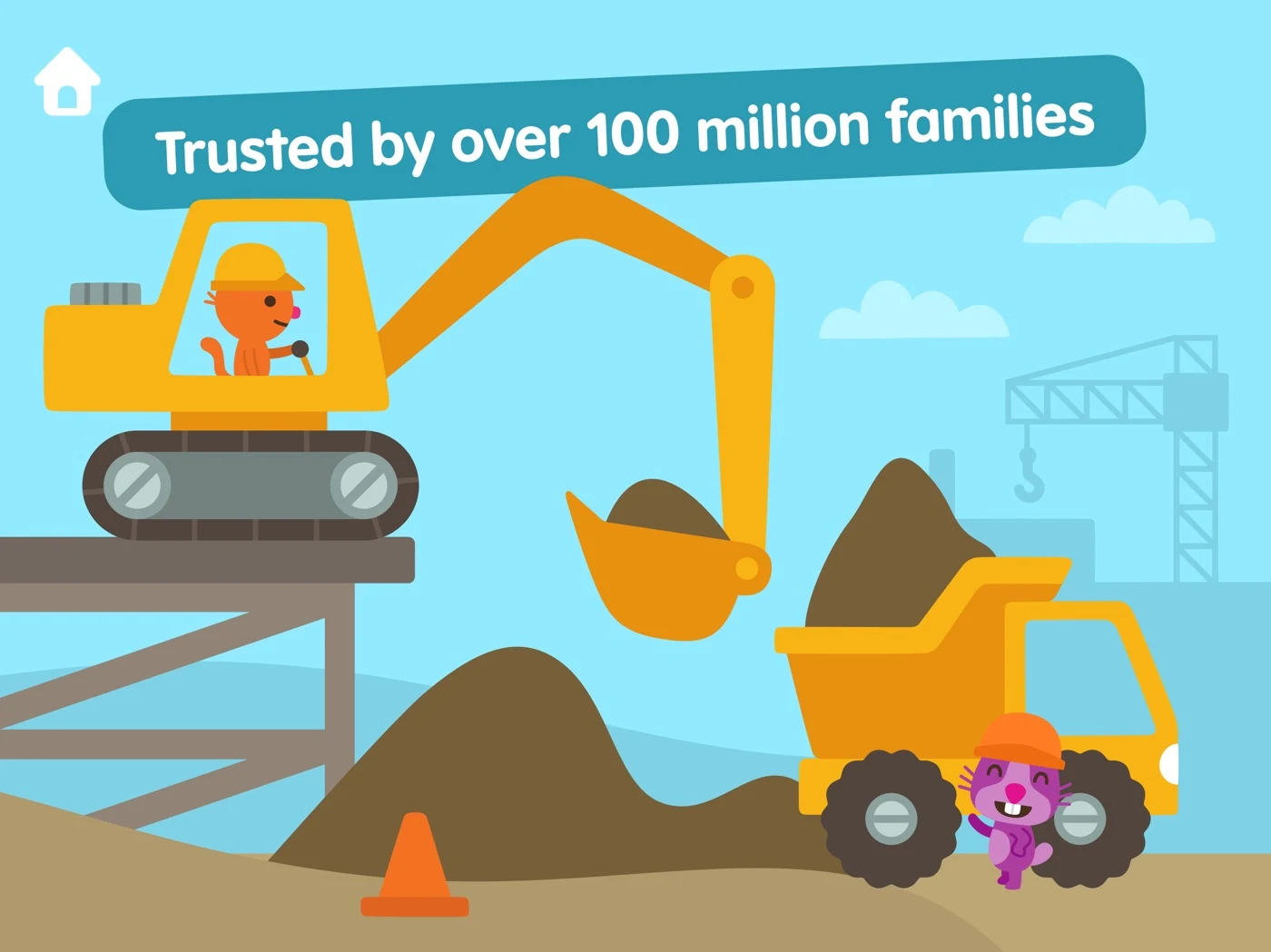
Verify actual offline coverage, paid access and claims rather than making blanket assurances.
Open the original App Store listing ↗ · US iPad capture, 27 October 2026.
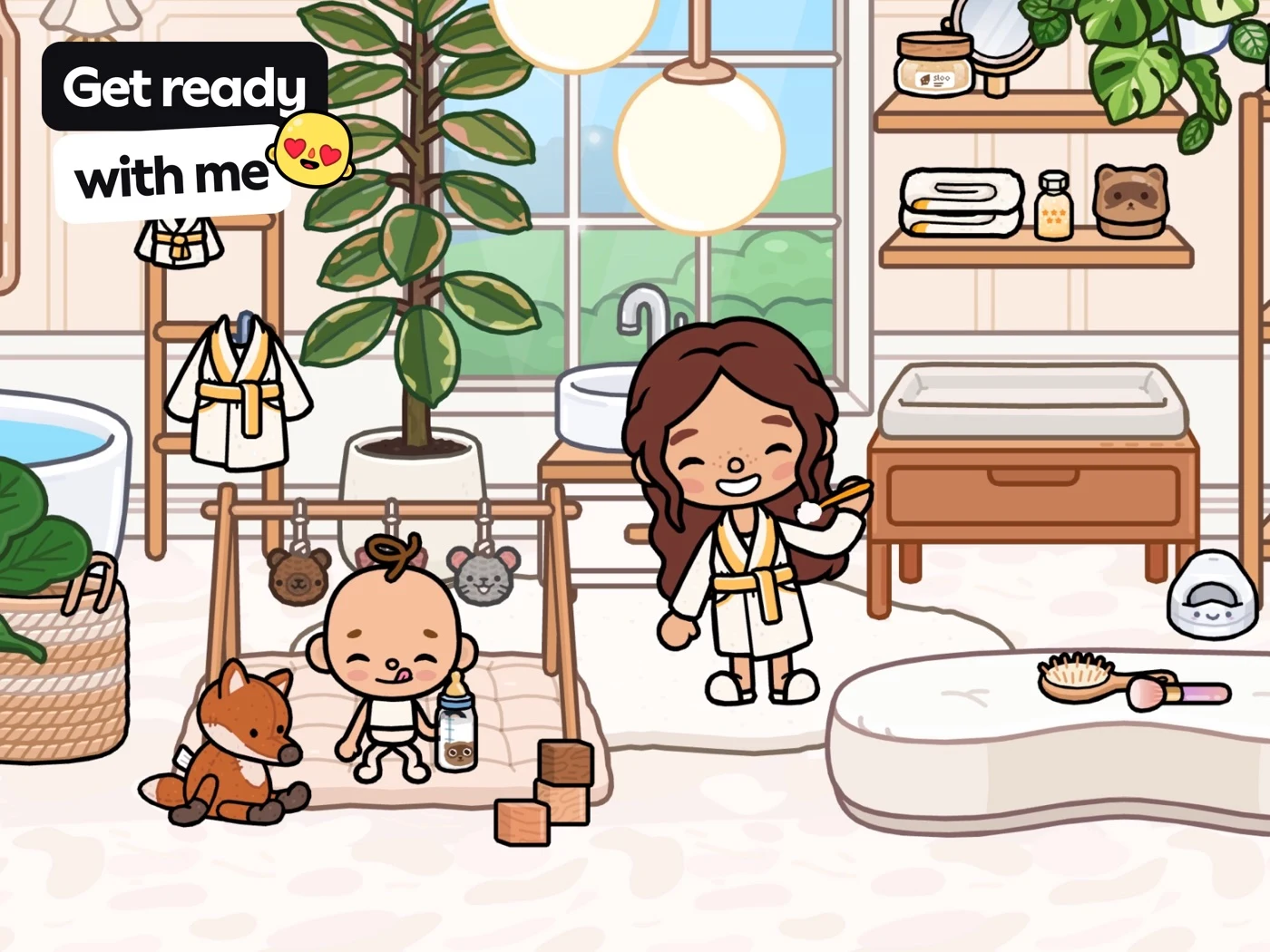
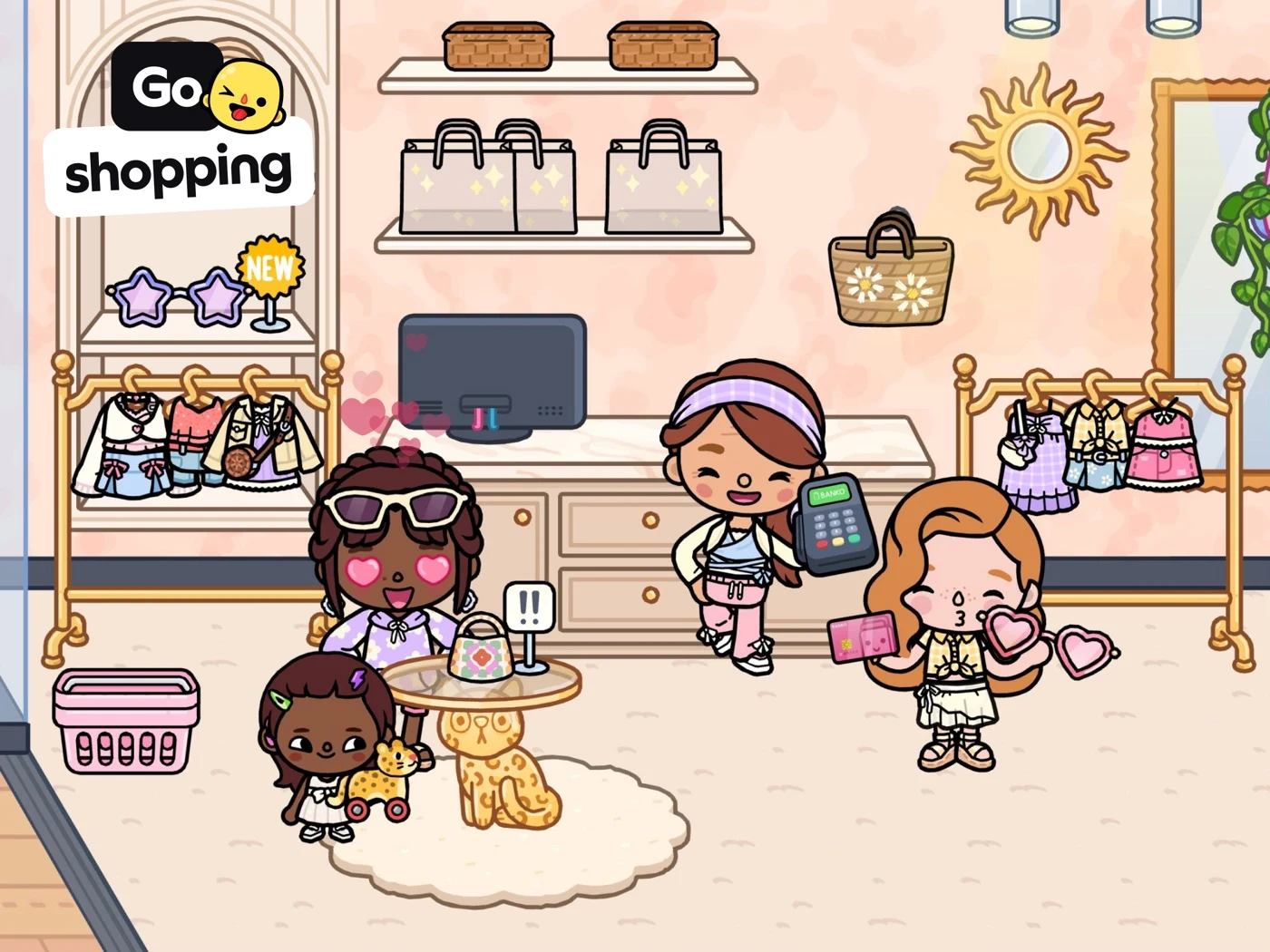
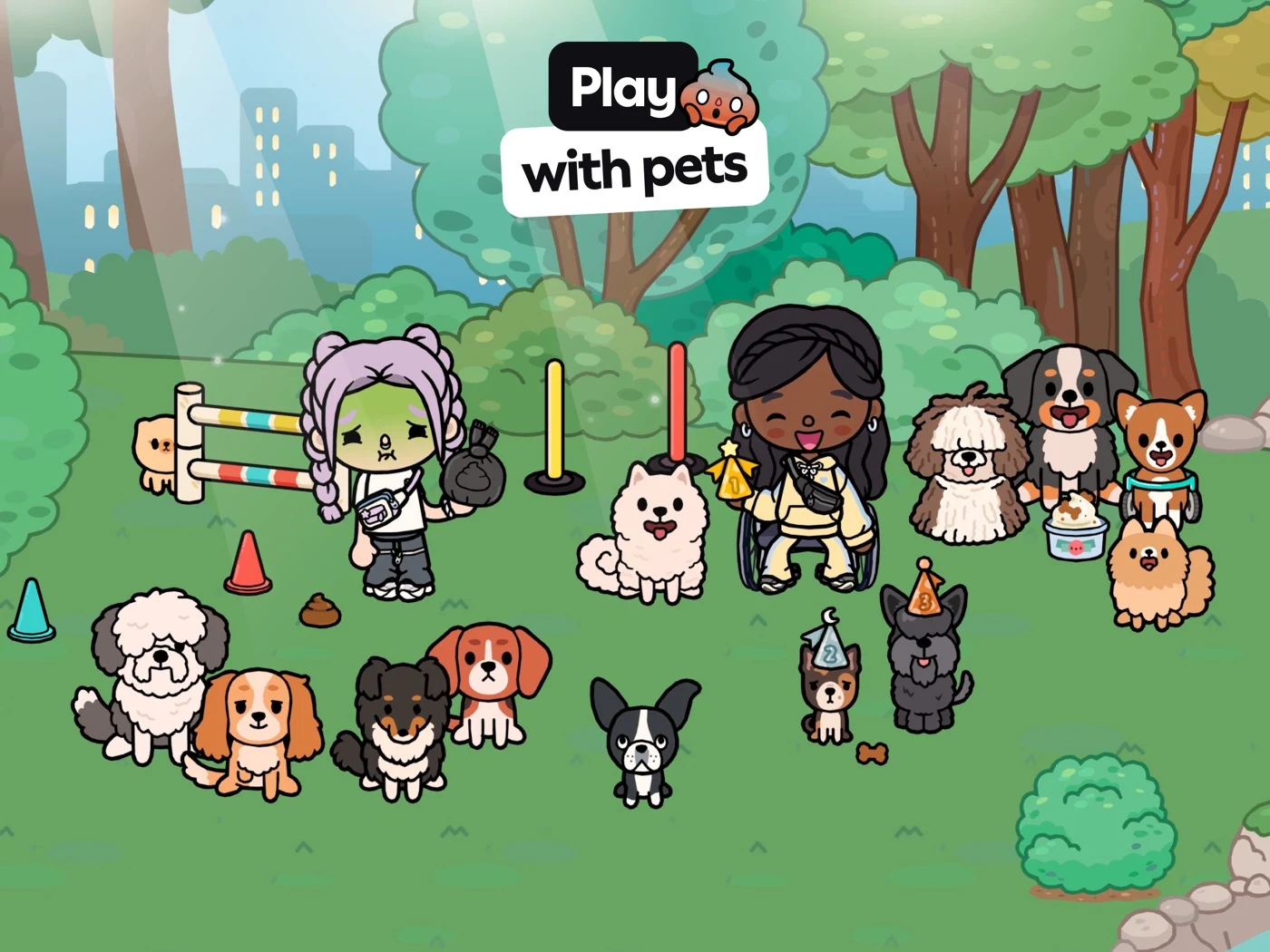
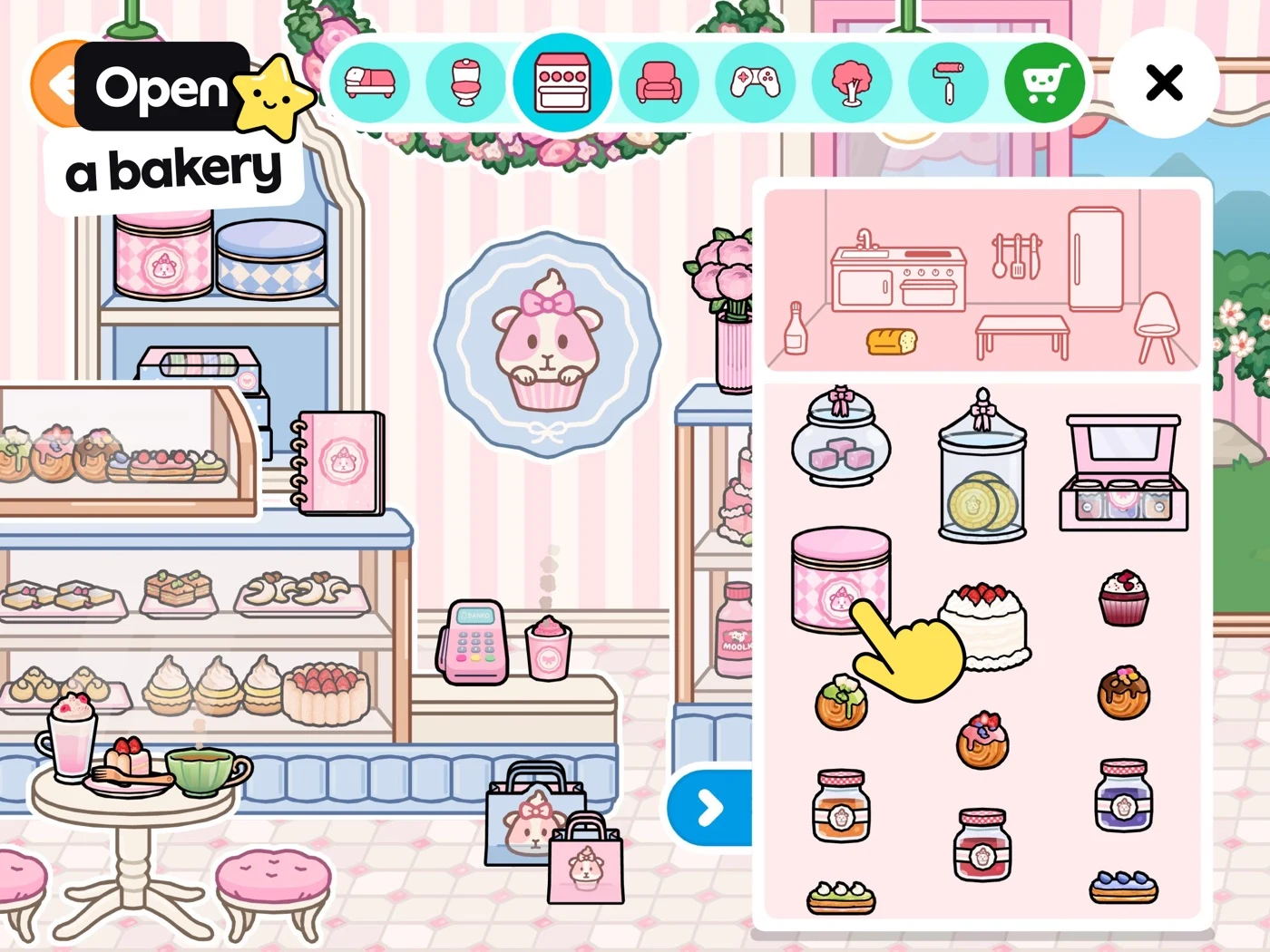
Explain real activity, paid content and the distinction between pretend and real purchases.
Open the original App Store listing ↗ · US iPad capture, 27 October 2026.
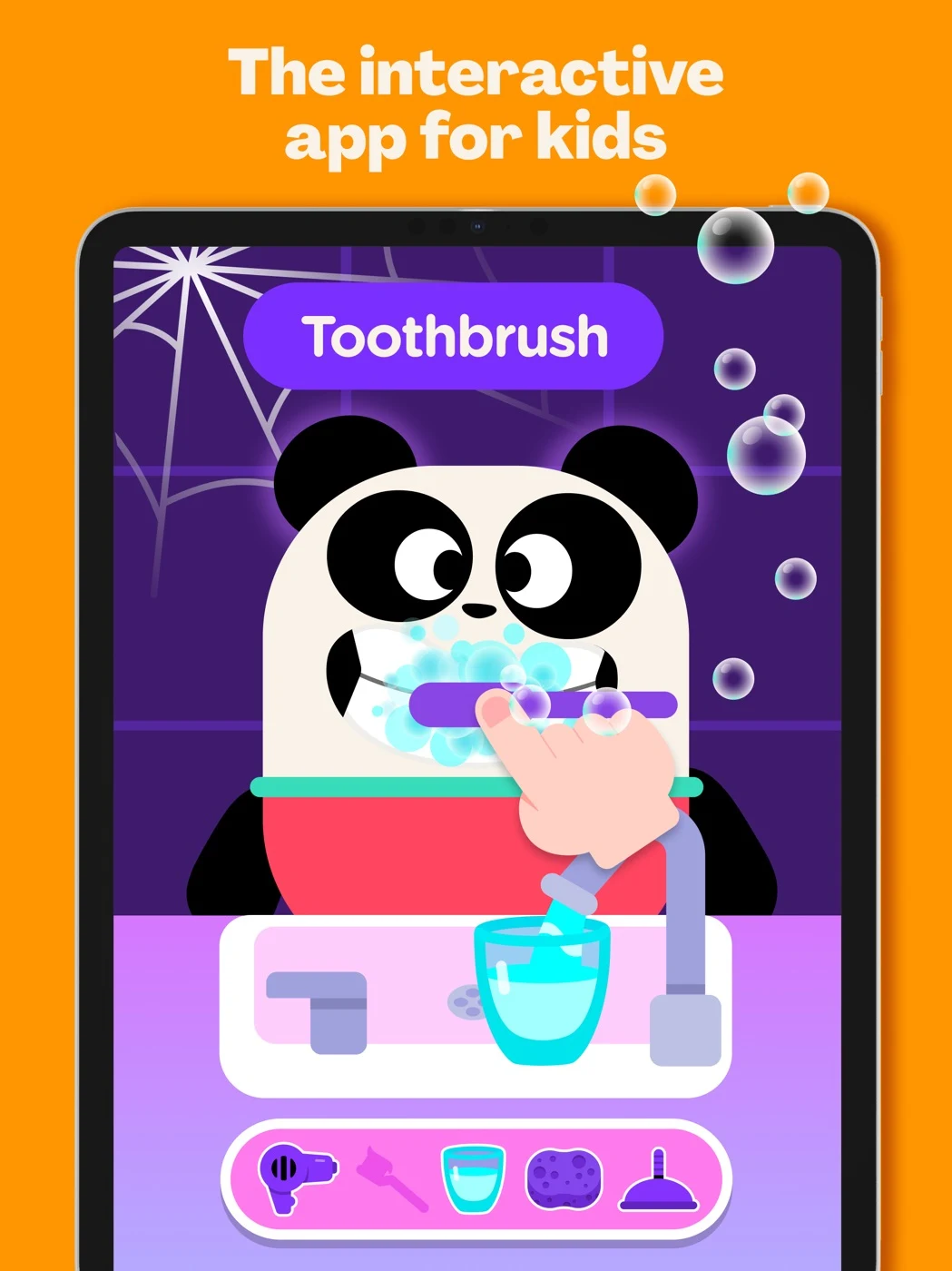
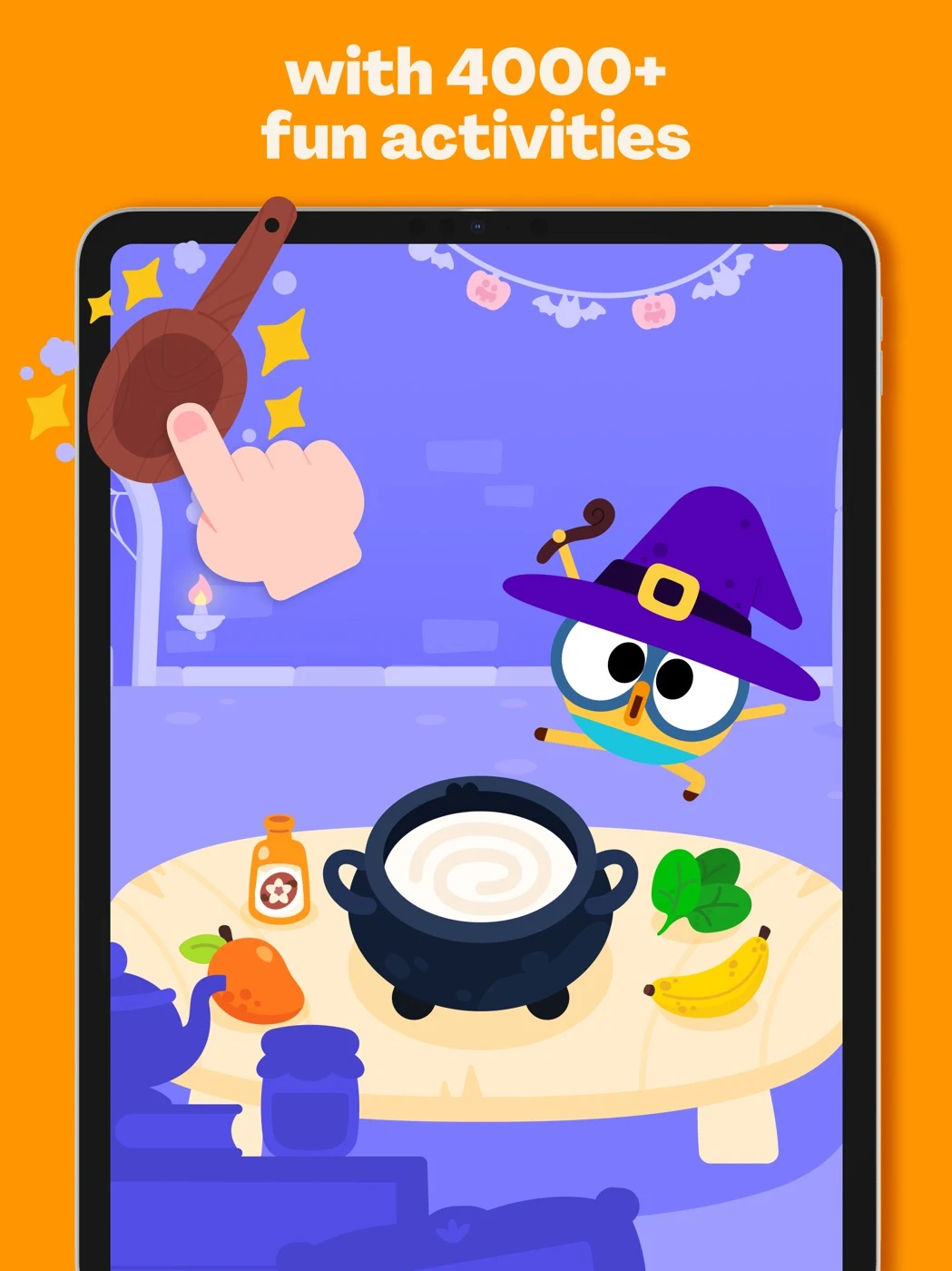
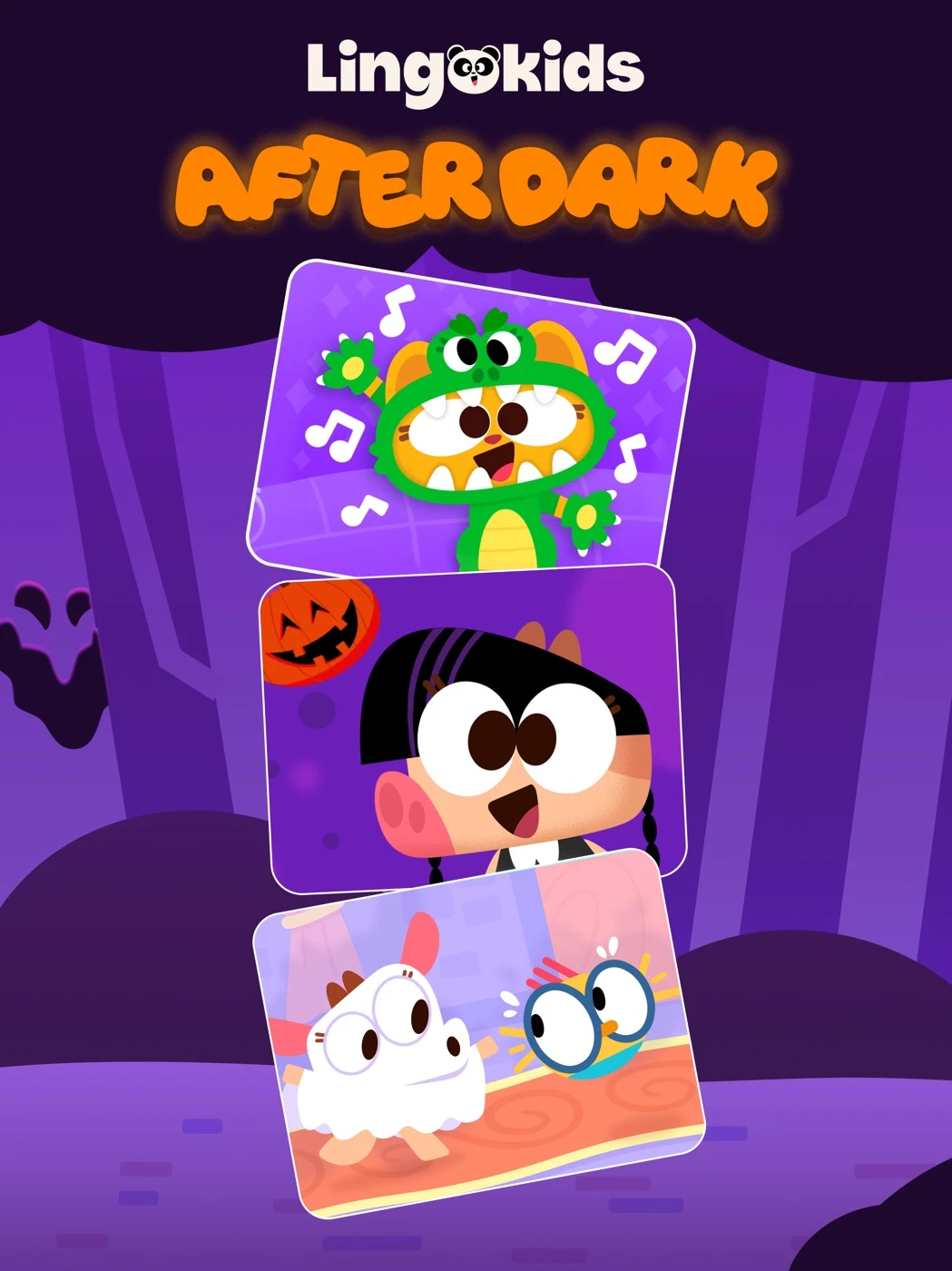
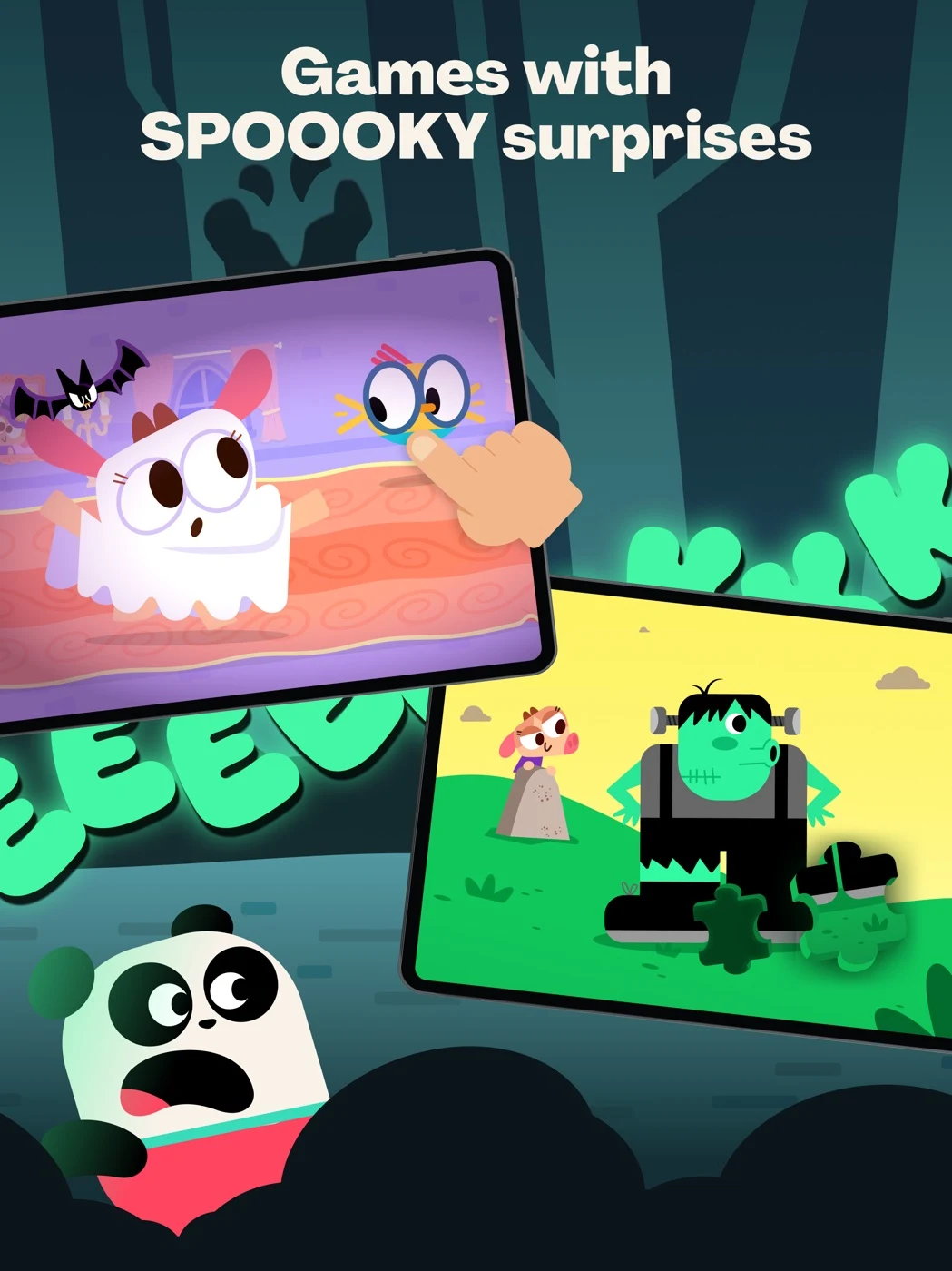
Test actual activity comprehension, age suitability and current paid access.
Open the original App Store listing ↗ · US iPad capture, 27 October 2026.
These observations suggest tests, not proof of conversion effects. Use screenshot readability and sequence planning to show a supported action at store size.
CHILDREN’S APP ASO
Imagine a fictional preschool play app called Little Sprout Demo. For this example only, assume it offers shape matching and a parent-facing settings area. It is not a real app. Verify age suitability, real activities, controls, accessibility and subscription access before using any copy.
Example longer description: “Explore a collection of playful activities together. Choose a shape activity, move the pieces and discover a new scene. Adults can review the available settings before play.” The description must accurately explain the actual experience and any subscription terms; it does not claim a learning outcome.
A six-frame sequence might show: 1. A real shapes activity and accurate age range; 2. the child's next supported action; 3. a second actual activity; 4. the real adult-facing controls and gate where applicable; 5. verified offline availability and its limits, if present; 6. the actual free and paid access. Example adult-facing CTAs: “Explore activities”, “See what's included” and “Review parent settings” when supported. Use first screenshots and screenshot readability to check what remains legible at store size.
Swipe horizontally to compare all columns →
| Field | Fictional example | Characters / limit |
|---|---|---|
| iOS name | Little Sprout: Kids Play | 24 / 30 |
| iOS subtitle | Shapes and playful activities | 29 / 30 |
| iOS keyword field | preschool,shape,play,activity,early,matching | 44 / 100 |
| Google Play title | Little Sprout: Kids Play | 24 / 30 |
| Google Play short description | Explore playful shape activities together. | 42 / 80 |
The example is fictional; verify actual features, messaging rules, plans and supported markets. Review the iOS keyword field, short description and long description.
The first screenshots should match the real product experience.
CHILDREN’S APP ASO
1. Showing characters without a task: show a real interaction. 2. Claiming a child will master a skill: describe practice unless evidence supports a specific outcome. 3. Using an age label that does not match the app: verify the target audience and content. 4. Calling a parental gate legal consent: explain each process accurately. 5. Saying “safe” without explaining controls: describe actual protections and limits. 6. Hiding a subscription: disclose the real access and renewal boundaries. 7. Calling every activity offline when downloads or paid access are required: verify scope. 8. Showing an invented AI screen: rebuild with real approved UI. 9. Assuming one language or developmental stage fits all children: test representative experiences with appropriate consent. 10. Copying competitor icons, claims or characters: use original assets and supported metadata.
Check trust signals and record the change in a metadata change log.
CHILDREN’S APP ASO
Confirm the product's eligibility, placement restrictions, adult audience settings, local law and current Apple Ads rules before considering a campaign. Do not target or profile individual children, create child-specific behavioral audiences or use child-level personal data for attribution. The searcher may be an adult looking for a child's app; do not assume the searcher's identity from a query.
If the campaign is eligible, organize supported search themes such as preschool activities and shapes practice separately from owned-brand terms. Use focused exact-match hypotheses and a bounded broad or Search Match discovery group; review search terms and exclude irrelevant queries. Only direct a search to an eligible product page that demonstrates the actual activity and accurate adult-facing access. A custom product page is conditional on current eligibility and platform rules.
Evaluate adult-facing tap-to-install and privacy-preserving, aggregated measures that the product is permitted to collect. Do not design measurement around identifying or tracking individual children. Compare equivalent windows, review adult comprehension of price and controls, and use support concerns as a guardrail. Illustrative arithmetic only: 100 eligible taps and 20 installs equals 20% tap-to-install; it is not a benchmark or forecast. No campaign is created or funded.
Read Apple’s campaign structure, match types and negative keywords. Define conversion rates, ASO metrics and acquisition measurement.
CHILDREN’S APP ASO
In these five captured US iPad sets, apps combine character imagery with activity examples and parent-facing claims. This small dated sample cannot establish a market-wide trend or conversion impact.
Test a real activity against a character-led opening; ask adults what the child can do and what is included. Review the original panels and treat the effect as a hypothesis.
CHILDREN’S APP ASO
These are fictional AI concepts, not real profiles, live screens or tested treatments. Select an image for full size.
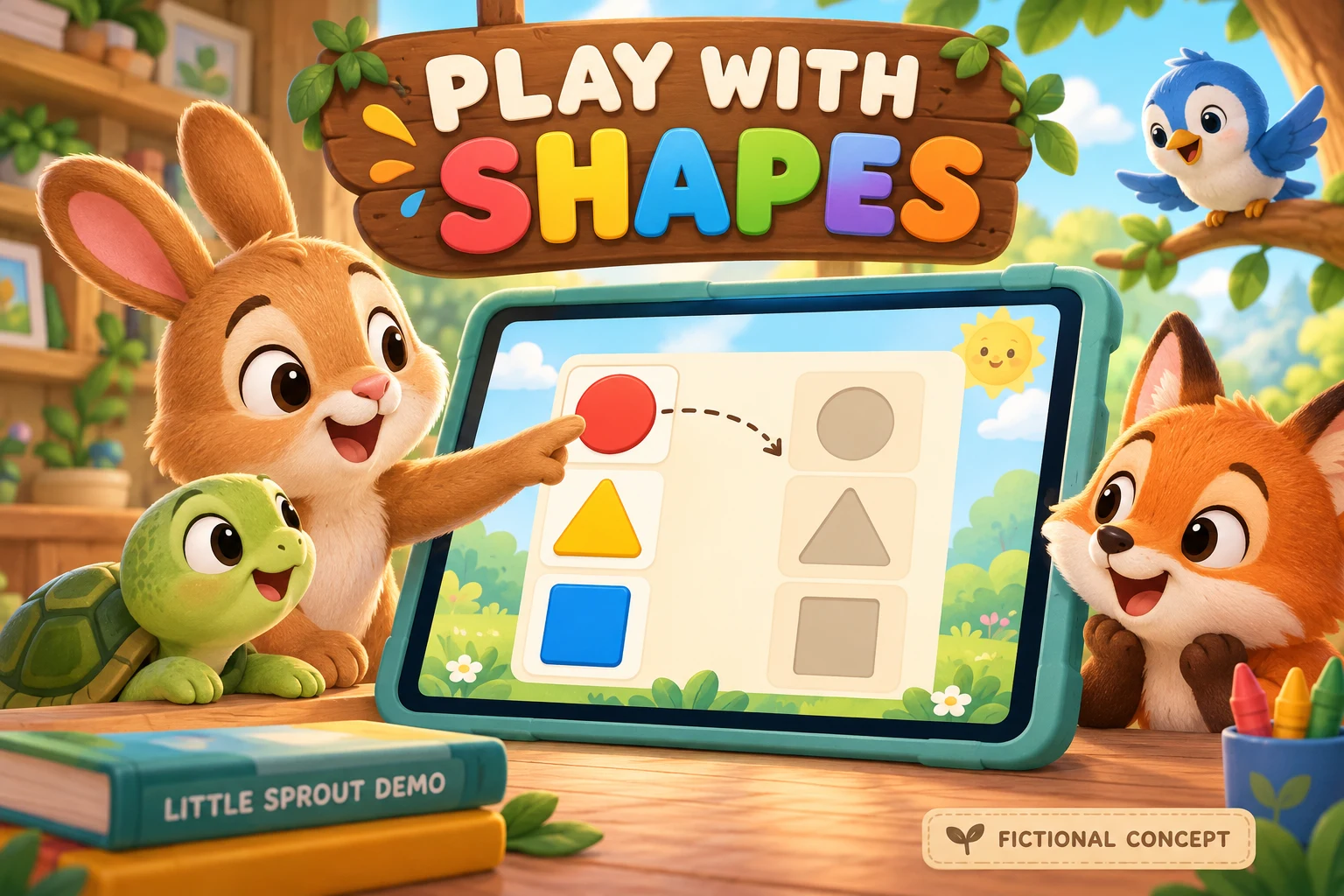
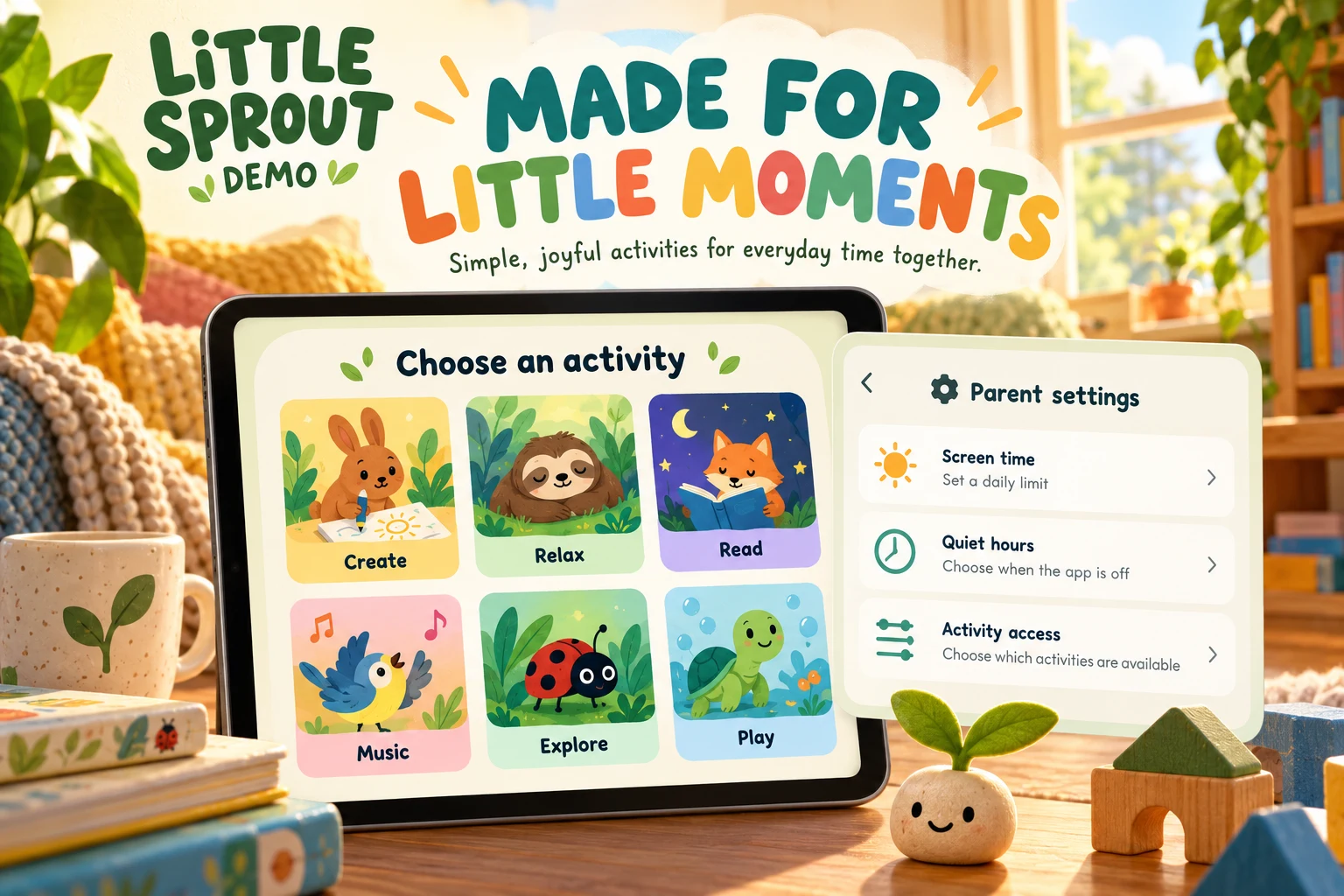
The settings concept invented screen-time, quiet-hours and activity controls; remove any unsupported controls and verify the real parent gate and settings. Rebuild with real approved UI. DOWNLOAD TEN WORKED TEST BRIEFS ↓
The two Little Sprout Demo images are fictional AI concepts, not real app screens or evidence of educational results. The shapes concept proposes a matching task; confirm that the actual task exists, can be completed by the intended audience and is accurately portrayed. The settings concept invented screen-time, quiet-hour and activity-access controls. Remove any controls the real product lacks, verify how the real gate works and rebuild the frame from approved product screens.
Give a designer a real feature inventory, current plan details, age suitability, privacy practices, screenshots and localized copy. Check permissions and avoid using actual children or identifiable personal information in training inputs. Test whether adults understand the activity, age range and price. Consult screenshot strategy, trust signals and conversion definitions without collecting child-level tracking data.
ASO tip — show the task, not just the mascot. A real shape-matching screen explains what the child can do; an accurate age label helps the adult decide whether it fits. Check readability on the actual storefront.
ASO strategy — connect adult search intent to product evidence. Separate early reading, creative play and math searches. Match each supported phrase to a real activity and compare adult comprehension and eligible aggregated conversion without inferring a child's identity.
ASO warning — do not promise a learning result. “Practice matching shapes” describes an activity. “Your child will master math” is an outcome claim that needs substantiation and may mislead.
ASO warning — a gate is not the whole privacy story. Explain the real gate, data practices and legal consent separately; confirm current Apple, Google and jurisdiction-specific requirements before release.
ASO warning — disclose actual access. Verify whether offline content, parent controls or activities are included in the free product or require a subscription. Avoid invented features, hidden prices and universal safety claims.
CHILDREN’S APP ASO
Verify age suitability, parent controls, privacy practices, plan boundaries, offline access and accessibility before submitting. Localize support and moderation as well as creative.
Use local keyword research, screenshot adaptation, localization QA and an ASO audit.
EDUCATIONAL GAME ASO
Explore educational-game keywords, real screenshots and practical ASO advice for reaching caregivers.
Read the educational-game ASO guide ↗CREATIVE PLAY ASO
Explore creative-play keywords, real screenshots and practical ASO tips for reaching caregivers.
Read the creative-play app ASO guide ↗MATH APP ASO
Explore math-app keywords, real screenshots and practical ASO tips for reaching caregivers.
Read the children’s math app ASO guide ↗READING APP ASO
Explore reading-app keywords, competitor screenshots and practical ASO tips for reaching caregivers.
Read the children’s reading app ASO guide ↗EARLY LEARNING ASO
Explore early-learning keywords, competitor screenshots and practical ASO advice for parents and educators.
Read the early-learning ASO guide ↗