THE ASO PROFESSIONAL FIELD GUIDE / App Store keyword field
SMALL FIELD. BIG FILTER.
The keyword field is where research meets a constraint. The useful work happens before you paste the terms: deciding which searches belong to your product and which do not.
The App Store keyword field is a constrained metadata input. Research candidates outside it, coordinate them with the visible name and subtitle, and validate the final localized string in App Store Connect. A correctly formatted field is not a guarantee of indexing or ranking.
Your deliverable: Turn an intent map into a reviewed App Store keyword-field draft and a traceable release.
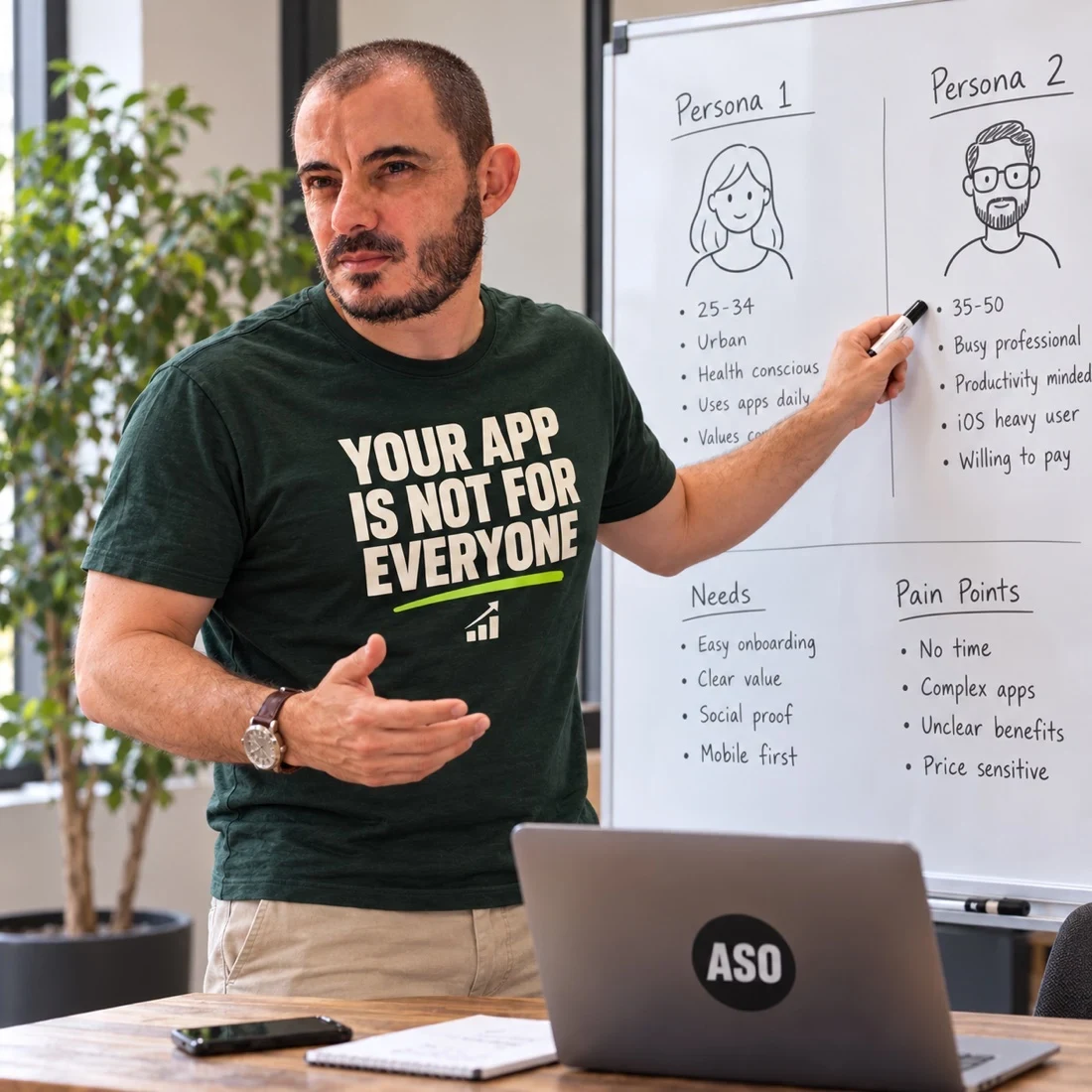
Which audience and use case does the term represent?
03 / HANDOFF
Why this priority?
Document the decision, then validate the final field.
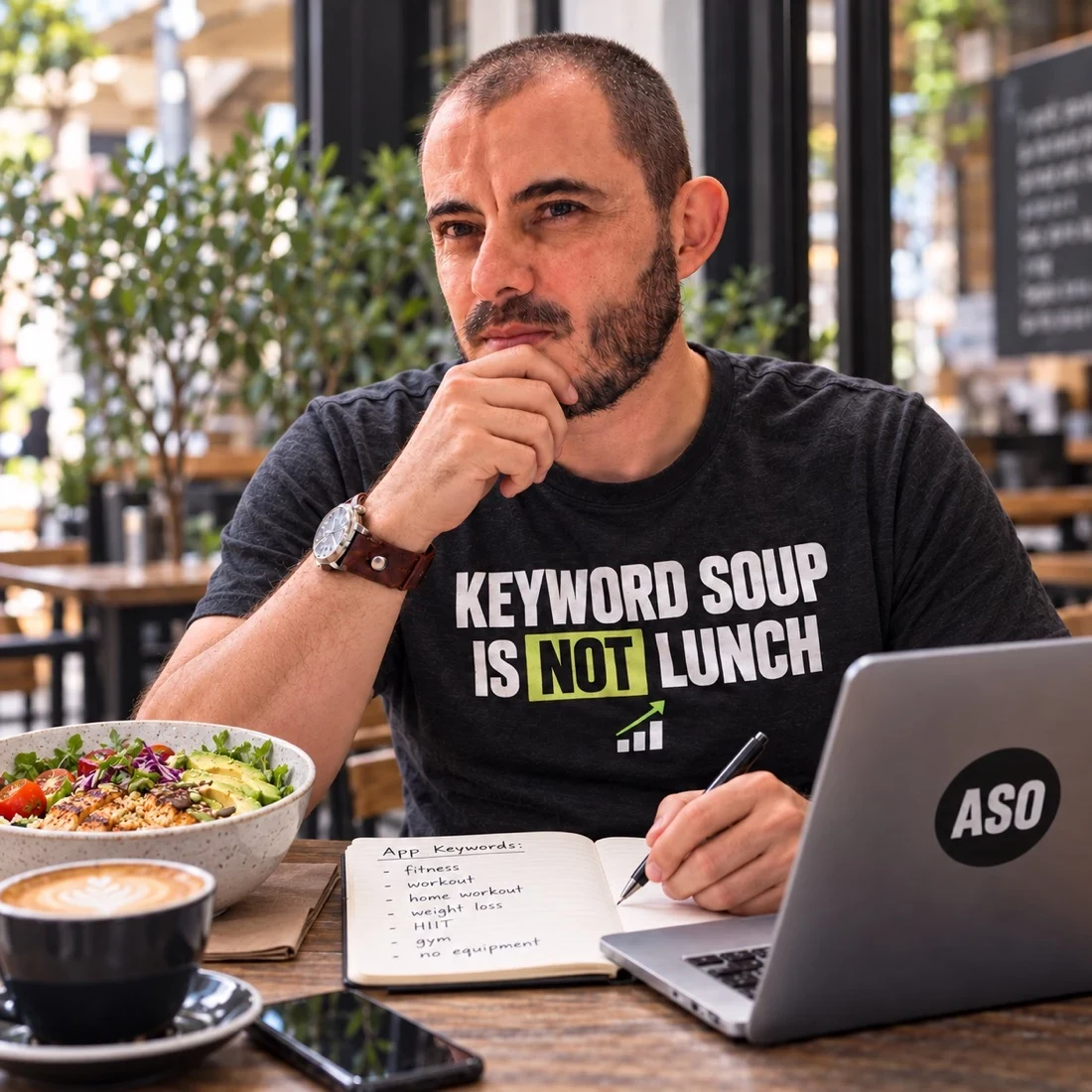
UNRELATED TERM? LEAVE IT OUT. ↶ RESEARCH IS NOT A FILLING EXERCISE.
Fictional examples and planning guidance, not client results or ranking predictions.
01
Build the candidate set outside the field.
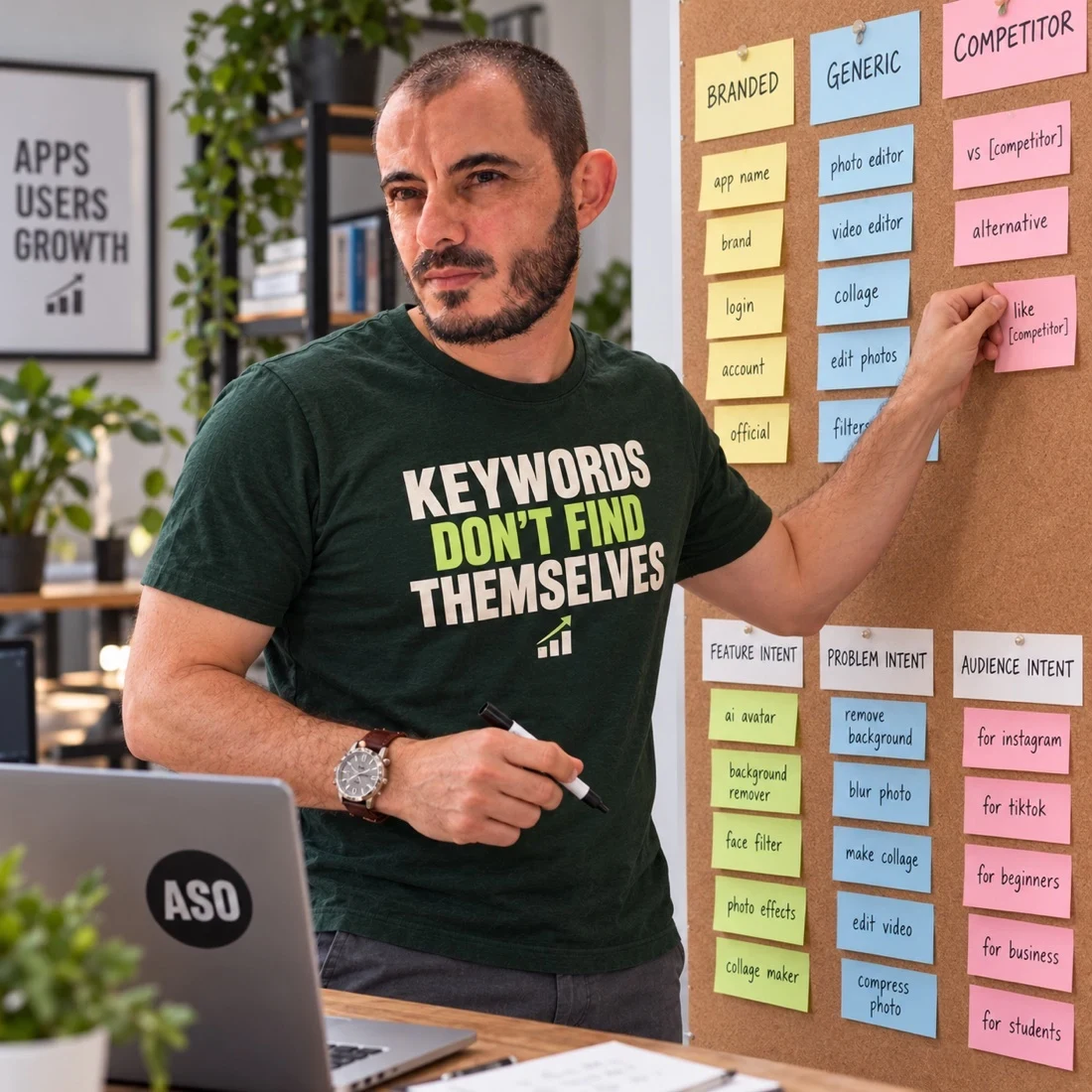
Begin with the product’s actual jobs, audience language and relevant alternatives. Group ideas by the need behind the search. Keep a working document with sources and reasons, rather than using the final publishing field as the research workspace.
The research guide explains how to move from seed ideas to intent groups. A limited field makes this filtering more important, not less.
02
Check the current format and restrictions.
Apple describes a 100-character keyword field with comma-separated terms. Its guidance also covers unnecessary repetition and inappropriate keywords. Review the official product page documentation before finalising the string, including any language-specific considerations.
Do not treat a third-party counter as proof that a submission is valid. The final check belongs in App Store Connect, with the actual localization and current validation rules.
03
Prioritise product relevance before demand estimates.
Require a supported product workflow for every candidate. The PaperTrail metadata review below records both the proposed field and excluded intents, so unused capacity does not become an invitation to add unrelated terms.
Treat demand estimates as research context. They cannot make an unsupported capability appropriate for the listing.
04
Coordinate with the visible metadata.
Read the proposed keyword choices alongside the app name and subtitle. The final set should reflect one positioning decision. Avoid optimising the hidden field for an audience the visible listing does not address.
Do not sacrifice readable visible copy merely to make a spreadsheet look comprehensive. The user still needs to understand the product when they encounter it.
05
Keep variants and observations separate.
Save the intended market, chosen string, date and rationale. When the product or audience changes, revisit the underlying research rather than shuffling terms without a reason. Retain earlier versions so later analysis has a usable timeline.
Observed ranking changes need context: competitor activity, product changes and acquisition may coincide with a metadata update. If you need help with the research and handoff, see keyword research services and iOS implementation planning.
WORKED EXAMPLE / FICTIONAL APP
A receipt app reviews the whole metadata set
PaperTrail is a fictional iOS receipt app. Its team has an app-name draft, a subtitle draft and a keyword-field draft produced by three different people. Each person has repeated the same central terms, while a useful receipt-storage intent is missing from the overall research map. The problem is coordination before it is character counting.
How to reason through it
Review the three drafts together against the same market-specific intent map. Check the current Apple instructions before formatting the keyword field. Keep product relevance, rights and accuracy as explicit checks. A field that fits the technical limit can still be poor work if it represents unsupported features or a confused audience.
The next practical move
Create a single review sheet showing visible metadata beside the keyword-field draft and the reason for each candidate. Check for unnecessary repetition in light of Apple’s guidance, then have a second person inspect the final text copied into the publishing interface. Save the released version and its date. Do not claim that a particular field combination guarantees a particular search placement.
Swipe horizontally to compare the decision map →
A receipt app reviews the whole metadata set: illustrative decision map
Decision area
What to inspect
What it means for the work
Research review
Why does this term belong?
Intent and product evidence
Metadata review
How does the complete set describe the app?
Name, subtitle and field reviewed together
Release review
What was actually published?
Approved copy and dated change record
The trap to avoid
Do not infer a competitor’s hidden keyword field from its visible listing or rankings. You can observe public metadata and search context; you cannot honestly label a guessed private field as verified evidence.
When the situation gets more complicated
Keep changes interpretable. If the name, subtitle, keyword field, screenshots and acquisition campaign all change together, later movement will be difficult to attribute. Sometimes a coordinated release is necessary; document it rather than inventing single-variable certainty. Review discovery signals alongside relevant listing and product evidence, and use a comparable observation context.
FROM METHOD TO DELIVERABLE
Review a complete metadata set, not an isolated string
PaperTrail is fictional. The draft below assumes receipt scanning, record organisation and export are supported. It demonstrates the review process; the phrases have not been validated for demand or availability as a brand.
Swipe horizontally to read the complete example →
Illustrative English metadata only. Character counts describe these exact ASCII strings, not approved store submissions.
Field / review
Illustrative draft
Reason or acceptance check
App name
PaperTrail: Receipt Scanner
27 characters; readable product description
Subtitle
Organize purchase records
25 characters; describes the supported outcome
Keyword-field draft
expense,organizer,export,archive
32 characters; comma-separated research candidates
Excluded intent
payroll,tax filing
Unsupported workflows, regardless of unused space
Final acceptance
Actual locale and published metadata
Confirm product truth, rights, current rules and console validation
Count the draft, then validate its meaning
A counter can catch an overlong draft but cannot judge relevance or rights. Review each candidate against the product and chosen audience. Check that the visible copy addresses the same need as the field. Do not add filler merely because capacity remains; unused space is preferable to an unsupported promise.
Keep the research record outside the final field
Retain each candidate’s intent, source, locale and decision in the working sheet. The published string should not become the only surviving record of the research. When a stakeholder asks why a term was omitted, the answer should be a documented product or evidence decision rather than a guess based on the last release.
Use a two-person release check
Have the publishing owner copy the approved localized draft, then have a reviewer compare the actual console fields with the approved version. Recheck after any last-minute edits. Save the release date, exact strings and concurrent changes. If later discovery moves, that record makes investigation possible without claiming that the keyword field alone caused the result.
There is room left in the keyword field. A colleague suggests adding a famous competitor brand to fill it. What is the correct next step?
Reveal the reasoning
Do not treat unused space as permission to add unrelated or unauthorised terms. Review Apple’s rules and the relevance of the proposed phrase. A shorter defensible field is preferable to filler that creates a misleading association.
Your working brief
Use your own app for this exercise. Fill in the six fields below and attach the evidence behind each answer. If you cannot complete a field, write the missing question and the person who can resolve it. Do not replace unknowns with optimistic assumptions.
Locale and current Apple reference
App name and subtitle drafts
Keyword-field draft
Intent rationale for each candidate
Formatting, relevance and rights review
Published version and observation plan
For each field, distinguish an observation from an interpretation. Add the date and source where available, then identify the decision that follows. A colleague should be able to trace your recommendation back to the evidence without needing you to explain the entire project again.