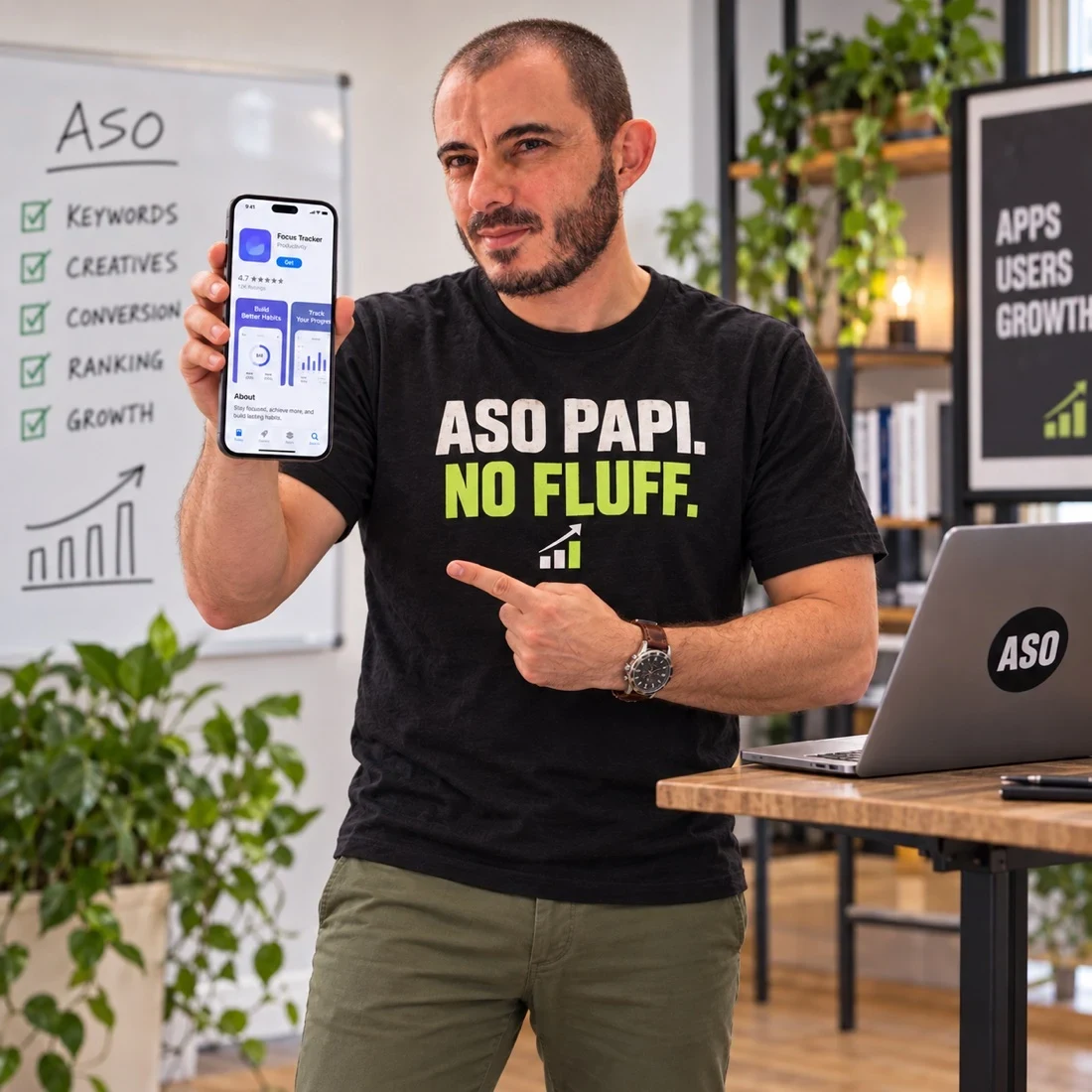
An iOS plan starts with your audience.
Before filling fields, define the user, the market and the job the app solves. A finance app for freelancers needs different positioning from one built for a company finance team. Broad category language may describe both while helping neither audience understand the fit.
I connect keyword research to your product promise, then map the agreed language to a coherent listing.
Metadata with a clear division of labour.
Apple provides an app name, subtitle and a separate keyword field. The name and subtitle can each contain up to 30 characters; the keyword field has a 100-character limit. These constraints force prioritisation. The goal is meaningful coverage and readable positioning, not squeezing in every term.
The description should explain the product accurately and answer purchase objections. Field recommendations are reviewed against Apple’s product page guidance before handoff.
Screenshots should demonstrate the promise.
The opening creative should make the core use case understandable at realistic viewing size. A sequence for a planning app might move from the finished weekly plan to how someone creates it, then show the flexibility that removes a common objection. Every screen needs a job.
A screenshot strategy brief defines the message, interface evidence and order. Production design and localisation are scoped explicitly.
Testing is a separate workstream.
Apple’s product page optimization supports testing app icons, screenshots and app previews. Metadata revisions and creative experiments should be planned with their different workflows in mind. We define a hypothesis, decide what will change and agree what evidence is needed to interpret the result.
The official product page optimization overview is the source for supported creative testing. Eligibility and setup are checked against your actual app.
The handoff your release team needs.
You receive agreed field recommendations, the reasoning behind them, a creative direction and a measurement plan. We record the intended market, release dependencies and approval owners. A change log makes later interpretation possible when campaigns, product releases and store edits overlap.
For apps on both stores, pair this with Google Play ASO. For an unclear performance problem, start with an audit instead of rewriting fields blindly.