THE ASO PROFESSIONAL FIELD GUIDE / Apple product page optimization
TEST THE ARGUMENT. NOT YOUR EGO.
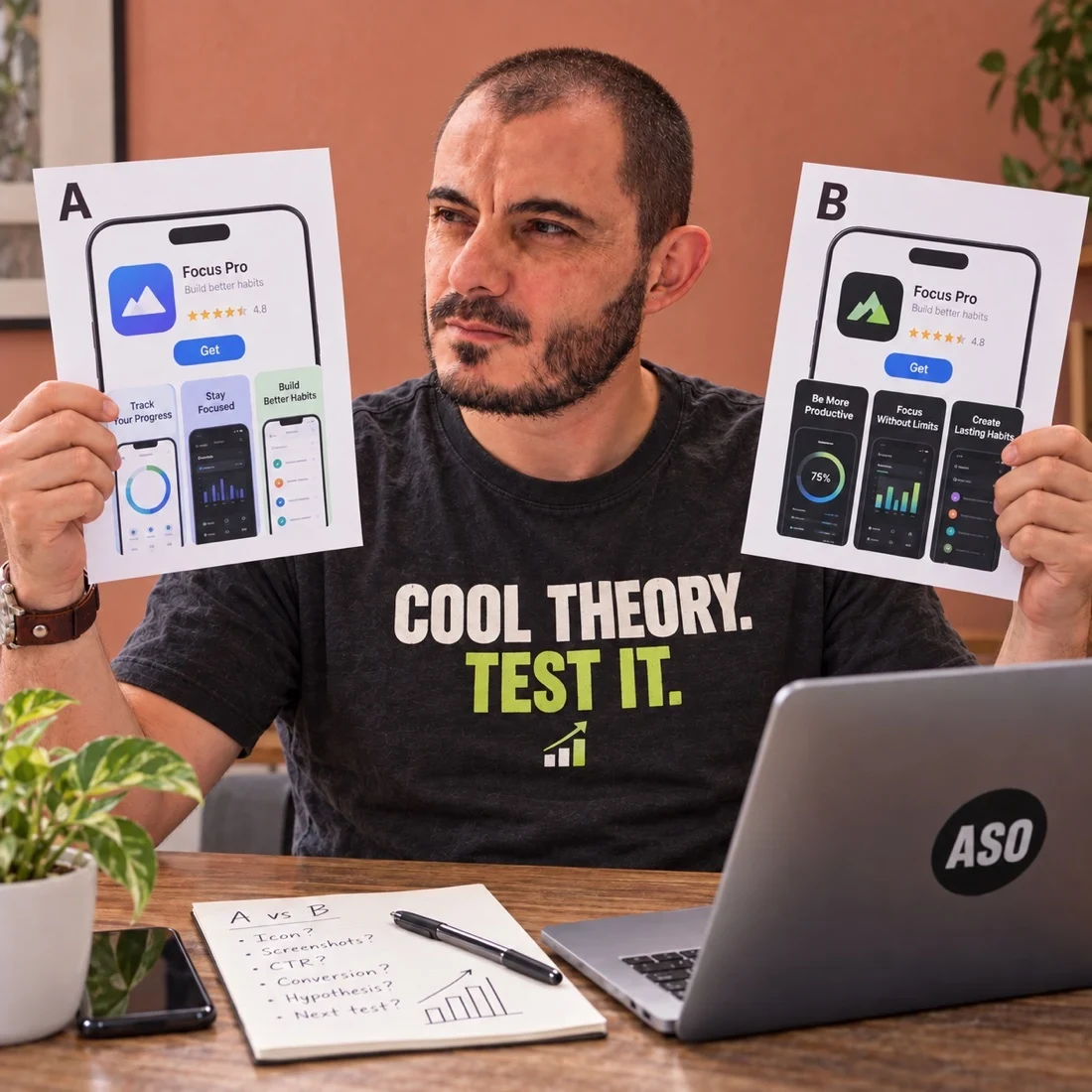
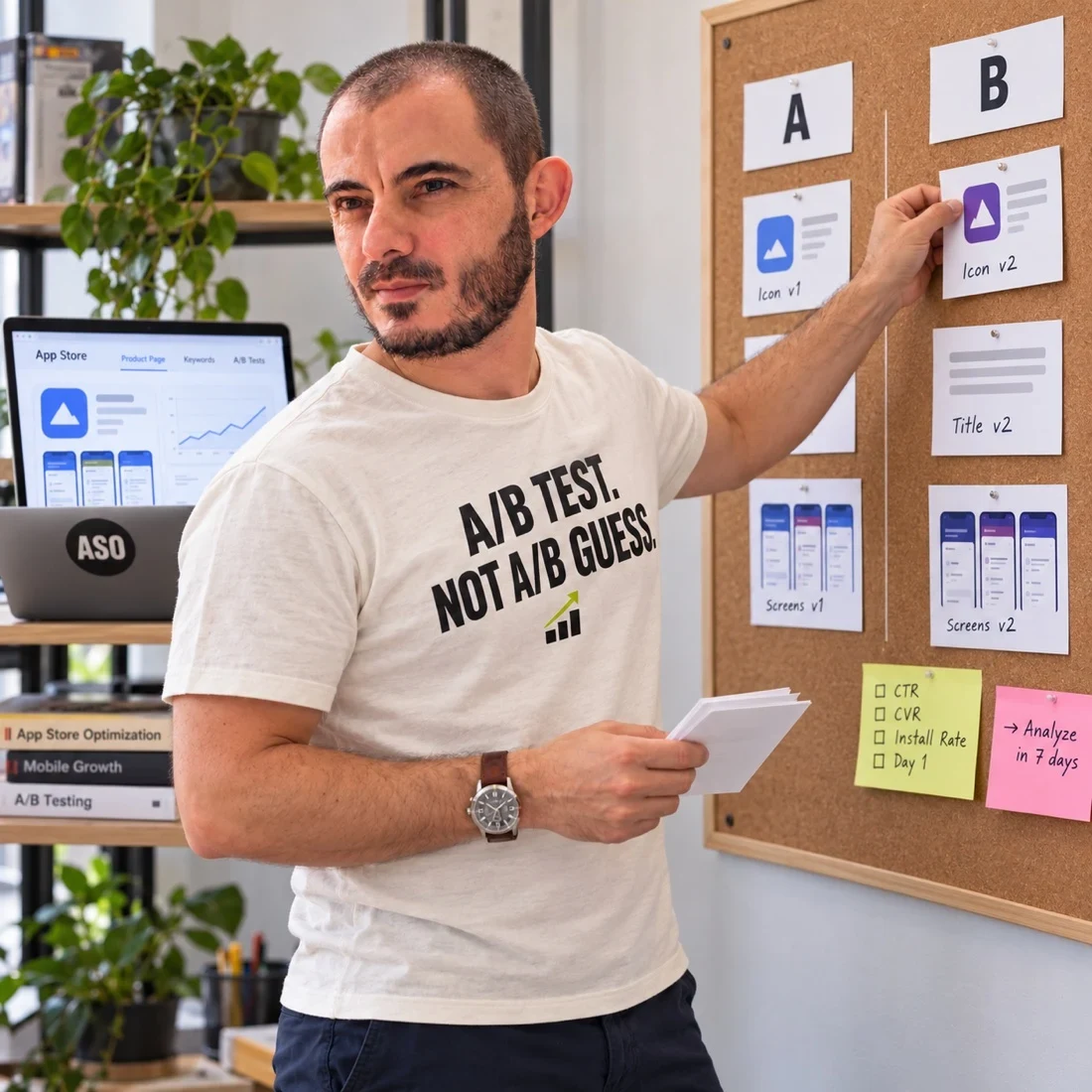
Apple’s product page optimization can help you compare creative alternatives. It becomes useful when the experiment answers a real question about your audience.
Apple product page optimization is a way to compare supported product-page treatments. Start with a creative question, verify eligibility and assets in App Store Connect, then preserve the configuration and evidence behind the rollout decision.
Your deliverable: Prepare an Apple product-page experiment with a clear creative question and release plan.
Hypothesis: the opening should demonstrate the first successful action.
TREATMENT
Show the experience
Prepare an accurate screenshot or preview treatment that addresses the question.
DECISION
Read the evidence
Evaluate the supported metric and uncertainty before applying a change.
Planning sequence for Apple creative testing. Consult the current App Store Connect workflow; no result is implied.
01
Know which question the feature can answer.
Apple’s product page optimization overview describes testing icons, screenshots and app previews against the original page. Use it to investigate a creative hypothesis, not as shorthand for testing every part of your metadata.
A name or subtitle revision is a different workstream. Keep that distinction visible when discussing the app name or subtitle with your team.
02
Write the audience and mechanism first.
For PhrasePilot, the question is whether a restaurant-conversation opening explains the practical use case more clearly than the existing lesson menu. Product evidence must support the conversation shown, and the result must be interpreted for the audience actually included.
Use the hypothesis builder to articulate the idea before completing the platform setup and release handoff below.
03
Prepare treatments that represent the question.
Define the original and proposed creative clearly. If the question concerns the opening message, avoid changing every unrelated visual element without a reason. A bundled treatment may be valid, but you will be learning about the bundle rather than each individual ingredient.
Use accurate product imagery and the appropriate production requirements. The screenshot strategy guide helps connect the message to evidence before design begins.
04
Agree how the experiment will be interpreted.
Record the selected metric, baseline, audience context and planned review conditions. Traffic and the effect being investigated influence how informative a test can be. Do not replace the agreed evaluation with whichever number happens to look favourable at a particular moment.
Consult the current App Store Connect workflow for configuration and result interpretation. The diagram here is a planning framework, not a substitute for the platform’s statistical output.
05
Use the result to make the next decision.
A treatment may support rollout, fail to support the hypothesis or leave uncertainty. Preserve the original question and report the result in that context. An inconclusive experiment does not need to be disguised as a win to make the work look useful.
If changes are applied, record what became live and when. For structured support with creative hypotheses and evaluation, explore conversion optimization. Compare the Android workflow in Google Play listing experiments.
WORKED EXAMPLE / FICTIONAL APP
A language app compares two opening arguments
PhrasePilot is a fictional travel-language app. The current opening shows a lesson menu; the proposed treatment shows a supported restaurant conversation. The team wants to know whether a practical situation helps the intended audience understand the app. It is not testing whether language learning as a category is attractive.
How to reason through it
Confirm that the intended asset and page are eligible in the current App Store Connect setup before designing the experiment. Separate the creative hypothesis from the platform configuration. Review the audience, locale, treatment assets and competing release activity. A beautifully designed treatment is unusable if it belongs to a surface the chosen experiment cannot evaluate.
The next practical move
Prepare a product-accurate conversation screen and a concise caption. Check the treatment on the relevant devices and obtain approval before launch. Save the control and treatment versions, record the configuration, and use the platform’s result definitions in the review. If the evidence is inconclusive, explain that rather than presenting the visual preference of the team as a test outcome.
Swipe horizontally to compare the decision map →
A language app compares two opening arguments: illustrative decision map
Decision area
What to inspect
What it means for the work
Question
Does the conversation make the use case clearer?
Keep the intended audience explicit
Preflight
Is this asset and page supported in the current setup?
Verify before production
Handoff
Which approved version should be retained or applied?
Record the decision and actual release
The trap to avoid
Do not treat an experiment estimate as a guaranteed forecast for every future visitor. The tested audience, timing and treatment matter. A rollout decision should preserve that context and identify what needs monitoring after publication.
When the situation gets more complicated
Assign a release owner before the experiment begins. Someone must confirm whether the chosen creative was actually applied and whether related localized assets remain coherent. A test that produces a decision but no verified handoff creates a gap between learning and execution. Keep an archive of the rejected creative too; it records what was tested and prevents accidental reuse without context.
FROM METHOD TO DELIVERABLE
An experiment handoff for PhrasePilot
The fictional language app compares its lesson-menu opening with a supported restaurant-conversation opening. The example keeps creative approval, experiment readiness and publication as separate decisions so a good-looking asset is not mistaken for a completed experiment.
Swipe horizontally to read the complete example →
Illustrative ownership and acceptance gates, not an App Store Connect interface replica.
Gate
Required record
Responsible role / exit condition
Creative ready
Control and treatment files, product proof and locale
Creative lead: approved, accurate and readable assets
Setup ready
Actual supported page, assets and selected configuration
Experiment owner: console eligibility and review requirements checked
Interpretation ready
Metric definition, planned review and concurrent releases
Analyst: comparison can answer the stated question
Decision recorded
Result, uncertainty and reasoning for chosen action
Decision owner: rollout, retain or investigate explicitly selected
Release verified
Exact applied asset bundle and observation date
Publisher: confirm the intended version became visible
Resolve the audience assumption before launch
A travel-language audience in your brief is not automatically the audience isolated by the experiment tool. Record the actual listing and eligible population, and consider how broadly the result can be interpreted. If the intended audience cannot be separated, narrow the conclusion rather than describing the test as precise audience targeting.
Keep a release conflict log
Record campaign shifts, product releases and metadata changes that could complicate interpretation. Avoid unnecessary unrelated changes during a focused comparison, but do not delay an important accuracy correction merely to preserve an experiment. When conditions change, document the consequence and decide whether the original question remains answerable.
Verify the decision after applying it
Archive the tested treatment, result context and rollout instruction. After publication, compare the visible assets with the intended version in the relevant context. A decision slide is not evidence that the treatment was applied correctly. Continue observing relevant signals without treating every post-release fluctuation as confirmation or reversal of the experiment.
The marketing team changes the acquisition campaign during the experiment. What belongs in the result review?
Reveal the reasoning
Record the campaign change, dates and potential audience implications. Inspect available segmentation and the experiment context. Do not silently claim the observed result describes a stable audience if the conditions materially changed.
Your working brief
Use your own app for this exercise. Fill in the six fields below and attach the evidence behind each answer. If you cannot complete a field, write the missing question and the person who can resolve it. Do not replace unknowns with optimistic assumptions.
Current Apple setup reference and eligibility
Creative question and supported product screen
Control and treatment asset versions
Locales, devices and approvals
Metric definition and review plan
Result interpretation and deployment record
For each field, distinguish an observation from an interpretation. Add the date and source where available, then identify the decision that follows. A colleague should be able to trace your recommendation back to the evidence without needing you to explain the entire project again.