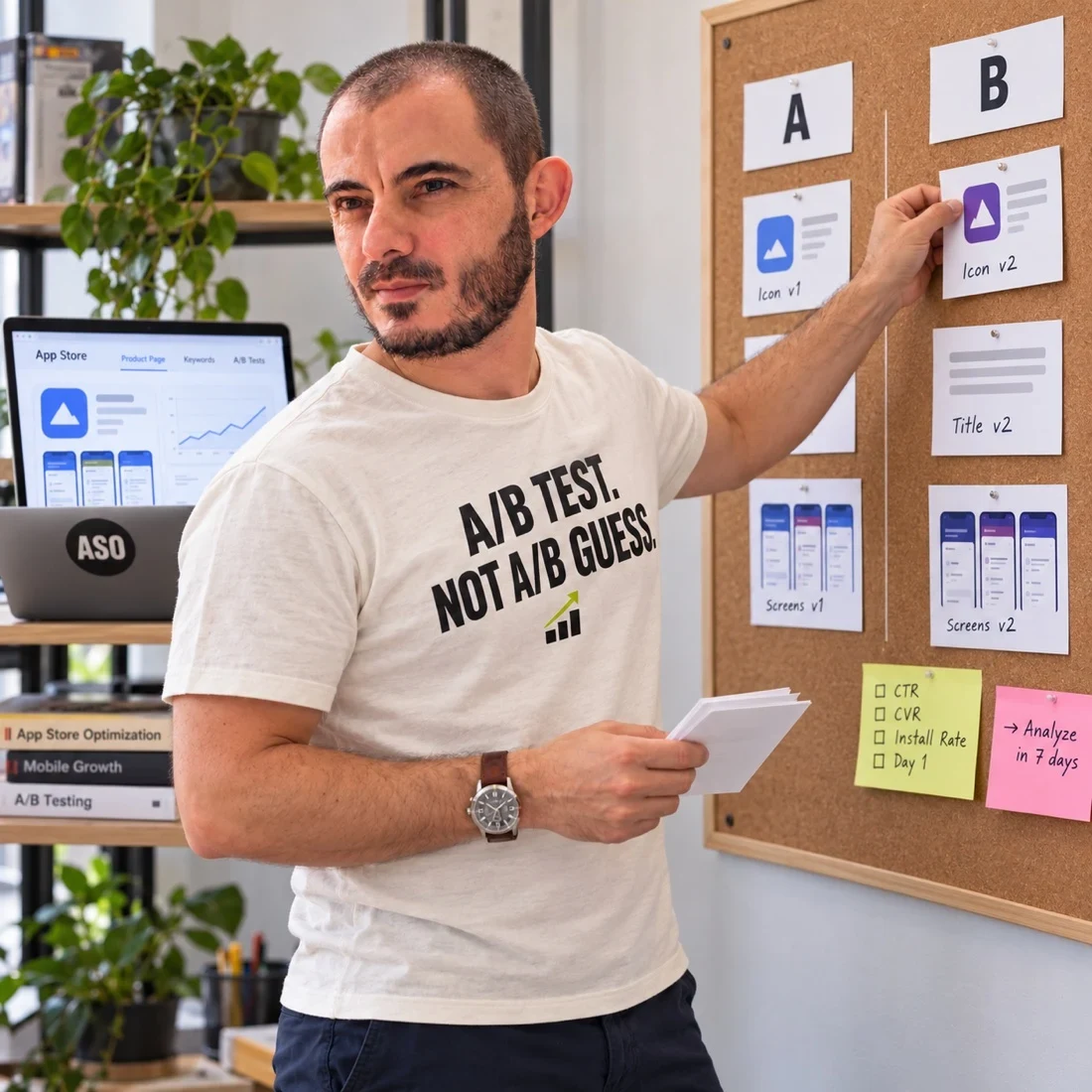
Review the actual preview size.
Place the creative in a realistic store context for the intended device and orientation. Look at the opening message without zooming. Ask whether the key interface detail remains understandable and whether the caption competes with other elements.
A resized browser example can reveal issues, but it is not a substitute for checking the final store presentation. Keep the actual exported files and device context in the review record.
Make the hierarchy deliberate.
Choose one dominant message and one useful piece of product evidence. Secondary details should support that argument rather than compete with it. A decorative badge, a long caption and several interface panels can each pull attention away from the point.
Use caption editing to reduce unnecessary language. Increasing the font size alone cannot fix a message that tries to say four things at once.
Inspect contrast and visual interference.
Check whether text remains distinguishable from its background and whether busy imagery makes it harder to read. Test the actual composition instead of assuming brand colours work in every arrangement. Consider different viewing conditions and users, not just your own monitor.
The visual comparison illustrates hierarchy and density. It is not a certification of accessibility or a numerical contrast test.
Repeat the review after localization.
Translated text can expand, wrap differently or change emphasis. A layout that works in one language may crowd another. Verify natural wording, readable hierarchy and accurate product screens with the people responsible for that market.
Do not solve overflow by shrinking every caption until it fits. Revisit the wording and composition while preserving the intended meaning.
Separate comprehension review from performance claims.
An unfamiliar reviewer can tell you what they understood and where they struggled. That feedback helps identify communication problems. It does not establish a conversion uplift or replace an experiment when the question concerns behaviour.
Use opening-frame strategy and test prioritisation to connect the finding to a next step. Production help can be scoped through screenshot optimization.