Identify the arrival context.
Someone following a campaign about a specific workflow may have different expectations from a broad search visitor. Identify the audience you are designing for and the promise they encountered before reaching the listing.
Use search intent and acquisition context as inputs. Avoid assuming that every visitor arrives with the same knowledge of your brand.
Choose the opening argument deliberately.
A fictional walking app could lead with a useful local route, the steps to select a walk or information that helps someone judge suitability. Each is a different argument. The right hypothesis depends on the audience and the obstacle you are investigating.
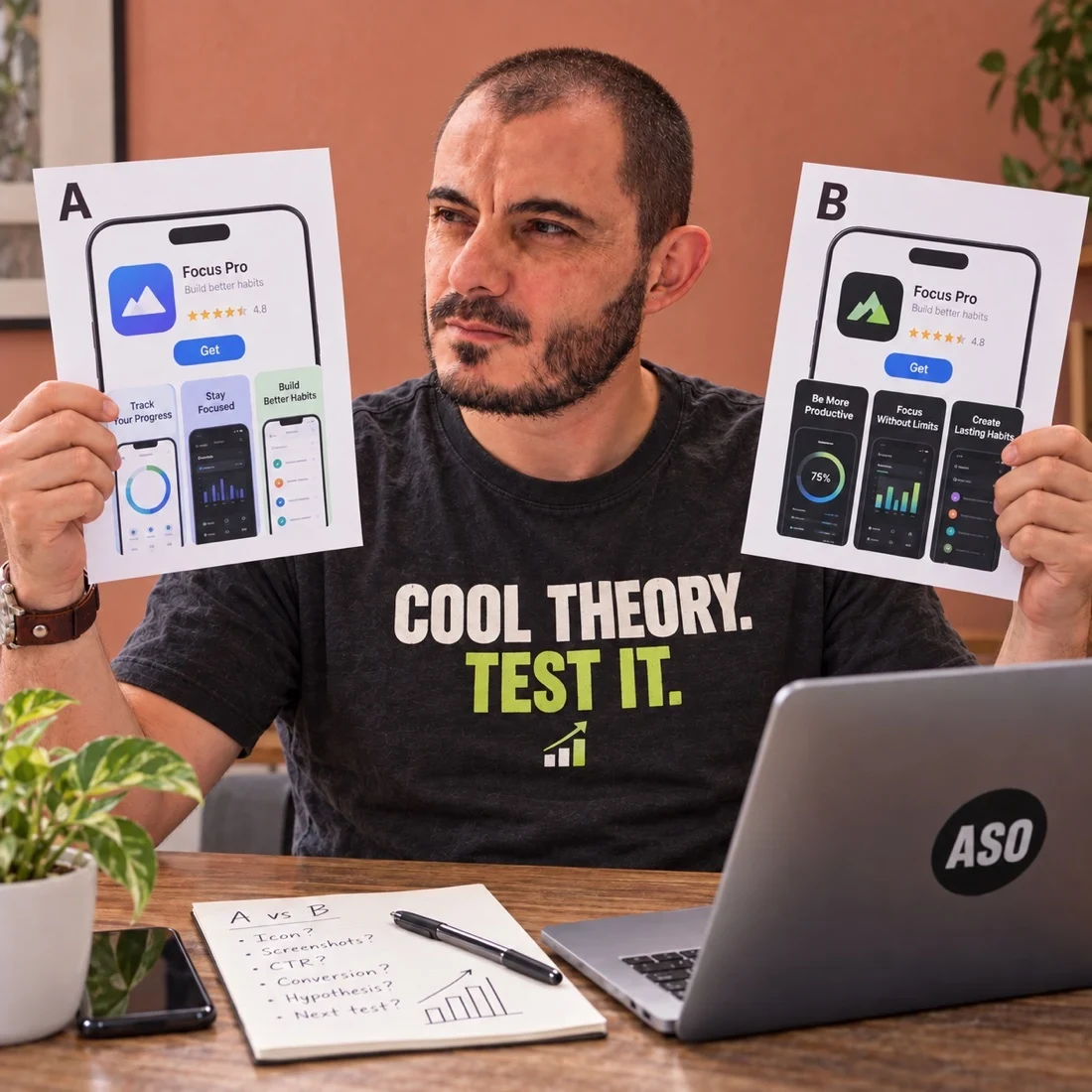
The visual comparison is a planning exercise. It does not label one opening as universally superior. Read value proposition to establish the promise first.
Make the evidence legible.
Use a product screen that demonstrates the claim and remove unnecessary competing messages around it. If the visitor has to zoom, decode a tiny chart and read a paragraph to understand the benefit, the composition may be asking too much.
The readability guide helps assess the communication at realistic size. Enlarging an accurate detail can help only when the resulting image still represents the real product fairly.
Review the actual store presentation.
Check how the creative appears in the intended store, device and orientation. Apple notes that the first screenshots can appear in search results depending on orientation and preview availability; consult its product page guidance.
Do not assume an exported design canvas is the same as the visitor’s view. Store context, surrounding elements and preview size can change what is immediately understandable.
Treat order as a testable decision.
Once the opening roles are clear, compare a reasoned alternative and define what you expect to learn. Record the rest of the sequence so an order change does not quietly become a complete redesign.
Use the sequence explorer and test-priority guide. For an implementation brief, explore screenshot strategy services.