Start with a believable outcome.
Describe what the intended user can accomplish and identify the product evidence that demonstrates it. For a fictional receipt app, the outcome might be organised purchase records rather than an abstract promise to transform finance.
Use value proposition to choose the central idea. The story needs a product truth underneath the presentation.
Explain the mechanism after the promise.
Show enough of the workflow to make the outcome credible. A capture screen, an organised collection and a retrieval action can connect the beginning to the useful result. Do not assume the visitor already understands the interface.
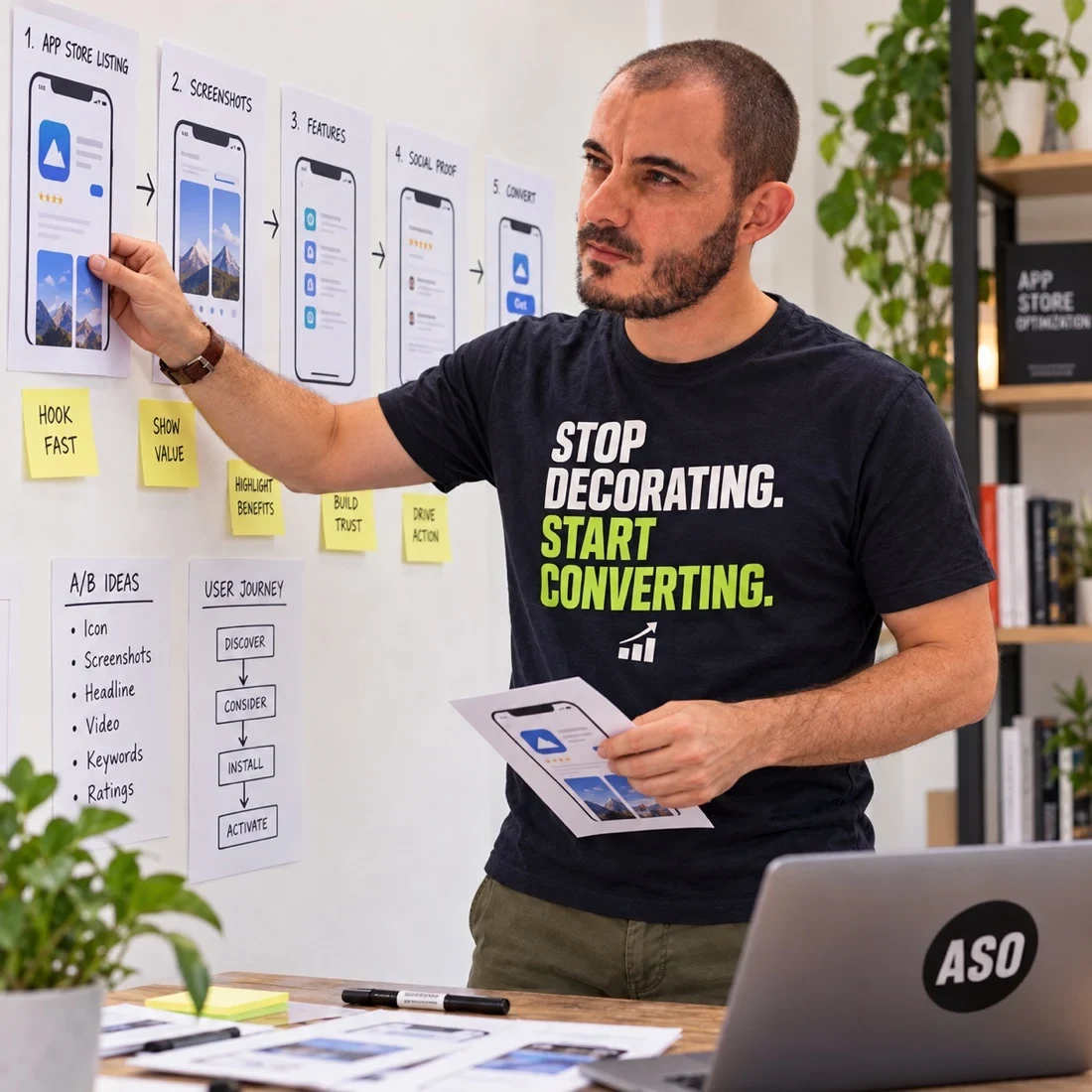
The storyboard below uses simplified fictional screens to illustrate these roles. It is not production artwork or a real client case study.
Address a real hesitation.
A later frame can answer a question that would otherwise interrupt the decision: how information is organised, whether a relevant workflow is supported or what setup requires. Choose the objection from product and audience context rather than inventing anxiety.
For trust-related claims, use the trust-signal guide. An assurance should be supported, not added because it looks persuasive.
Check for repetition and missing links.
Write each frame’s job in one line. If several frames do the same job, decide whether the repetition is necessary. If the sequence jumps from a promise to a complex dashboard without explaining the mechanism, identify the missing connection.
The caption guide helps sharpen each message. A narrative should remain understandable even when captions are read outside the design file.
Keep the narrative distinct from its order.
A narrative defines what the sequence needs to communicate. The exact order is a separate hypothesis about which question should be answered first. Preserve the set of roles when comparing alternative arrangements.
Use the order guide to explore that decision. For a team handoff, record the audience, frame roles, accurate screens and open questions in the creative brief.